
Individual Headshots
Personal Details
Enter the details used to keep your individual AI headshots accurate and realistic.
Personal details help the AI generate headshots that resemble you and match your real appearance.
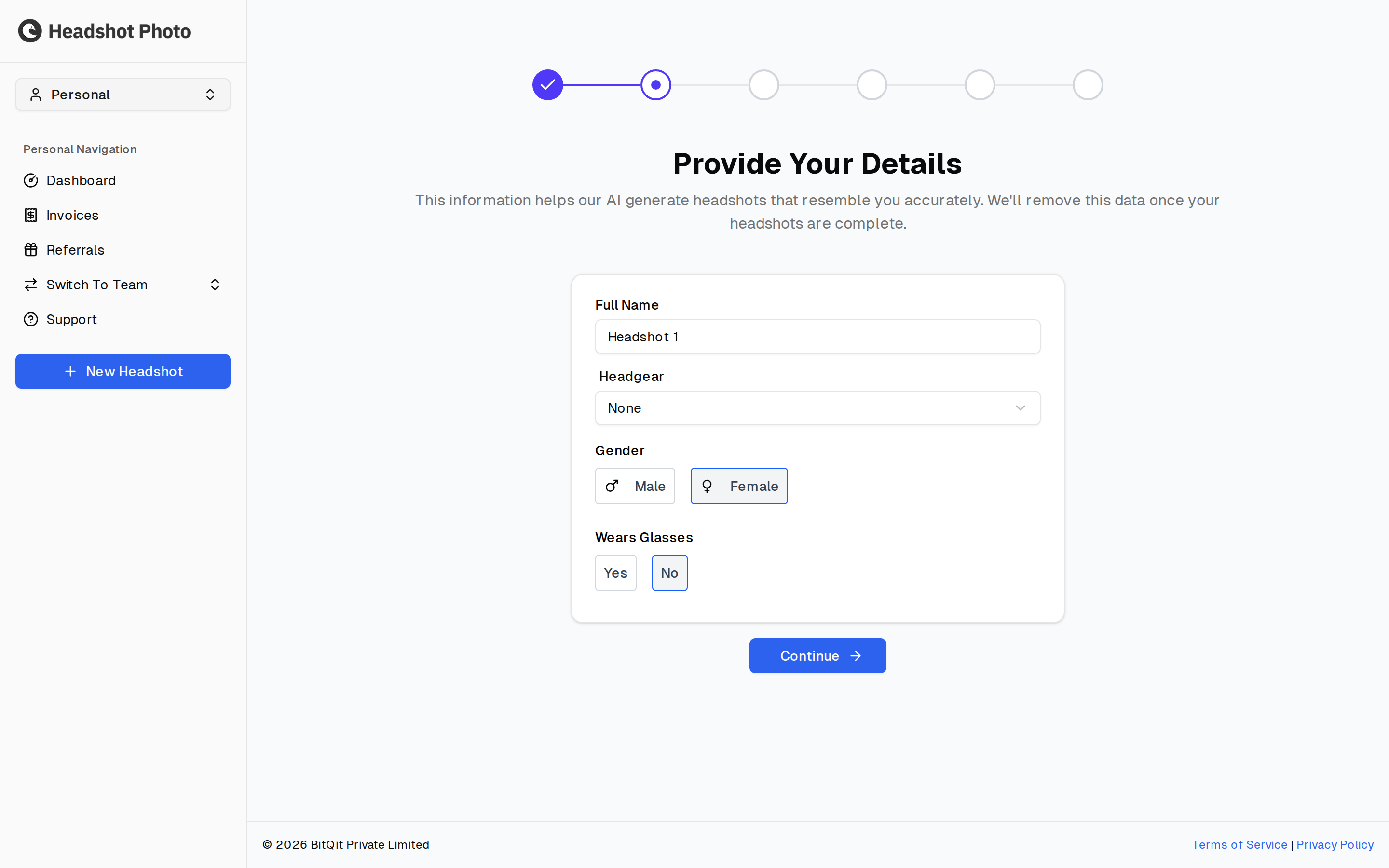
Required Details
The individual flow asks for:
- Full name
- Headgear
- Gender
- Whether you wear glasses
These details are used to guide the generation process and reduce mismatches in the final images.
Accuracy Tips
Use the same information that matches your uploaded photos. For example, if most of your photos show you without glasses, choose No for glasses. If you wear glasses in your current professional appearance, upload photos that show that clearly.
Incorrect details can make generated headshots less accurate. Review this page before moving forward.
Editing Details Later
Before submitting your photos, the confirmation page lets you go back and edit your details. After you submit the session for generation, changes are no longer available for that run.
Next Steps
After saving your details, continue to Uploading Photos.