
Your Account
Signing in lands you on your personal dashboard, which lists every headshot session on the account and lets you start a new one.
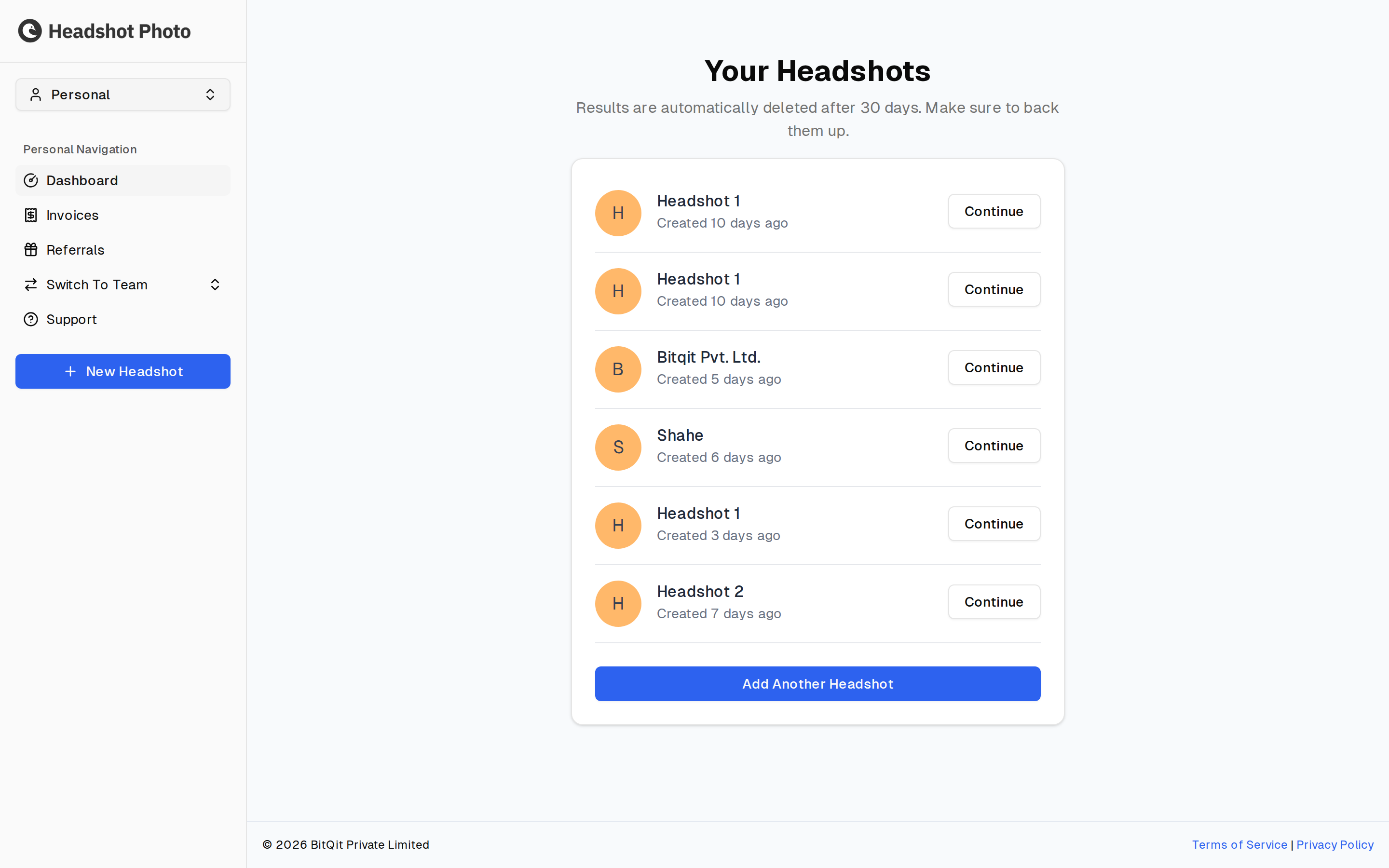
Signing In
Sign in with the account you created. Sessions persist, so you normally only do this once per device.
If you started on a phone — scanning a QR code to upload photos from the device the pictures are on — that device signs in through a mobile sign-in link instead, which drops you into the same account without retyping a password.
Finding Your Way Around
The sidebar carries everything on a personal account:
| Item | What it does |
|---|---|
| Dashboard | Every headshot session on the account. Each row has a Continue button that picks the session up wherever you left it. |
| Invoices | Receipts for your purchases — see Invoices and Receipts. |
| Referrals | Your referral link and rewards — see Referrals. |
| Switch To Team | Move to a team workspace, if you belong to one. The sidebar changes to the team's navigation. |
| Support | Opens a form for contacting us — see Getting Help below. |
| New Headshot | Start a new session. |
Getting Help
Support in the sidebar opens a form, so you can raise something without leaving the app or finding an address. It asks for your name, what kind of request it is, and a description.
| Request type | Use it for |
|---|---|
| Report technical issue | Something is broken or not behaving as expected |
| Submit Feedback | Suggestions, or anything you would like to work differently |
| Corporate/Team | Questions about team plans, invoicing, or larger orders |
| Other | Anything that does not fit the above |
Account Settings
Settings holds the details the account was created with.
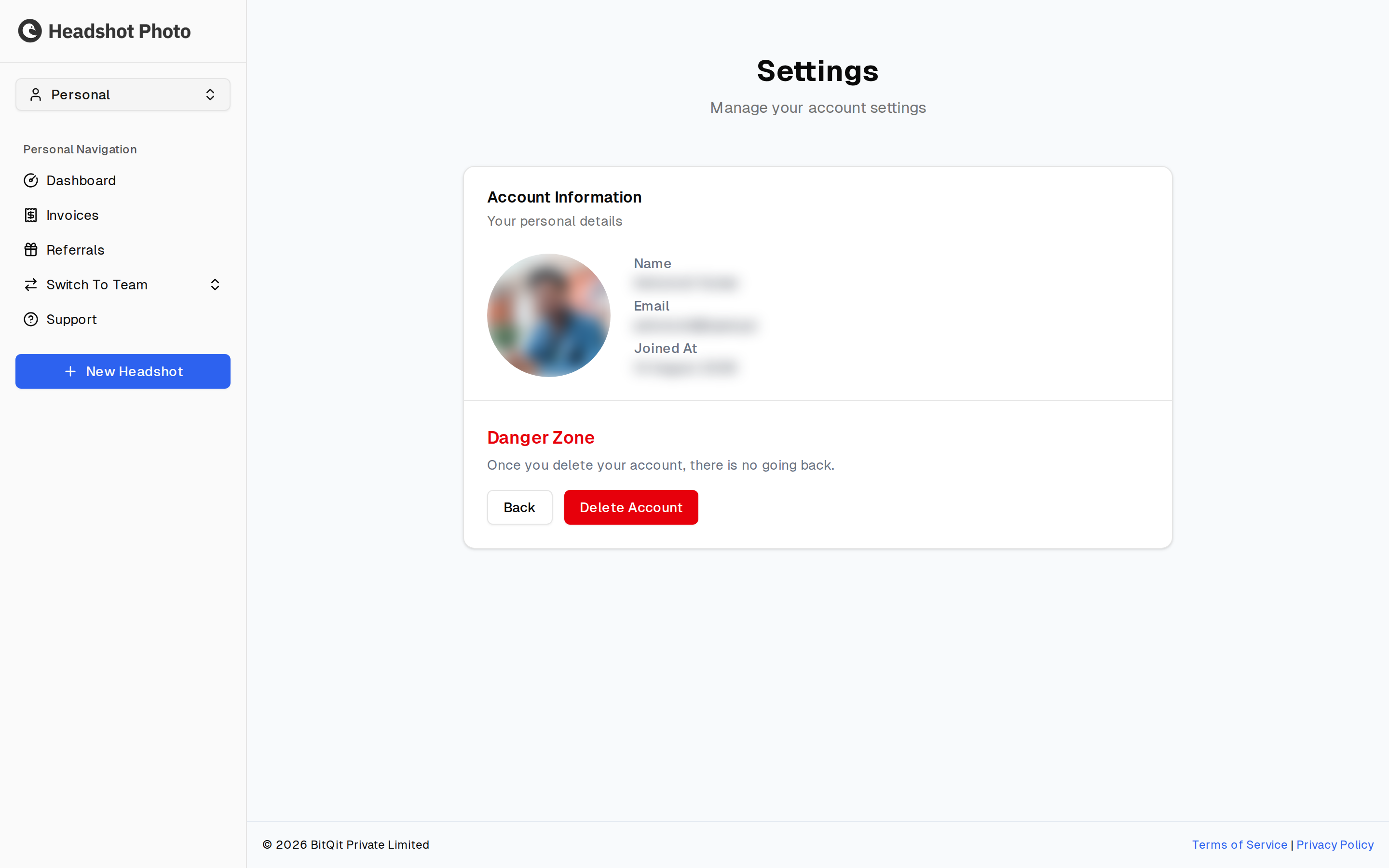
Account Information shows your name, email address, profile photo, and the date you joined. These come from the account you signed in with.