
Auto-Reload Credits
Auto-reload buys credits for you when the balance drops below a threshold you set, so a member's generation is never blocked by an empty account. It is off by default.
Find it on the team's Billing page, under Team Credit Usage.
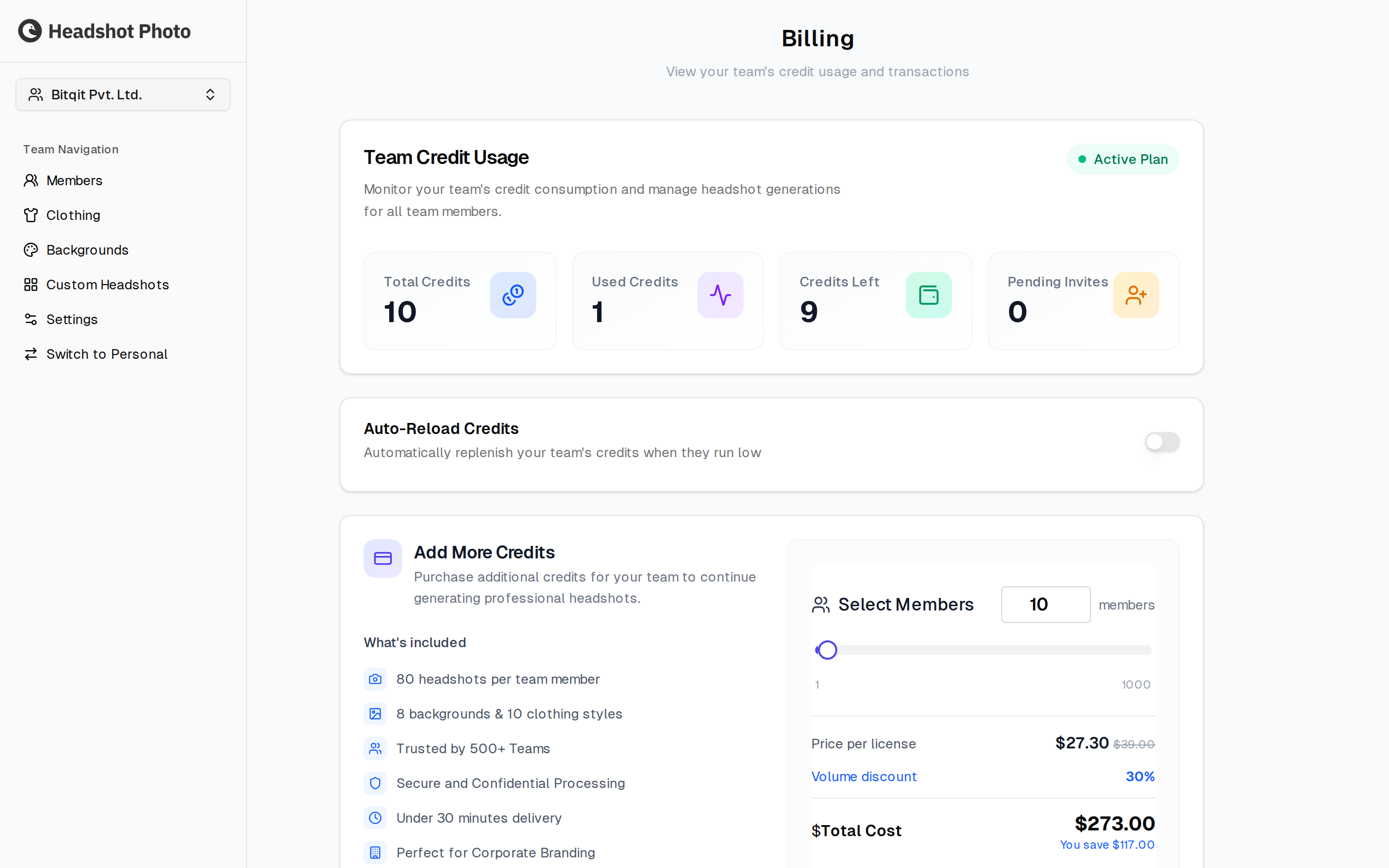
Turning It On
Switching the toggle on expands the card into the settings that govern it.
| Field | What it means |
|---|---|
| Payment Method | The card that gets charged. If none is saved yet, Add Payment Method collects one; once saved it shows as the card brand and last four digits, with a delete button to remove it. |
| Reload when credits fall below | The threshold, chosen from a dropdown. As soon as the balance drops under it, a purchase is triggered. |
| Credits to reload | How many credits each automatic purchase buys. |
Changes are not live until you press Save Changes.
What Happens When It Fires
You get an email either way:
- Success — the credits are added and the team carries on. Nobody is interrupted.
- Failure — the charge did not go through, so no credits were added. The balance stays where it was, and generations stop once it reaches zero.
Choosing the Numbers
Set the threshold above the size of a typical batch, so the top-up lands before anyone is blocked rather than after. If you routinely invite ten members at once, a threshold below ten means the first few generations still fail while the purchase goes through.
Set the reload amount to cover a normal round of invitations. Larger purchases attract a volume discount, which the Add More Credits panel on the same page shows as you change the member count.
Turning It Off
Switch the toggle off. No further charges are made, and the credits you have already bought stay on the account. The saved card remains until you delete it.