
After Payment
Payment is handled by Stripe, and you are sent back to the app afterwards. Which screen you land on depends on what you bought.
Buying a Headshot Plan
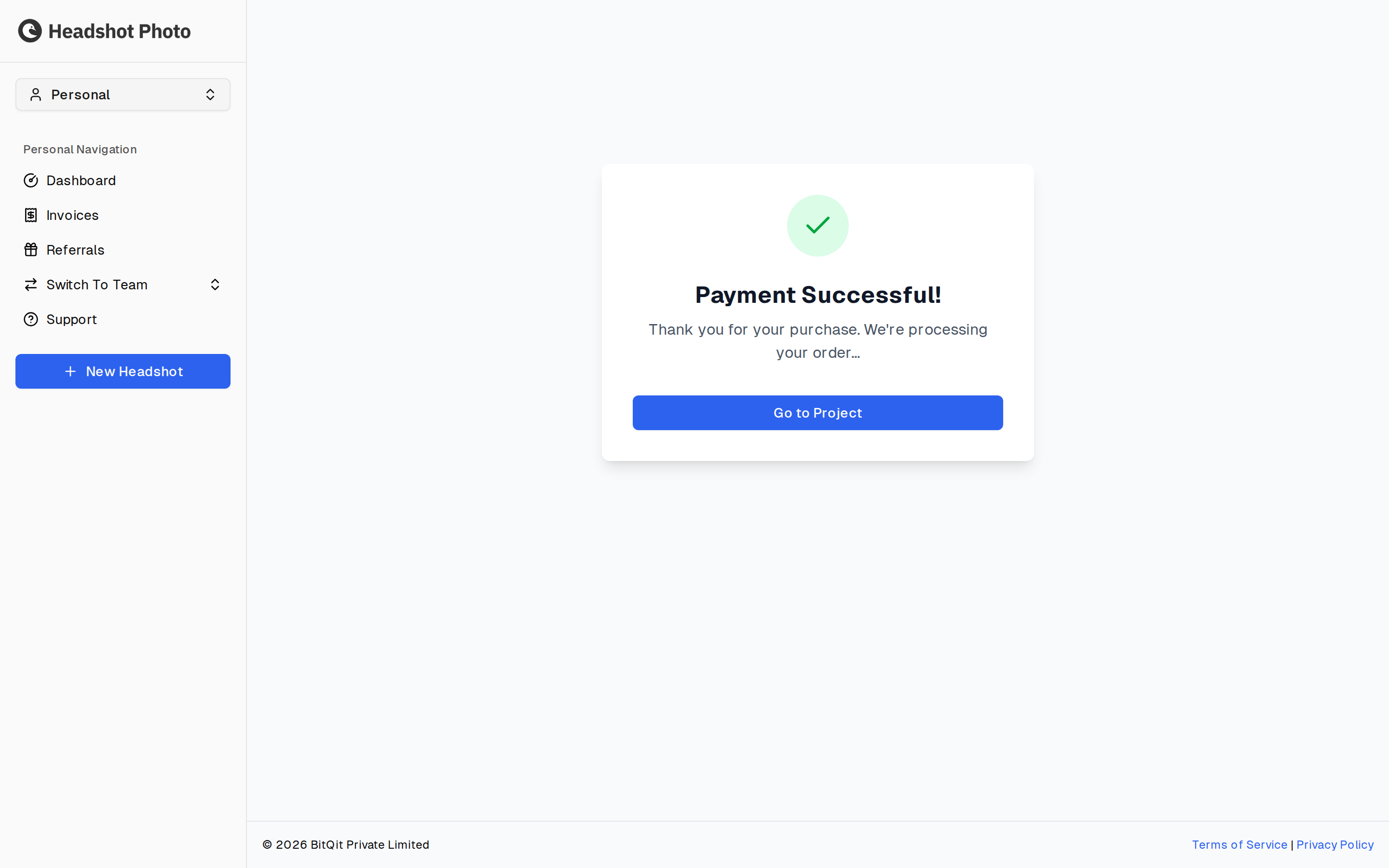
Payment Successful! — "Thank you for your purchase. We're processing your order…"
Go to Project takes you to the session you just paid for, where the next step is waiting.
Buying Edit Credits
Buying an edit-credit package lands on a verification screen instead. It shows Verifying payment…, then Payment verified! once Stripe confirms, with Go to Dashboard to continue. The credits are on your account as soon as verification completes — see Edit Credits.
Returning From Checkout
Paying through a link sent to you — rather than from inside the app — brings you back through a short sign-in step, which shows Signing you in securely while it works. It is not a confirmation screen, and you normally pass straight through it without reading anything.
If something has gone wrong it says so plainly:
| Message | What it means |
|---|---|
| This checkout link is no longer valid. Please log in. | The link has expired. Sign in normally and your purchase will be on the account. |
| We couldn't find your checkout session. | The session could not be matched. Sign in and check your dashboard before paying again. |
| We couldn't complete your sign-in. | Sign-in failed rather than payment. Try signing in from the login page. |