
Individual Headshots
Choosing Styles
Choose professional backdrops and clothing options for your individual headshot session.
Styles control the background and professional look of your final individual headshots.
Backdrops
Backdrops are the settings behind you in the generated images. You can browse the available styles, search by name, select manually, or use Choose for me.
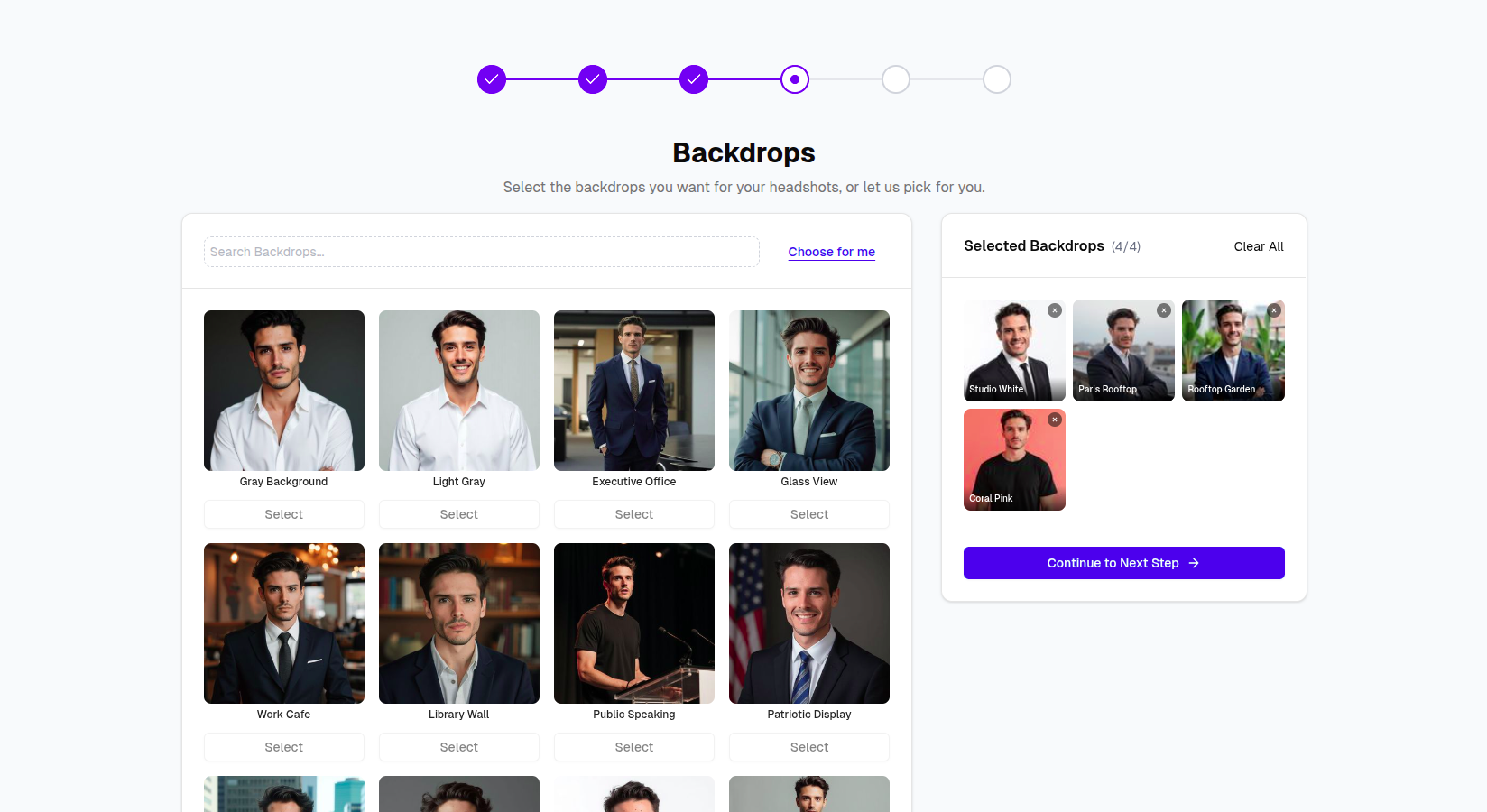
The number of selected backdrops depends on your plan:
| Plan | Backdrops |
|---|---|
| Basic | 4 |
| Premium | 8 |
| Enterprise | 10 |
Backdrop Examples
Executive Suite
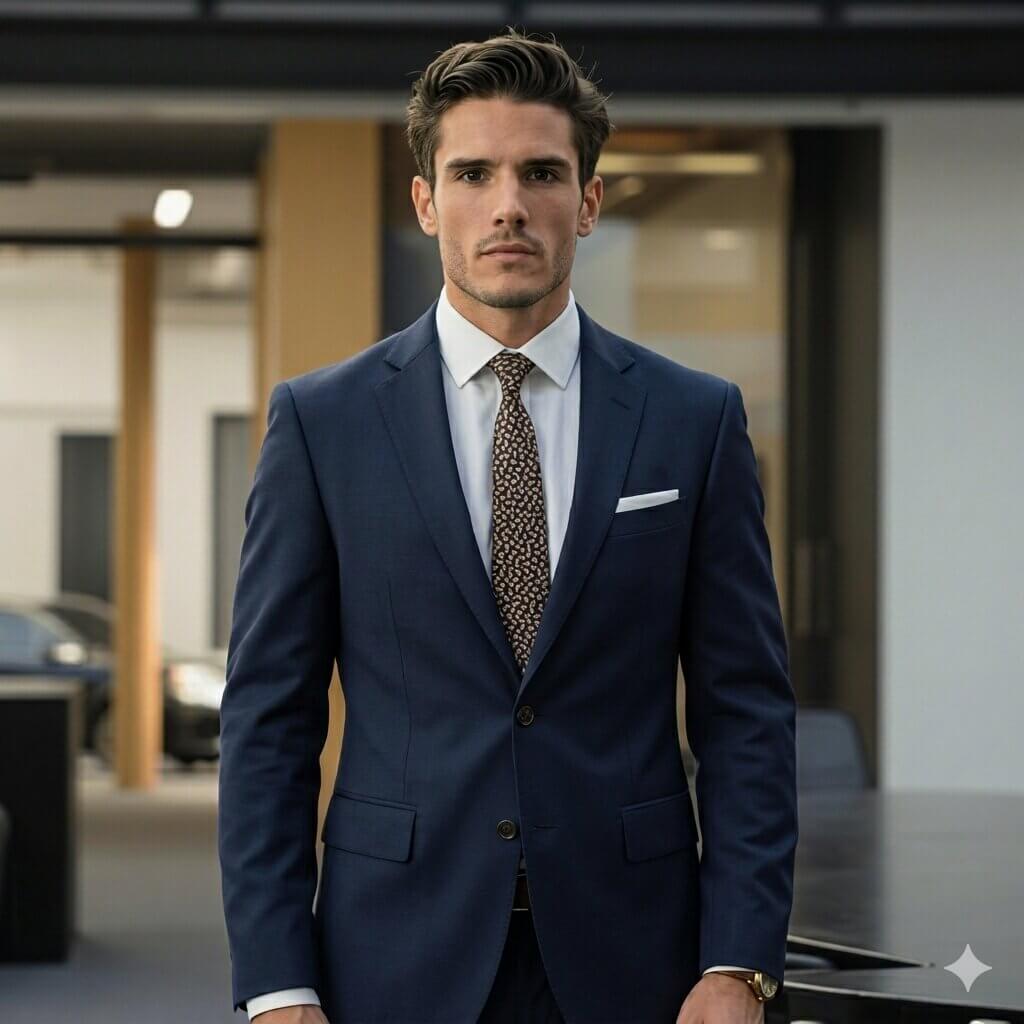
Modern Office

Glass View Pro
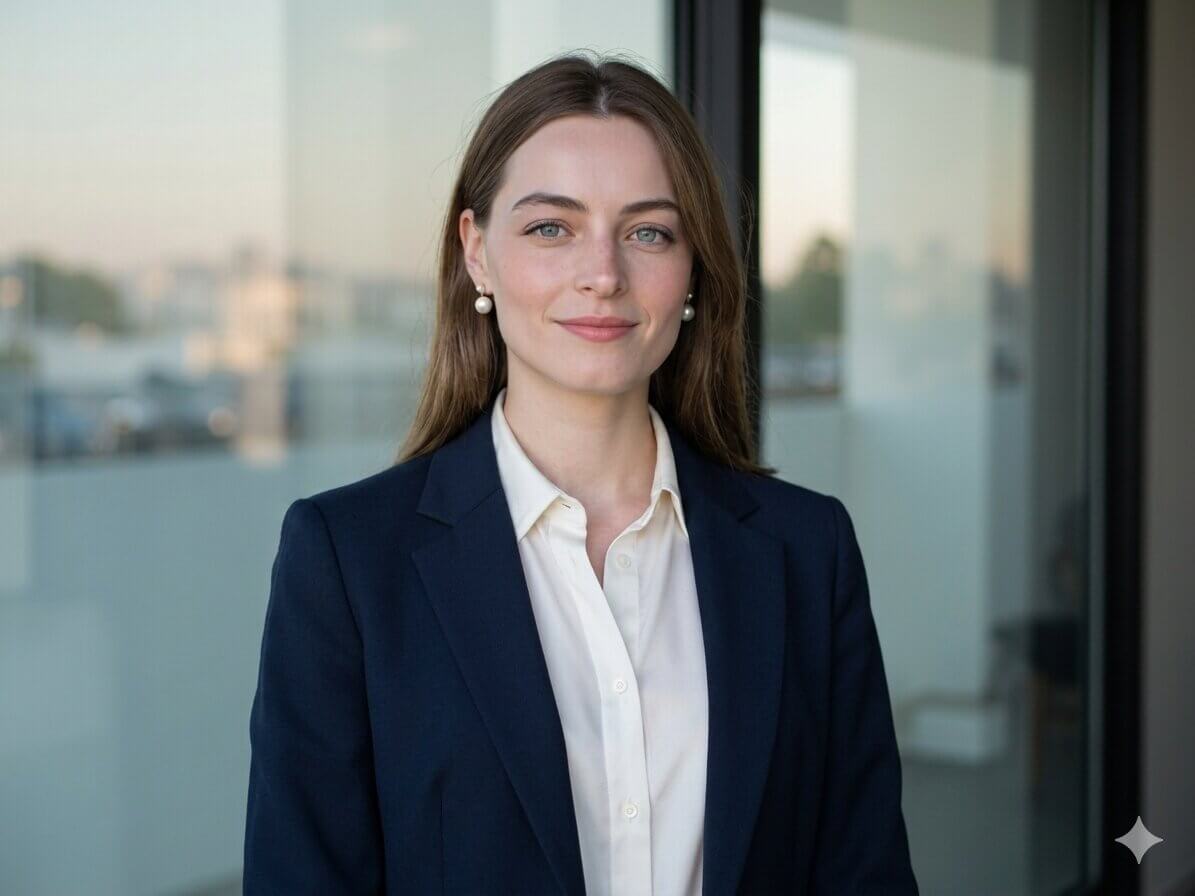
Soft Studio
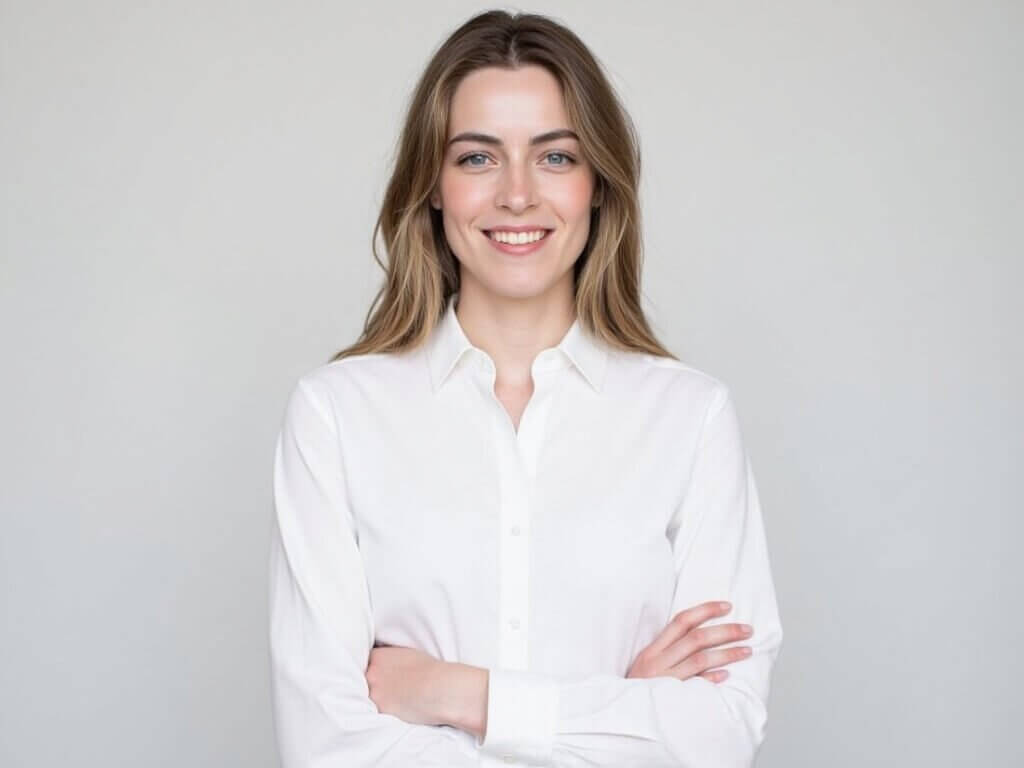
Clothing
After choosing backdrops, choose clothing options. These are professional outfit styles that the AI applies to your generated headshots.
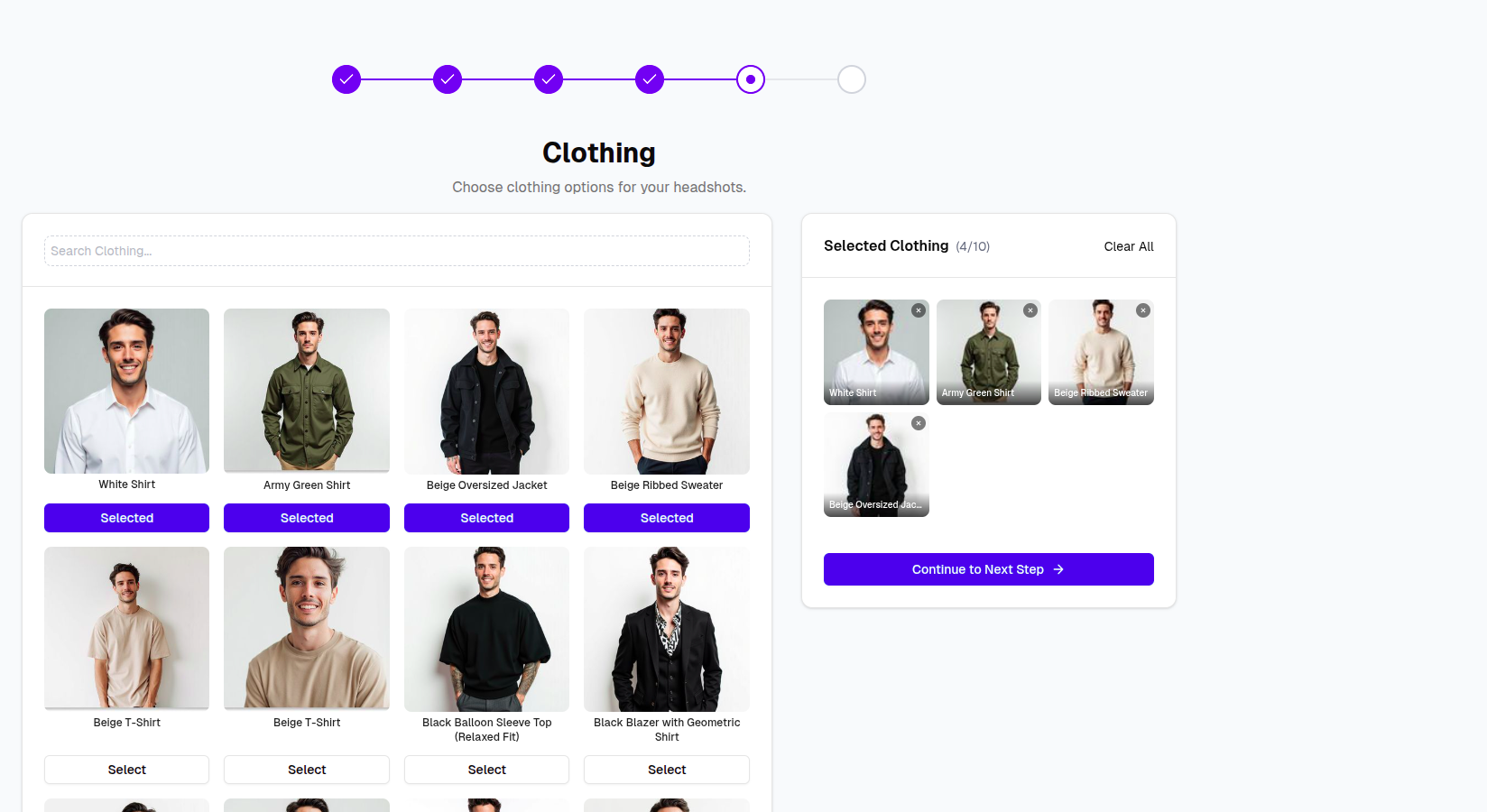
Pick clothing that matches your use case:
- Business formal for leadership, finance, legal, and consulting profiles
- Smart casual for approachable LinkedIn and startup profiles
- Clean neutral outfits for resumes, company bios, and speaking profiles
Choosing a Balanced Set
For most users, a strong set includes:
- One classic business look
- One modern office look
- One clean studio look
- One warmer, approachable profile look
Use variety, but keep the selections aligned with your professional goal. Too many unrelated looks can make the final gallery feel less consistent.
Next Steps
After selecting backdrops and clothing, continue to Payment and Generation.