
Individual Headshots
Individual Headshots Overview
Learn how to create professional AI headshots for personal profiles, resumes, and social platforms.
Individual Headshots are for one person who wants polished, professional images for LinkedIn, resumes, company bios, speaking pages, portfolios, and other personal profiles.
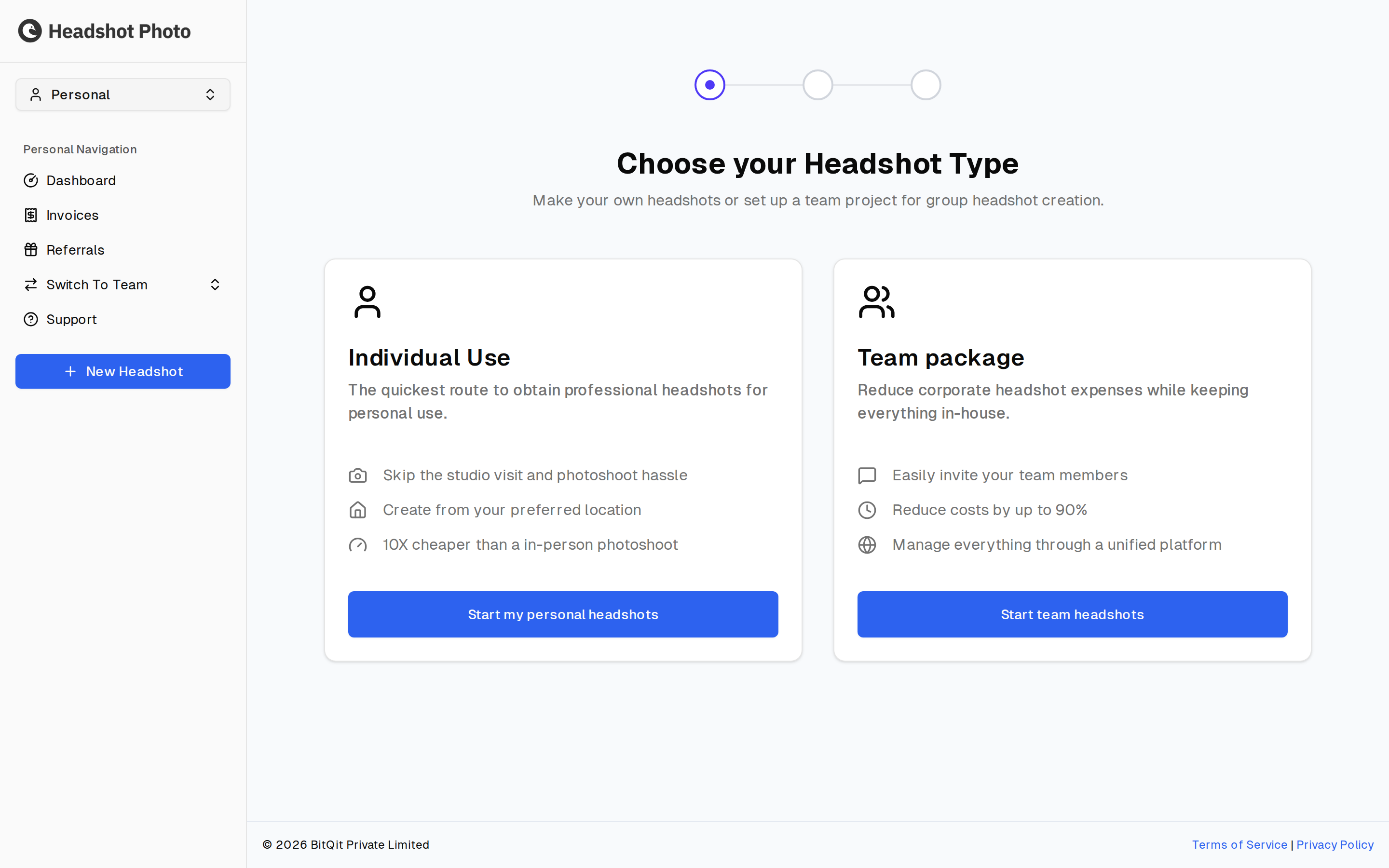
How It Works
The individual flow is a guided session where you choose a package, enter a few personal details, upload training photos, pick styles, choose clothing, confirm the setup, and then review your finished headshots.
Individual vs Team Headshots
| Feature | Individual Headshots | Team Headshots |
|---|---|---|
| Best for | Personal profiles and single-user sessions | Companies, departments, and organizations |
| Setup owner | The person getting headshots | A team admin or manager |
| Style choice | Personal backdrops and clothing | Shared styles chosen for team consistency |
| Branding | No company logo overlay | Optional company logo and team branding |
| Billing | One-time individual purchase | Team credits and team billing |
What You Need
Before starting, prepare:
- A HeadshotPhoto.io account
- A few clear recent photos of yourself
- Payment method for the selected plan
- A few minutes to choose styles and confirm the session
The quality of your uploaded photos directly affects the quality of your generated headshots. Use sharp, well-lit photos where your face is clearly visible.
Next Steps
Start with Choosing a Plan to decide which package matches your needs.