Is Your Headshot Outdated? The Complete Visual Upgrade Checklist for 2026
Most professionals think their photo is "fine." Here's the honest audit that shows whether it's working for you or quietly costing you.
A colleague of mine had the same LinkedIn headshot for seven years.
It wasn't bad, technically. Sharp enough. Professionally shot, even. But it was from 2017. Different hair. Different weight. Different energy entirely. The version of him in the photo was a junior manager climbing the ladder. The real version was now a director closing six-figure consulting engagements.
He sent me his profile one afternoon asking why his LinkedIn wasn't converting despite solid content and a strong network. I looked at the profile for about four seconds before I saw it.
"Your photo," I said.
"What's wrong with it?"
Nothing was wrong with it. It just wasn't him. Not anymore.
That's the most common headshot problem in 2026, and it's almost invisible to the person experiencing it. You look at your own photo every day. You don't notice it aging. Strangers do.
This checklist exists to give you the honest audit your own brain can't provide.
Why "Fine" Is No Longer Enough
Here's the context that matters.
Professionals with strong photos receive dramatically more profile views, connection requests, and messages than those without. But that gap assumes the photo is actually current and correct for 2026 standards.
An outdated headshot doesn't just look dated. It sends signals you're not intending to send. It says "this person hasn't updated their professional presence in a while." It creates a recognition gap when someone meets you in real life and thinks that's not quite who I expected. That gap, however small, is a trust fracture that happens before you say a single word.
In 2026, the standards for what reads as professional have shifted. A photo that was excellent in 2020 can now read as stiff, generic, or simply out of step.
The checklist below has eleven checkpoints. Work through each one honestly. The goal isn't to make you feel bad about your current photo. It's to give you a clear, specific picture of what needs to change, and what doesn't.
The Complete 2026 Headshot Audit Checklist
Checkpoint 1: Does the photo look like you today?
This is the most important question, and most people answer it incorrectly because they're comparing the photo to their memory of themselves rather than to their actual current appearance.
The honest test: Show your current headshot to three people who know you in real life. Ask them: "Does this look like me today?" Not "is this a good photo?" That's different. You want to know if a stranger meeting you for the first time after seeing that photo would recognize you immediately and without a moment of adjustment.
If significant changes have occurred since the photo (different hair length or color, notable change in weight, new glasses, visible aging), the photo is outdated by definition regardless of its technical quality.
The 2026 standard: Update every 2 to 3 years, or whenever there's a meaningful change in your appearance. Not every decade when someone finally says something.
Checkpoint 2: Is the background visually dated?
Background trends have shifted meaningfully over the past few years.
Outdated signals: Bright, solid blue backgrounds (the "executive blue" that dominated corporate headshots for years). Pure white sweep backgrounds with harsh shadows. Cluttered office or bookshelf backgrounds that were meant to add character and mostly add noise.
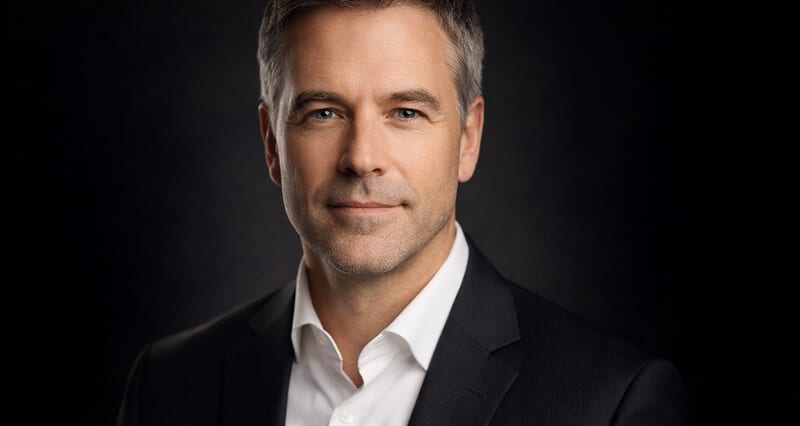
2026 standard: Dark neutrals (charcoal, near-black, deep warm gray) are the fastest-growing trend in professional headshots. They frame the face, eliminate visual clutter, and create a timeless quality that lighter backgrounds don't. Soft blurred environmental backgrounds and warm off-whites are also strong. The test: does your background support your face, or compete with it?
Checkpoint 3: Is the lighting harsh or flat?
This one is harder to self-diagnose but easier to see once you know what to look for.
Outdated signals: Harsh overhead lighting that creates deep shadows under the eyes and nose, making you look tired. Flat, even lighting that eliminates all shadow and produces a face with no dimension. Very bright, blown-out lighting that was once considered "modern" and now reads as clinical.
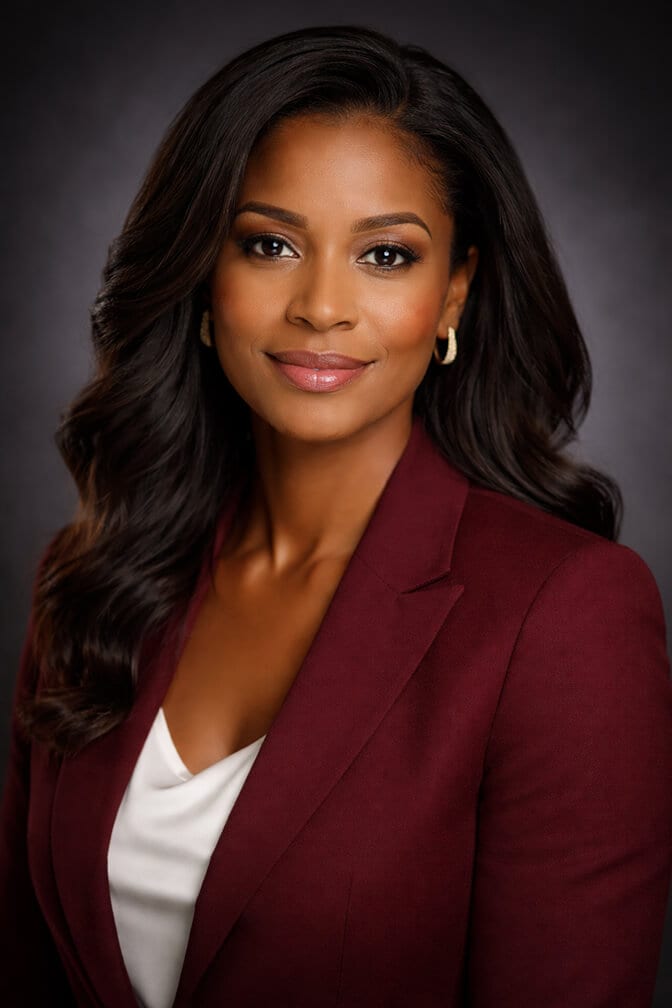
2026 standard: Soft, directional light with gentle shadow transitions. The kind of natural lighting that defines the face without dramatizing it. When you look at your headshot, does your face have natural shape and dimension? Or does it look flat and overlit, or shadowed and tired?
Checkpoint 4: Is the retouching over the top?
The over-retouched, plastic-smooth headshot is one of the fastest-dying trends in professional photography. And for good reason: heavy retouching now triggers a trust response in viewers.
Outdated signals: Skin with no visible pores or texture. A face that looks significantly younger than you actually are. Eyes that have been brightened to an unnatural degree. Any element that makes the photo look "filtered" rather than photographed.
2026 standard: Polished, not plastic. Natural skin texture retained. Character lines kept. Retouching that removes temporary distractions (stray hair, temporary blemish) without removing the things that make your face look human. The question to ask: "If I met someone who'd only seen this photo, would they think I look older in person?" If yes, the retouching has gone too far.
Checkpoint 5: Does your expression match your professional persona?
In 2026, the stiff, shoulders-back, neutral stare that dominated corporate headshots for a decade is rapidly fading. Not because professionalism has disappeared, but because our collective understanding of what professionalism looks like has evolved.
Outdated signals: A forced, performed smile that doesn't reach the eyes. A completely blank, rigid neutral that reads as uncomfortable rather than authoritative. Any expression that looks like you were thinking "how do I look professional?" rather than actually being present.
2026 standard: The confident neutral (present, engaged, composed) or a genuine, natural smile. The expression should look like you on a good day at work. Approachable but not overly casual. Present but not forced.
Checkpoint 6: Is your wardrobe current?
Clothing trends shift faster than most people realize, and what read as "professional" in 2019 can now signal that your photo (and by extension, your professional presence) is running a few years behind.
Outdated signals: Wide lapels or an ill-fitting jacket from a different era. Ties in industries that have moved well past requiring them. Patterns or colors that were trendy 5 years ago. Anything that looks costume-y or like you dressed up for a photo rather than dressing as you actually work.
2026 standard: Well-fitted solid colors in navy, charcoal, rich jewel tones, or warm neutrals. Business casual for most industries. Clothing that matches how you actually show up to work, one level above your average day. The photo should look like you, not like a professional photo version of you. Our best outfits for headshots guide has industry-specific recommendations.
Checkpoint 7: Is the photo cropped correctly?
This one is technical but matters significantly for how your headshot appears across different platforms.
Outdated signals: Too tight (face only, no shoulders) which reads as intense at thumbnail sizes. Too wide (showing torso or background prominently) which loses impact when cropped to a circle on LinkedIn or Slack. Cropped so that the top of your head is cut off, or your chin is at the bottom edge of the frame.
2026 standard: Face filling roughly 60% of the frame. Both eyes clearly in the upper half of the image. Shoulders visible but not dominating. Enough headroom above for cropping flexibility across different platforms. See our guide to professional headshot dimensions for platform-specific specs.
Checkpoint 8: Is the photo resolution adequate for modern screens?
With high-resolution displays now standard across laptops, phones, and monitors, low-resolution headshots that looked acceptable on older screens now appear noticeably soft.
Outdated signal: Any photo that looks slightly blurry or soft when zoomed in to 100%.
2026 standard: Minimum 800 x 800 pixels for LinkedIn. At least 1,000 pixels on the shorter side for versatility across platforms. Sharp focus on the eyes specifically, with a soft background that doesn't compete.
Checkpoint 9: Is the same photo used across all your platforms?
This isn't about the photo itself but about how you're deploying it.
Outdated pattern: Different photos across LinkedIn, your company website, your email signature, your Twitter/X profile, and your speaker bios. Even if each individual photo is fine, inconsistency across platforms creates a fragmented personal brand that erodes trust.
2026 standard: One primary headshot or a cohesive small library of headshots from the same session, used consistently across all professional touchpoints. When someone finds you on three different platforms, they should see the same person at the same quality level.
Checkpoint 10: Does the photo signal the right professional level?
This is the most subjective checkpoint but arguably one of the most important.
Your headshot should match where you are in your career now, not where you were when it was taken. A photo that reads as "eager junior professional" when you're now a senior director creates a subtle mismatch that people register without being able to articulate.
Look at the headshots of people you consider to be at your level or slightly above it in your industry. Does your photo read as the same professional tier? If there's a gap, your headshot may be underselling your current position.
Checkpoint 11: Does it make you proud to share it?
This is the simplest test and the most revealing.
When you're asked for a headshot, for a speaker bio, a press mention, a panel introduction, a client proposal, do you send it without hesitation? Or do you hesitate, maybe search briefly for something better, maybe apologize slightly in the message?
If you hesitate, the headshot isn't doing its job. Your photo should be something you're genuinely glad to put in front of people.
If you've gone through this list and identified three or more checkpoints where your current photo falls short, that's your signal. The good news: updating a headshot in 2026 doesn't require booking a studio, blocking an afternoon, or spending several hundred dollars.
Get your updated professional headshot with Headshot Photo and generate a full set of current, studio-quality results from a single upload session.
What to Do With the Results of Your Audit
Once you've identified the gaps, the path forward is clear.
If your main issue is appearance change (checkpoint 1), you need new input photos, full stop. No editing of the old photo will fix this.
If your main issues are background, lighting, or retouching (checkpoints 2, 3, 4), you may have a good underlying photo that just needs to be regenerated with updated settings. This is where AI headshot tools are particularly useful: your facial structure is already there in the original, it just needs to be rendered under better conditions.
If your main issues are wardrobe or crop (checkpoints 6, 7), these are fixable in a new session with minimal effort. Pick the right outfit, pay attention to framing.
If your main issue is consistency across platforms (checkpoint 9), you don't necessarily need a new photo. You need to audit where your photo appears and update every platform at the same time with your current best headshot.
For teams where multiple people need updates simultaneously, the company headshots page at Headshot Photo shows how to get a consistent, current visual standard across everyone without coordinating studio sessions.
And if you want to see what current, 2026-standard headshots look like before committing to your own update, the professional headshot examples page gives you a strong reference point for every industry.
The Honest Takeaway
That colleague updated his headshot within a week of our conversation. New photo. Current appearance. Correct professional level. Consistent across LinkedIn, his consulting website, and his email signature.
His exact words two months later: "I don't know if I can prove causality, but something shifted."
That's what a current, correct headshot does. It removes friction. It aligns expectation with reality. It lets your actual professional track record speak without a seven-year-old photo undercutting it first.
Run the checklist honestly. Fix what needs fixing. Then stop thinking about it.
Frequently Asked Questions
1. How do I know if my professional headshot is outdated?
Run the eleven-point audit in this article. The most direct test: show your current headshot to three people who know you today and ask if it looks like you now, not if it's a good photo. If your appearance has changed significantly, if the background or lighting feel dated by current standards, or if you hesitate before sharing it, your headshot is overdue for an update.
2. How often should I update my professional headshot in 2026?
The general standard is every 2 to 3 years for most professionals, or whenever there's a meaningful change in your appearance or professional positioning. Significant changes to hair, weight, style, or role are all triggers for an update regardless of timing. If you hesitate before sharing your current photo, that hesitation is the update signal.
3. What makes a headshot look outdated in 2026?
The most common signs are: appearance that no longer matches your current look, harsh or flat lighting, over-retouched skin with an unnatural plastic quality, bright blue or plain white backgrounds without dimension, stiff or performed expressions, outdated wardrobe, and low resolution. Any three or more of these together create a photo that reads as significantly behind current professional standards.
4. Is an AI headshot good enough for a professional update in 2026?
Yes, for most professional contexts. The best AI headshot generators in 2026 produce output with natural lighting simulation, polished but realistic skin rendering, and studio-quality backgrounds, all at a quality level fully appropriate for LinkedIn, company websites, speaker bios, and most professional applications. The critical variable is the quality of your input photos: appearance must be current, input lighting should be clean and directional, and poses should be deliberate.
5. What is the fastest way to update an outdated professional headshot without booking a studio?
Take 10 to 15 well-lit input photos using your phone in a location with good window light (facing the light, not backed against it, ceiling lights off). Practice the three-quarter body turn, dropped shoulders, and chin-forward position before shooting. Select the best 4 to 6 frames. Upload to an AI headshot generator. The entire process from setup to finished results takes under an hour and produces professional-quality output without any studio visit, photographer scheduling, or equipment.
