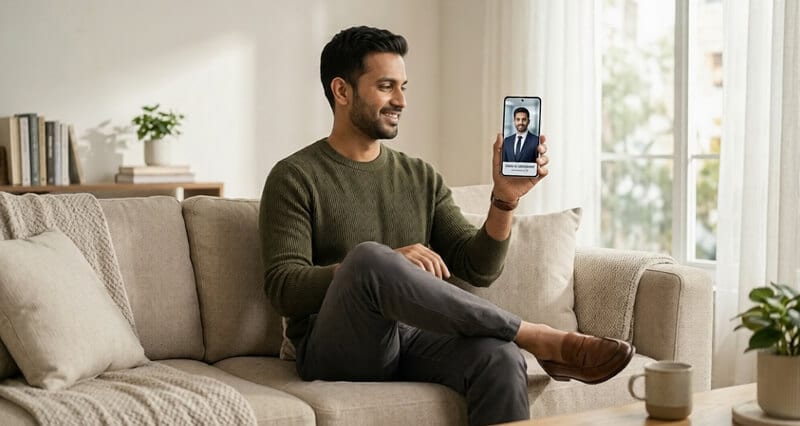
The best headshot studio in 2026 isn't down the street. It's already on your phone.
I spent 45 minutes last year looking for "professional headshots near me."
I found three studios within driving distance. One was booked for two weeks. One wanted $375 for a 30-minute session with 5 retouched images. The third had great reviews but needed me to show up at 10 AM on a Tuesday.
I'm a founder. Tuesdays at 10 AM don't belong to me.
So I did what most people do. I closed the tab. I told myself I'd get to it later. And my LinkedIn profile kept showing a three-year-old photo where I looked like I was trying too hard to look relaxed.
Sound familiar?
Here's the thing most people don't realize: searching for professional headshots near you is already the wrong starting point.
The Real Problem With "Near Me" Headshots
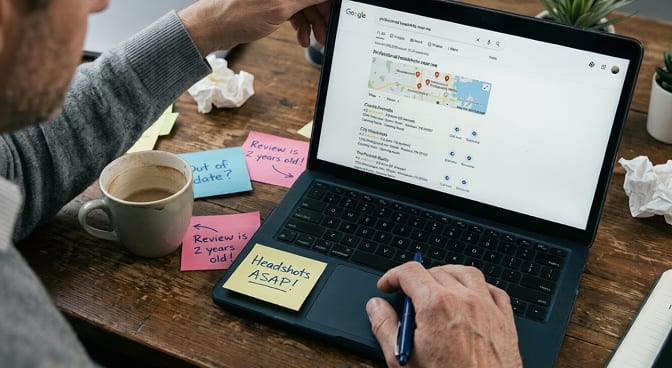
When you Google "professional headshots near me," you get a wall of Yelp listings, Thumbtack results, and studio websites. All of them assume you're going to physically show up somewhere, sit in front of a backdrop, and hope the photographer captures something decent in the 20 minutes you've paid for.
And that model works. For some people. Sometimes.
But let's be honest about what it actually involves.
The math nobody does before booking:
You block 2 to 3 hours of your day for travel, parking, the session itself, and waiting for retouching. You spend $150 to $400 depending on your city (New York and SF are closer to $500). You get back 3 to 8 retouched photos. Maybe 2 of them feel like you.
That's roughly $75 to $200 per usable photo when you do the real math.
Want to see exactly how much professional headshots cost across different cities and methods? The numbers are eye-opening.
I'm not saying studio photographers are bad. Many of them are exceptional. But the traditional headshot workflow was designed for a world where you updated your photo once every five years and used it on a single business card.
That's not the world we live in anymore.
What Changed (And Why Most People Haven't Caught Up)
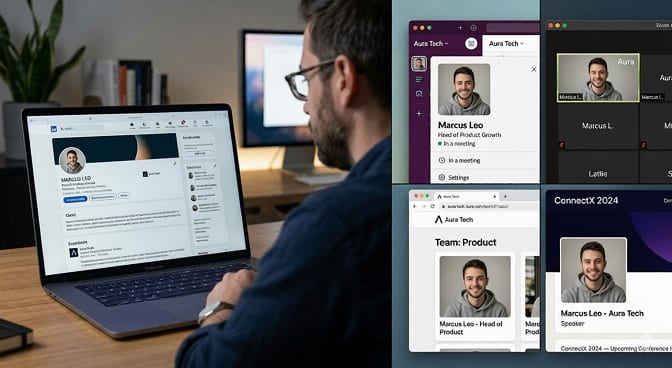
Today your face shows up everywhere. LinkedIn. Slack. Zoom backgrounds. Company team pages. Conference speaker bios. Your Substack. Your Twitter. Maybe even your email signature.
One headshot isn't enough anymore. You need a system.
And this is where the whole "near me" approach falls apart. You're not going to book a photographer every time you need a fresh profile photo. You're not going to spend $300 every time your company rebrands or you switch roles.
The professionals who look consistently polished online aren't spending more on photography. They're spending smarter.
This is where most blog posts would pivot into a listicle of "10 AI headshot tools." I'm not going to do that.
Instead, let me tell you what actually happens when you switch from the old model to the new one.
What Getting AI Professional Headshots Actually Looks Like
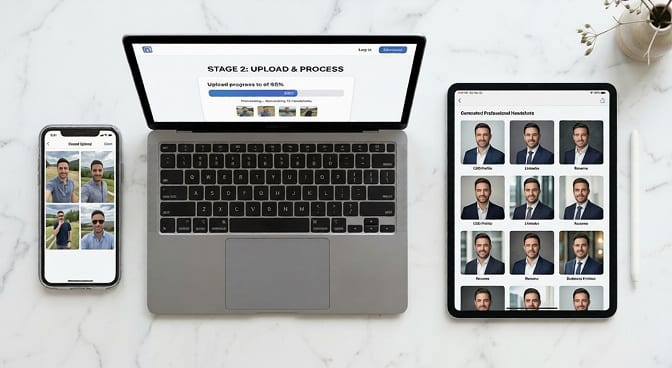
Here's a real walkthrough. No hype, no jargon.
Step 1: You take selfies. Not glamour shots. Not professional photos. Regular photos of your face in decent lighting. The kind you'd send a friend. Three to six of them.
Step 2: You upload them. On a platform like Headshot Photo, you drop your photos in, pick a few style preferences (corporate, creative, casual), and hit go.
Step 3: You wait about 10 to 15 minutes. Go make coffee. Check your email. The AI is training a model on your specific facial features, your bone structure, your skin tone, the way light hits your jawline.
Step 4: You get back 40 to 120+ headshots. Different outfits. Different backgrounds. Different angles. All of them look like you, not some smoothed-out avatar.
The first time I tried it, I expected to use maybe one or two. I ended up with nine that were better than anything I'd gotten from a studio.
And I did the whole thing from my couch in sweatpants.
Want to see the difference for yourself? Check out these AI headshot before and after transformations from real users.
But Wait, Do AI Headshots Actually Look Professional?
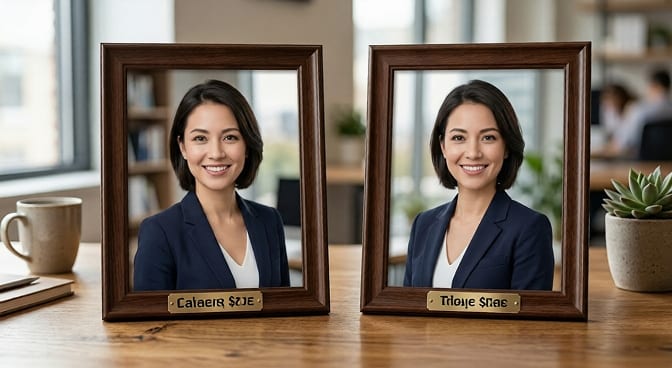
This is the question everyone asks. And two years ago, the honest answer was "sometimes."
But here's where it gets interesting.
The technology has moved fast. Really fast. The AI headshot generators of 2024 often made people look waxy, changed their skin tone, or gave them someone else's jawline. The ones built for 2026 work fundamentally differently.
Modern platforms, the serious ones and not the free filter apps, train a custom model on your specific photos. They're not pasting your face onto a stock body. They're reconstructing how you'd look in a professional setting with proper lighting, professional attire, and a clean background.
The results are indistinguishable from studio photography in most cases. And I don't say that lightly.
The tell used to be the eyes. AI-generated photos had a glassy, dead-eyed quality that screamed "fake." That's largely been solved. The current generation handles eye contact, micro-expressions, and natural skin texture in ways that look genuinely real.
Is every single generated image perfect? No. You'll still get a few duds in any batch. But you're choosing from 40+ options, not 4. The hit rate is dramatically higher than a rushed studio session where the photographer is already thinking about their next booking.
The Honest Cost Comparison
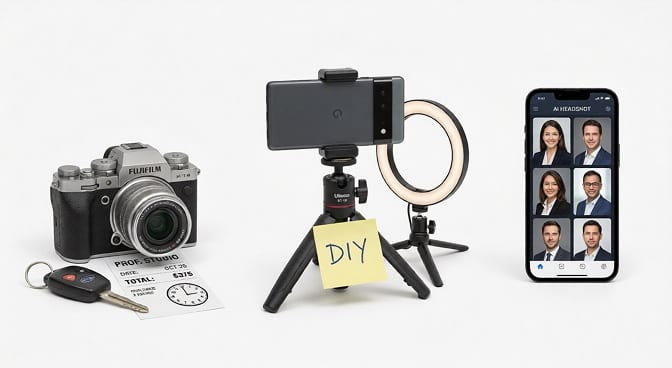
Let's put real numbers next to each other. Because this is what should actually drive your decision.
Traditional Studio Headshot:
- Session fee: $150 to $400
- Travel time: 1 to 2 hours
- Retouched images: 3 to 8
- Cost per usable photo: $75 to $200
- Turnaround: 3 to 14 days
DIY Headshot (Phone + Editing App):
- Cost: $0 to $15 (editing app)
- Time: 30 to 60 minutes
- Usable results: 1 to 2 if you're lucky
- Quality: Inconsistent lighting, amateur framing
- Turnaround: Immediate (but you'll redo it 3 times)
If you want to try the DIY route first, here's a complete guide to taking your own headshots.
AI Professional Headshot (Headshot Photo):
- Cost: Starting around $29
- Time investment: 5 minutes to upload, 10 to 15 minutes to generate
- Usable results: 10 to 30+ per batch
- Quality: Studio-equivalent with consistent lighting and backgrounds
- Turnaround: Under 30 minutes
The math isn't close.
And here's what the cost comparison doesn't capture: the mental energy. Booking a photographer involves emails, scheduling, rescheduling when something comes up, figuring out what to wear, driving there, making small talk, and then waiting a week to see if the photos are any good.
With AI headshots, the entire decision-to-done cycle is shorter than your lunch break.
Who Should Still Book a Studio (Seriously)
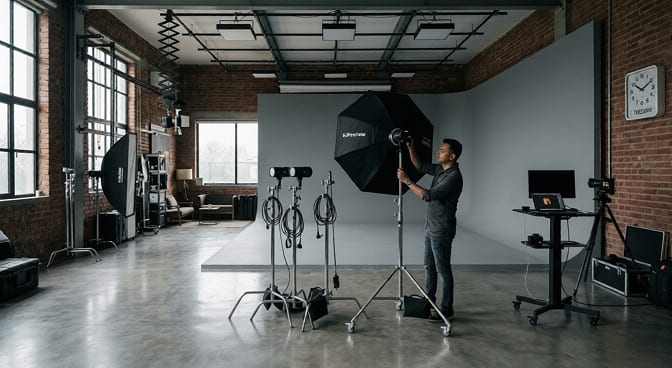
I'm going to be straight with you because I think honesty builds more trust than a hard sell.
Go to a studio if:
- You're a C-suite executive at a Fortune 500 and your headshot will be on the company's annual report cover.
- You need environmental portraits (standing in your office, leaning on a conference table, that sort of thing).
- You're an actor and need theatrical headshots with specific emotional range.
For those use cases, a skilled photographer brings something AI can't replicate: physical direction in real-time.
But for everyone else? The engineer updating their LinkedIn. The real estate agent who needs fresh photos for a new brokerage. The freelancer building a personal brand. The job seeker who needs a professional photo today, not next Thursday.
AI headshots aren't just "good enough." They're often better, because you're choosing from volume, not settling for the three frames where you weren't blinking.
How to Get the Best Results (Tips Most Platforms Won't Tell You)
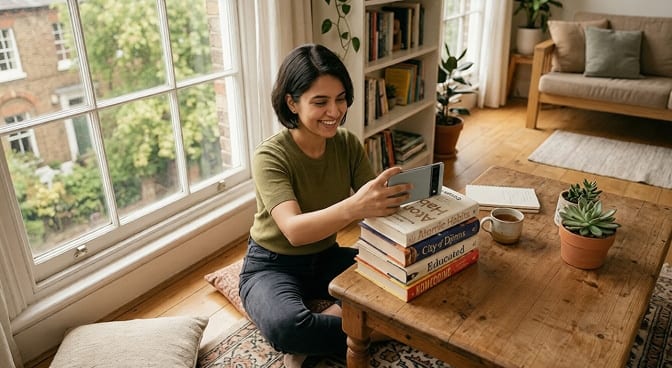
If you're going to try AI headshots, whether on Headshot Photo or anywhere else, these tips will dramatically improve your output:
Upload variety, not perfection. Give the AI different angles, different lighting, different expressions. It needs data points to build an accurate model of your face. Five photos from the same angle in the same room will give you mediocre results.
Skip the filters. Do not upload photos with Snapchat filters, beauty mode, or heavy editing. The AI needs to see your actual face. Filtered inputs produce uncanny outputs.
Dress for one photo, let the AI handle the rest. Wear something simple and neutral in your uploads. The AI will generate options across different outfits anyway. Don't overthink this part. And if you're curious about what works best, check out this guide to the best outfits to wear for headshots.
Check the eyes. When reviewing your results, the eyes are the authenticity test. If they look natural and present, the photo will read as real to everyone who sees it. If something feels off, discard that one and pick from the others.
Pick the one that looks like you on a good day. Not the one where you look like a model. Not the most dramatic one. The one where a colleague would say, "That's exactly what you look like."
A great headshot doesn't make you look like someone else. It makes you look like the best version of yourself.
The Part Nobody Talks About: Headshot Anxiety
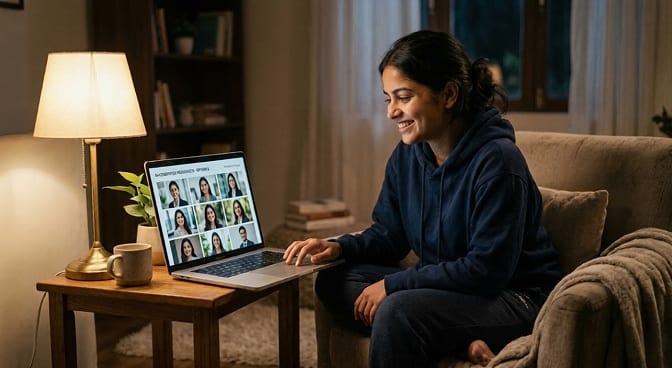
Here's something I've noticed after talking to hundreds of users at Headshot Photo.
Most people don't avoid getting headshots because of cost or convenience. They avoid it because they don't like how they look in photos.
That's not vanity. It's a real psychological barrier. Studies suggest the vast majority of adults don't consider themselves photogenic. And sitting in front of a stranger with a camera amplifies every insecurity.
We actually wrote a whole piece about this: why so many people hate how they look in pictures and what to do about it.
AI headshots quietly solve this problem.
You're not performing for anyone. There's no photographer watching you. No pressure to "look natural" on command (the most unnatural instruction ever given). You upload your photos in private, review your options in private, and pick the one you feel good about.
Nobody needs to know how the photo was made. It just needs to look like you, polished and professional.
For a lot of people, that privacy is the most valuable part of the entire experience.
If you're someone who's been putting off updating your professional photos because the whole process feels overwhelming, see our pricing plans and try it. It takes less time than reading this article did.
The Search That Brought You Here Is Already Outdated
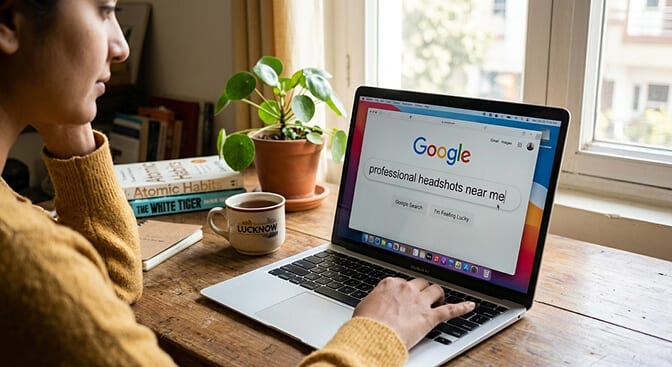
You searched for professional headshots near you. And I get it. "Near me" feels safe. It implies a real place, a real person, a real camera.
But the best headshot you'll ever get might not come from a studio on Main Street.
It might come from your phone, your couch, and an AI that's been trained on thousands of professional portraits, combined with photos only you could provide.
The world moved. The headshot industry just took a while to catch up.
Your move.
Frequently Asked Questions
What is an AI professional headshot, and how does it work?
An AI professional headshot is a studio-quality portrait generated by artificial intelligence using your uploaded selfies. The AI trains a custom model on your facial features, then creates realistic headshots with professional lighting, backgrounds, and attire. The entire process typically takes under 30 minutes, and you receive dozens of options to choose from.
How do AI headshots compare to traditional studio photography?
AI headshots deliver comparable visual quality at a fraction of the cost, typically $29 versus $150 to $400 for a studio session. The main trade-off is that studios offer real-time direction and environmental portraits, while AI gives you far more variety and speed. For LinkedIn, resumes, and team pages, AI headshots are often indistinguishable from studio work.
How do I get professional headshots at home without a photographer?
Upload 3 to 6 clear, well-lit selfies to an AI headshot platform like Headshot Photo. Choose your preferred styles, and the AI generates 40 to 120+ professional headshots in about 15 minutes. No equipment, no backdrop, and no photographer needed. Just make sure your upload photos show your face clearly from slightly different angles.
Are AI-generated headshots worth the investment for LinkedIn?
Absolutely. LinkedIn profiles with professional photos receive significantly more profile views and connection requests than those without. AI headshots give you a polished, current image for a one-time cost that's less than a nice dinner. Considering how many people see your LinkedIn profile during a job search or client outreach, it's one of the highest-ROI investments in your personal brand.
Are AI headshots good enough for corporate use and company websites?
Yes. Modern AI headshot platforms produce images at resolutions of 2K to 3K+ pixels, suitable for web, print, and professional directories. Many companies now use AI-generated headshots for their team pages to maintain visual consistency across remote employees. The results are professional, high-resolution, and indistinguishable from traditional photography in typical business contexts.
