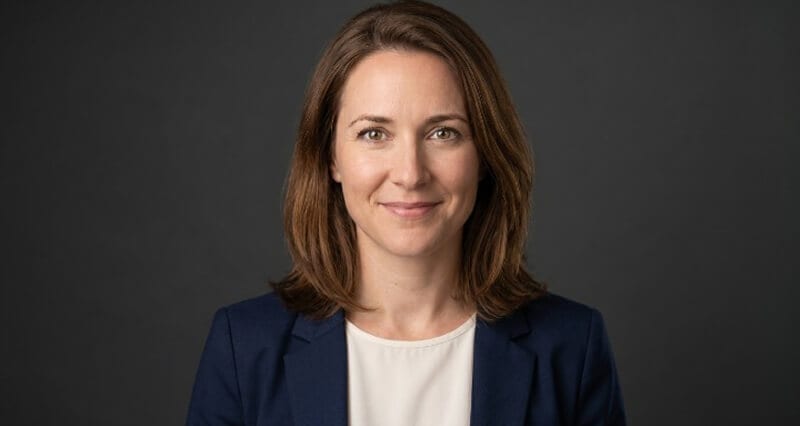
My Headshot Looks Nothing Like Me: How to Tell a Photographer or AI to Fix It
The exact words to use when your headshot is technically great but somehow isn't you, and how to get the likeness right the second time.
You open the gallery. The photo is gorgeous. Sharp, well-lit, professional.
And your gut sinks, because it doesn't look like you.
Not in an obvious way. You can't point at one thing. The face is technically yours, but the person staring back feels like a slightly-off cousin. A stranger wearing your features. Who is that?
Here's the frustrating part. When you try to explain what's wrong, all you can manage is "it just doesn't look like me," which is the least useful feedback in the world for the photographer or AI tool trying to fix it.
So let me give you the actual vocabulary. Stay with me, because once you can name what's off, getting it fixed becomes easy.
Why a perfect photo can still feel like a stranger
First, understand what's happening, because it'll calm you down.
A headshot freezes one ten-thousandth of a second. One angle. One expression. One slice of light. But your sense of "you" is built from a moving, talking, three-dimensional face you've seen your whole life. A still photo can be 100% accurate and still feel wrong, because it's missing the motion your brain uses to recognize you.
"It doesn't look like me" usually means "it doesn't move like me." The photo captured your features but missed your presence.
This is also why so many people feel this way about AI headshots specifically, and it's worth knowing the likeness problem has known causes and fixes. Our breakdown on what to do when your AI headshot doesn't look like you covers the technical side in depth.
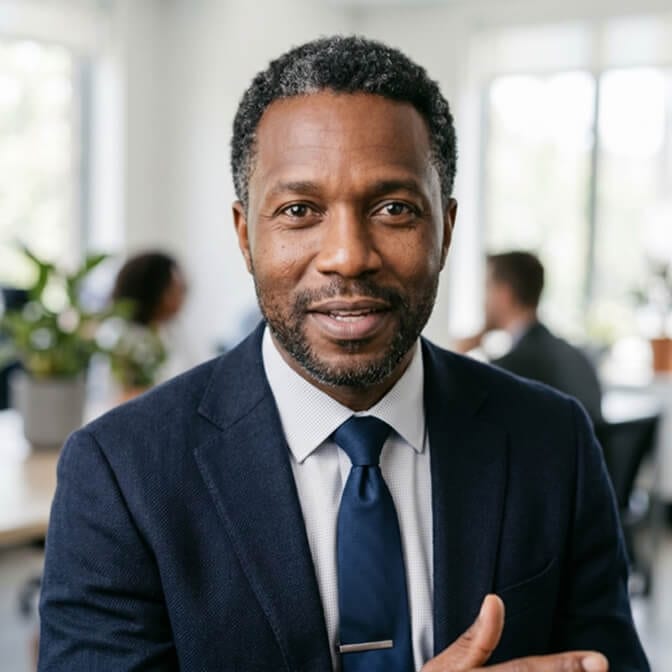
Step one: figure out which kind of "wrong" it is
"Doesn't look like me" almost always breaks down into one of five specific problems. Name yours and the fix becomes obvious.
- The expression is wrong. The face is right but the mood is off. Too stiff, too intense, too cheesy. This is the most common one, and the most fixable.
- The proportions are off. Your nose looks bigger, your face wider or longer, your jaw different. This is almost always a lens or angle issue, not your actual face.
- The skin is too perfect. Over-retouching erased the texture, lines, and small marks that make you you. You look like a wax replica of yourself.
- The features drifted. Mostly an AI problem. The eyes, nose, or face shape subtly shifted into someone generically attractive instead of specifically you.
- The vibe is wrong. Everything's technically accurate but the overall energy feels corporate when you're warm, or soft when you're sharp.
Once you know which one (or which two), you can give feedback that actually lands.
The exact words to tell a photographer
Photographers are visual people. Vague feelings frustrate them. Specifics light them up.
Instead of "I don't like it," try:
For expression: "Can we get one where I'm mid-laugh or just relaxing, rather than holding a pose? My real smile is softer and shows more in my eyes."
For proportions: "My nose looks larger than it is here, can we shoot from a bit further back with a longer lens?" Distance and focal length fix this instantly.
For angle: "Can we try the camera slightly higher, or have me turn a few degrees? This angle isn't how I usually see myself."
For skin: "Please dial the retouching way back. I'd rather keep my real skin texture and a few lines than look airbrushed."
For vibe: "I'm going for approachable and warm, not formal. Can we loosen the whole thing up?"
Notice the pattern. You're describing the outcome you want, not just the problem. That's the unlock.
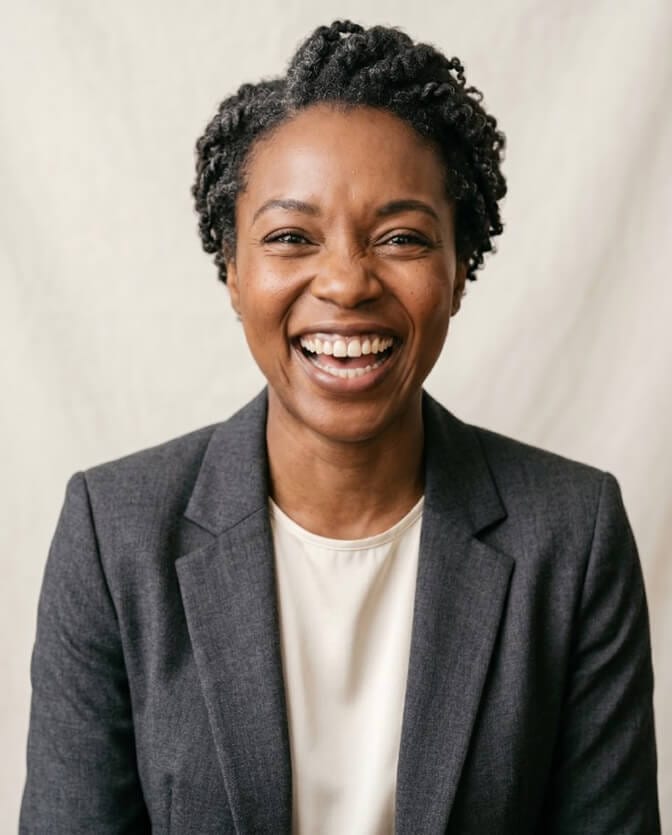
The exact words to tell an AI tool
AI is different. You're not coaching a person in real time, you're giving it better inputs and clearer instructions. This is where most people get it wrong: they blame the tool when the real issue was the photos they fed it.
Feed it better source photos. Garbage in, generic out. Use recent photos, varied angles, good lighting, your real current hairstyle, and a neutral-to-natural expression. If you upload ten selfies all from the same flattering angle, the AI never learns your actual face. The guide on how many photos you need for AI headshots explains the right mix.
Be specific about likeness. If the results drift, the fix is usually more and better reference photos, not different prompts. Photos that show your face clearly, from multiple angles, in even light.
Ask for less polish. If you look plastic, choose results with natural skin and minimal retouching. The shift toward authentic, minimally-retouched headshots exists precisely because over-smoothing kills likeness and trust.
Regenerate, don't settle. A good tool gives you many options. If batch one feels off, adjust your inputs and run it again. The fix is almost always in the source photos.
If you've been fighting with results that feel close-but-not-you, this is the moment to try a tool actually built for likeness. You can generate a professional headshot with Headshot Photo, feed it a good range of source photos, and get back results designed to look like you on your best day, not a generic stand-in. For the finer points, the hyper-realistic likeness tips guide is gold.
What I wish people understood about likeness
Here's the thing that took me years to see clearly.
The goal was never a flawless photo. It was a true one. A headshot that makes someone who knows you say "yep, that's them," and makes someone who's about to meet you recognize you instantly when you walk in.
A photo that's prettier than you but doesn't look like you fails the only test that matters. People meet the real you eventually, and the gap between the photo and the person breeds quiet distrust.
Aim for the most flattering version of the real you. Not a different person who happens to share your name.
So don't accept the gorgeous stranger. You're allowed to say "this isn't me" and ask for the fix. The good photographers and the good tools want to get it right, they just need you to tell them what "right" means.
Here's the soft takeaway. The version of you worth capturing isn't the smoothest or the most symmetrical. It's the one your friends would recognize across a crowded room. Hold out for that one.
If your current headshot is technically great but feels like someone else, you don't have to keep it. You can see Headshot Photo pricing and create a set of results that actually look like you, with the texture, expression, and presence that make a photo feel true.
Frequently Asked Questions
Why does my headshot look nothing like me?
A still photo captures one frozen angle, expression, and light, while your sense of your own face is built from constant movement, so an accurate photo can still feel "off." The most common specific causes are a stiff expression, lens distortion changing your proportions, or over-retouching erasing your natural texture. Each one is fixable once you identify it.
How do I tell a photographer my headshot does not look like me?
Describe the outcome you want, not just the problem. Say things like "my real smile is softer and shows in my eyes," "shoot from further back, my nose looks larger here," or "dial the retouching back, I want to keep my skin texture." Specific, outcome-focused feedback gets fixed far faster than "I just don't like it."
How do I fix an AI headshot that does not look like me?
The fix is usually better source photos rather than different settings. Upload recent images from varied angles in good light with your current hairstyle, give enough of them for the tool to learn your face, and choose results with natural skin and minimal retouching. Then regenerate. Likeness lives in the inputs.
Is it worth redoing a headshot that does not look like me?
Yes. A headshot that looks like a flattering stranger fails its main job, since people who meet you should recognize you, and a gap between photo and reality quietly erodes trust. Redoing it is low-cost with AI tools and high-value, because the image represents you everywhere before you speak. You can compare options on the Headshot Photo pricing page.
Is an AI headshot accurate enough to actually look like me?
Yes, when you feed it good source photos and choose a tool built for likeness rather than generic polish. The risk is drift toward an average attractive face or over-smoothed skin, both of which you avoid by giving varied, clear reference photos and selecting natural, minimally-retouched results. Done right, it looks authentically like you.
