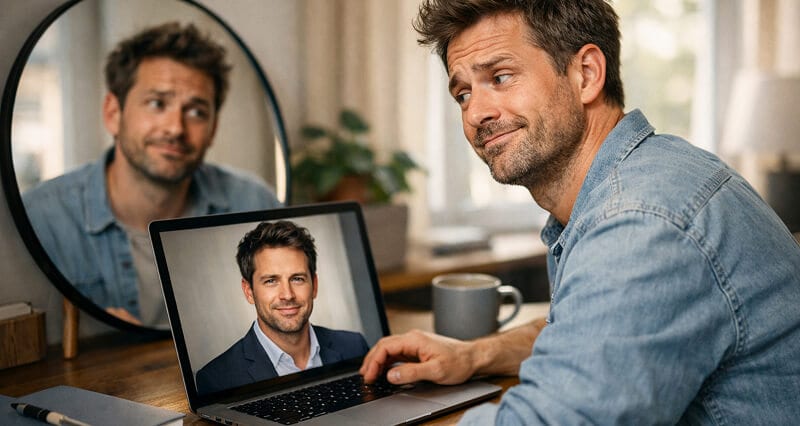
Your AI headshot looks polished. Professional. And like a total stranger. Here's why that happens and exactly how to get results that actually look like you.
She stared at the screen for a solid ten seconds.
Then she turned to her coworker and said, "Who is this woman?"
The woman on screen was wearing a navy blazer, sitting against a soft gray backdrop, with perfect lighting and a warm, confident smile. She looked great. She also looked nothing like the person who had uploaded those selfies twenty minutes ago.
This happens more than you'd think. You sign up for an AI headshot generator, upload your photos, wait a few minutes, and get back a set of images that are technically beautiful but somehow... not you. Wrong nose. Different jawline. Eyes that are close but not quite. Like the AI saw your face and thought, I can do better.
Here's the thing. It can't do better than your actual face. It can only do different. And different is not what you need when your headshot shows up on LinkedIn, your company bio, or the about page of your website.
So let's fix it.
Why AI Headshots Miss the Mark
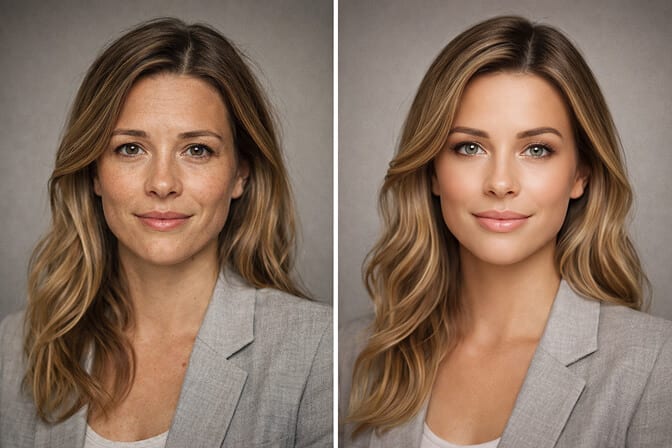
Most AI headshot tools are optimized to produce a good-looking professional photo. They are not necessarily optimized for identity preservation, which means keeping your actual bone structure, your specific features, the way your nose tilts slightly to the left, the gap in your teeth that your friends would recognize anywhere.
The AI is trained on millions of studio portraits. So it pulls your output toward the "average" of what a professional headshot looks like. Your unique features get smoothed, averaged, softened into something generic.
Three specific things cause this:
Feature averaging. The model blends your features toward a more symmetrical, conventionally attractive face. Great for flattery. Terrible for accuracy.
Training data bias. If the AI learned mostly from studio portraits of certain demographics, it pushes everyone's output toward that look. This is why people with darker skin tones, unique hairstyles, or distinctive facial features often report the worst accuracy.
Low-quality input photos. This is the one you can actually control. And it's where most people go wrong.
The Real Problem Is Usually Your Upload Photos
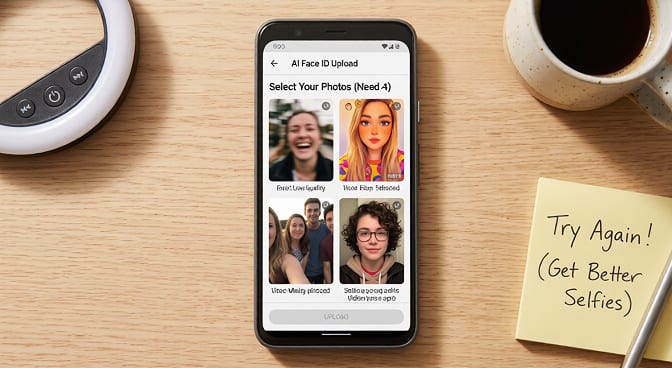
I know. You don't want to hear that. But nine times out of ten, when someone says "my AI headshot doesn't look like me," the root cause is the photos they fed the system.
Think about it. The AI is building a mental model of your face from whatever you give it. If you give it blurry selfies, heavily filtered Instagram shots, photos from five years ago when you had different hair, and one group photo where you cropped out your friend... the AI is working with garbage data.
Garbage in, stranger out.
Here's the part that costs you money: most AI headshot tools don't guide you on photo selection at all. They just say "upload 8-12 photos" and leave you guessing.
How to Upload Photos That Actually Work
Use recent photos. Taken within the last three months. Your current hair color, current facial hair (or lack of it), current glasses. The AI needs to see today's you.
Face the camera directly. Front-facing shots work best. Avoid dramatic angles, tilted selfies, or profile shots. The AI needs to map your full face geometry.
Natural lighting wins. Soft window light or outdoor shade. No harsh overhead fluorescents. No dramatic shadows cutting across your face. No ring light halo effects. If you need help with lighting, our guide on headshot lighting setup breaks it down.
Keep it solo. No group photos. No cropped images where someone else's shoulder is still visible. The AI can get confused about whose features belong to whom.
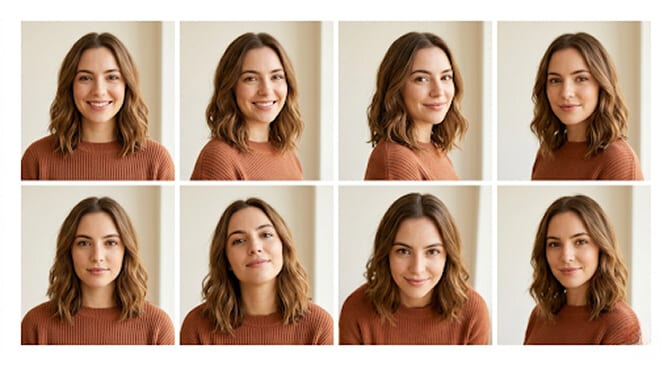
Mix your expressions. A natural smile, a neutral expression, and something in between. This gives the AI a range to work with instead of locking it into one frozen look.
Skip the filters. No Snapchat filters. No beauty mode. No smoothing. The AI needs raw, unprocessed data to build an accurate model of your face. When you pre-filter, you're essentially lying to the algorithm about what you look like.
Variety in backgrounds, consistency in you. Different settings are fine. Different outfits help. But keep your appearance consistent across all photos. Same glasses (or no glasses), same hairstyle, same general vibe.
If you follow just these rules, you'll eliminate about 70% of the "doesn't look like me" problems.
The Psychology of Why You Think It Doesn't Look Like You
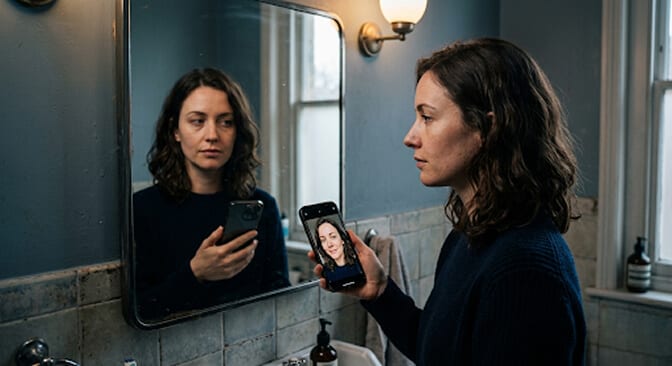
Sometimes the AI does produce an accurate headshot, and you still think it looks wrong. Why?
Because you don't actually know what you look like.
Seriously. You're used to seeing yourself in mirrors, which show a reversed image. You're used to your phone's front camera, which also mirrors you by default. You've spent decades building a mental image of yourself based on flipped reflections and carefully chosen selfie angles.
When the AI generates a non-mirrored, straight-on photo of your face, it can feel wrong even when it's accurate. Your left eyebrow sits slightly higher than your right? You've never noticed because the mirror flips it. Your smile curves more on one side? Same thing.
This is called the mere exposure effect. You prefer the version of yourself you've seen most often. And that version is literally a mirror image of reality. It's the same reason many people hate how they look in pictures taken by others.
Here's a quick test. Show your AI headshot to five people who know you. Not your spouse or best friend, who share your hyper-specific mental model. Show it to coworkers, acquaintances, LinkedIn connections. If they say it looks like you, it probably does. Your brain is just fighting the unfamiliar angle.
What to Do When the AI Genuinely Gets It Wrong
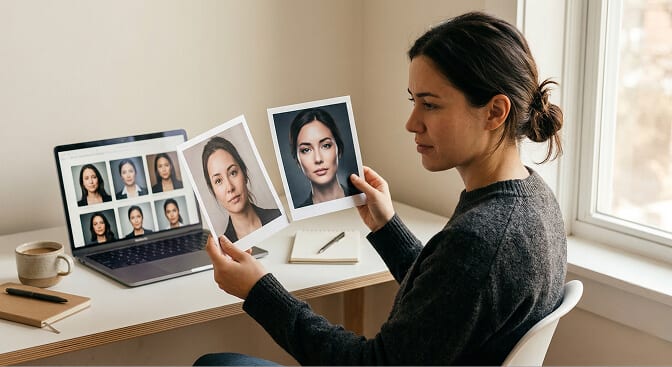
When that happens, here's your playbook:
Try a different set of input photos. Don't just re-run the same batch. Pick entirely different source images that follow the rules above. The AI builds a different model each time based on the training data you provide.
Increase your photo count. If the tool allows 15 to 20 uploads instead of the minimum 8, use them. More data points mean a more accurate facial model.
Remove outlier photos. That one photo from a weird angle? The one where the lighting makes your skin look three shades darker? Remove it. One bad input photo can pull the entire output off-track.
Switch tools. Not all AI headshot generators are built the same. Some use older models with known accuracy issues. Some have bias problems with certain skin tones and face shapes. If you've tried everything and the results still don't look like you, the platform might simply not be good enough. You can see how the top generators compare before committing.
At Headshot Photo, we've spent significant effort on identity preservation specifically. The model is tuned to maintain your actual facial structure rather than "improving" it toward some generic ideal. Upload 8 clear selfies, and the results should look like you walked into a studio, not like a distant cousin applied for your job. You can check the before and after transformations to see what we mean.
The Wardrobe and Background Problem
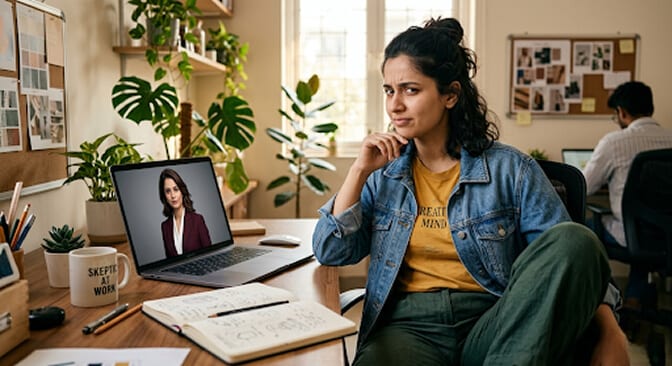
Even when the face is accurate, an AI headshot can feel wrong if the styling is off. The AI puts you in a burgundy three-piece suit when you're a creative freelancer. Or a casual hoodie when you're a financial advisor. Or a background that looks like a stock photo of a hotel lobby.
Your brain registers these mismatches subconsciously. You look at the photo and think "that's not me," but what you actually mean is "that's not my vibe."
Better AI tools let you select outfit styles, background types, and overall aesthetic before generating. Use those controls. Tell the AI who you are professionally, and it'll dress the part. Headshot Photo has dedicated background and outfit options built in for exactly this reason.
If you're a real estate agent, you need a different look than if you're an author. Context matters as much as facial accuracy. And the color you wear can completely shift the feeling of a headshot.
A Checklist Before You Panic
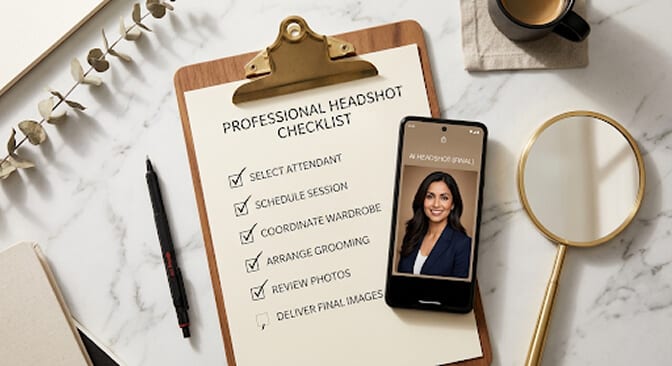
Does the face match your actual features? Compare it to a recent, un-filtered photo (not a mirror). Check specific things: nose shape, jaw line, forehead, eyebrow position. Our guide to good headshot examples can help calibrate what "accurate" looks like.
Does it match your current appearance? Same hair? Same glasses? Same general weight? If you uploaded old photos, the AI built an old version of you.
Have you asked someone else? Your perception of your own face is unreliable. Get a second opinion from someone who knows you but isn't your mirror buddy.
Is the problem the face or the context? Maybe the features are spot-on but the outfit, background, or lighting feel wrong. That's a styling fix, not an accuracy problem.
Did you follow the upload guidelines? Be honest. Did you use filtered selfies? Old photos? Group crops? If so, try again with clean input.
When to Skip AI and Book a Photographer
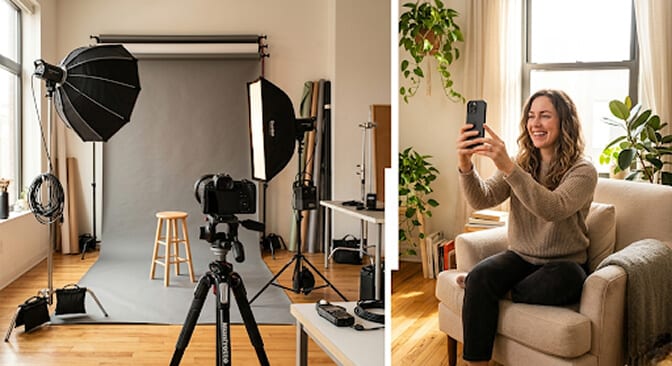
But there are situations where a traditional photographer is the better call.
If you're a C-suite executive at a Fortune 500 company, the nuance of an in-person session matters. If your headshot will be on a billboard or in a major publication at large format, you want full control over every detail. If you have very specific styling needs that an AI tool can't accommodate, a human photographer gives you real-time feedback.
For everyone else? The headshot you actually use beats the expensive studio shot you keep putting off. And the cost difference is significant.
The Bottom Line
An AI headshot that doesn't look like you is frustrating. But it's almost always fixable.
Start with better input photos. Understand that your self-perception might be playing tricks on you. Use a tool that prioritizes facial accuracy over generic beautification. And don't settle. Keep iterating until you get something that feels right.
Your headshot is the first impression you make on people who've never met you. It should look like the person who shows up to the meeting, not a polished stranger.
If you want to see what good AI headshots actually look like, check out real examples from our users. And when you're ready, try Headshot Photo. Upload your selfies, get results in 1 hour, and see if the face staring back is finally, unmistakably, you.
Frequently Asked Questions
1. Why doesn't my AI headshot look like me?
The most common reason is low-quality or inconsistent input photos. If you upload blurry selfies, filtered images, or photos from years ago, the AI can't build an accurate model of your current face. Feature averaging in the AI model and the mere exposure effect (you're used to seeing a mirrored version of yourself) also contribute. Uploading 8 to 12 recent, clear, front-facing photos with natural lighting solves most accuracy issues.
2. How can I make my AI headshot more realistic?
Use recent, unfiltered photos with natural lighting and a clean background. Face the camera directly, vary your expressions slightly across uploads, and avoid group photos or heavy crops. The more consistent and high-quality your input, the more realistic and accurate the output. Tools like Headshot Photo that prioritize identity preservation over generic beautification also produce more realistic results.
3. Are AI headshots good enough for LinkedIn?
Yes. Modern AI headshot generators produce results that are visually indistinguishable from professional studio photography for digital use. LinkedIn profile photos are displayed at relatively small sizes, where AI headshots perform exceptionally well. Most professionals won't be able to tell the difference between an AI headshot and a studio shot at that resolution. Our post on whether AI headshots are acceptable for LinkedIn covers this in detail.
4. How do AI headshots compare to a professional photographer?
AI headshots cost roughly $29 to $50 versus $200 to $500 for a studio session. They take 1 hour instead of 2 to 3 hours including travel and setup. For LinkedIn, company bios, and digital profiles, AI delivers comparable quality. Traditional photographers still offer advantages for C-suite executives, large-format printing, or situations requiring specific creative direction and real-time posing feedback.
5. Will AI headshots work for all skin tones and face shapes?
This varies significantly between platforms. Some AI models are trained on limited datasets and perform poorly for people with darker skin tones, unique facial structures, or non-Western features. Look for tools that explicitly address diversity in their training data. At Headshot Photo, we've prioritized inclusive training to ensure accurate results regardless of your skin tone, face shape, or features.
