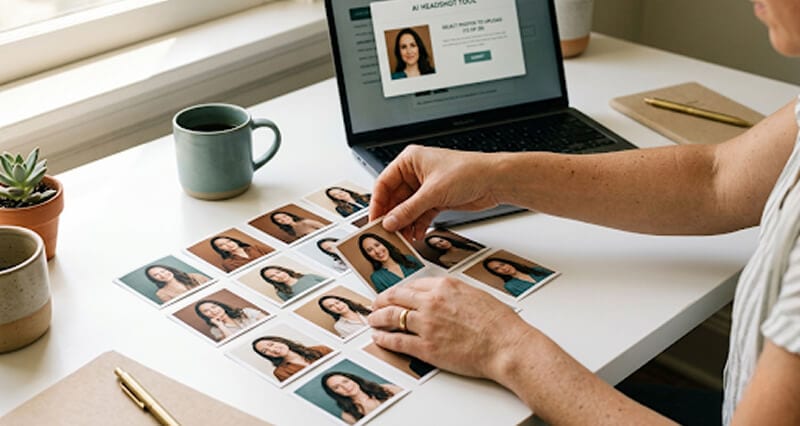
Every AI headshot tool asks for a different number of photos. Some want 4. Some want 25. Here's what actually matters and the exact number that gets the best results.
She uploaded four selfies and hit generate.
Twenty minutes later, she was staring at a headshot that looked like her younger sister's coworker. Not her. Not even close.
So she tried again. This time she uploaded 20 photos. Every selfie from the last six months. Mirror shots. Group photos she cropped. That one from her cousin's wedding where the lighting was chef's kiss.
The result? Somehow worse. The AI averaged all those inconsistent inputs into a face that belonged to absolutely nobody.
This is where most people get it wrong. They think the question is simply "how many photos do I need?" But the real question is "how many of the right photos do I need?"
And the answer is more specific than you'd expect.
The Short Answer: 8 to 12 Photos
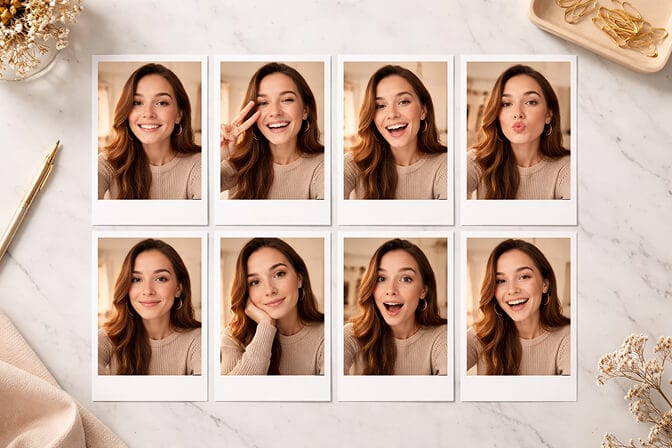
For most AI headshot generators, 8 to 12 high-quality photos is the sweet spot.
Fewer than 8 and the AI doesn't have enough data points to build an accurate model of your face. It starts guessing. And AI guesses are how you end up looking like a stock photo model instead of yourself.
More than 15 and you start introducing noise. Old photos with outdated hairstyles. Shots with weird lighting. Angles that distort your features. The AI tries to reconcile all of it, and the result is a blurry average of every version of you from the last five years.
At Headshot Photo, we ask for 8 selfies. That's not an arbitrary number. It's what our model needs to capture your facial geometry, skin tone, and natural expressions without being overwhelmed by contradictory data.
But here's the thing most articles won't tell you: the number matters way less than the quality.
Why 4 Photos Isn't Enough
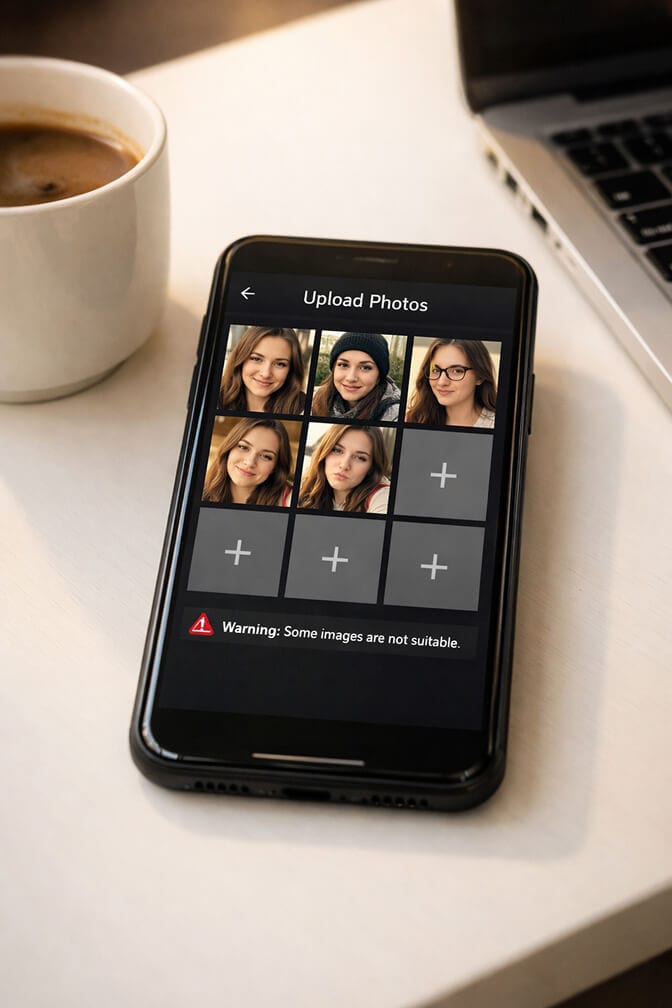
But think about what's happening under the hood.
The AI is building a 3D mental model of your face from flat 2D images. With only 3 or 4 input photos, it's working with massive blind spots. It doesn't know what the left side of your nose looks like if every selfie is angled slightly right. It can't gauge your jaw line accurately if all your photos are shot from above.
Four photos give the AI a sketch. Eight photos give it a portrait.
The difference shows up in the output. With too few inputs, you'll notice the AI fills in gaps with its best guess, which usually means pulling from its training data of millions of generic faces. Your unique features get smoothed out and replaced with something more "average."
This is why people say things like "my AI headshot looks professional but doesn't look like me." The AI didn't have enough reference material to preserve you.
If that sounds familiar, our post on how to spot the differences in AI headshots explains what to look for.
Why 20+ Photos Can Actually Hurt
You'd think more photos would mean better results. More data, more accuracy, right?
Not exactly.
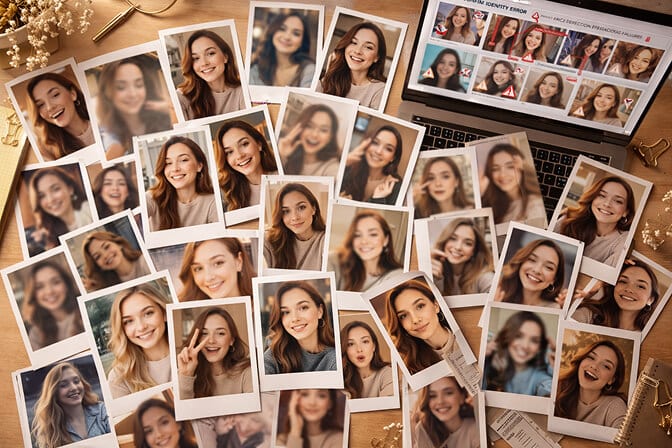
When you upload 20 or 25 photos, you almost inevitably include inconsistencies. A photo from 2023 where your hair was different. A filtered Instagram shot that altered your skin tone. A group photo you cropped where the compression degraded the resolution. A dimly lit bar selfie where half your face is in shadow.
Each of these "bad" inputs pulls the AI in a different direction. The model tries to find the common ground between all your photos, and when some of those photos are contradictory, the common ground is generic mush.
More photos doesn't mean better photos. It usually means more noise.
The tools that ask for 15 to 25 uploads are often compensating for the likelihood that many of those photos will be low quality. They're banking on quantity to offset the junk. But if you can provide 8 genuinely good photos, you'll beat 25 mediocre ones every time.
What Makes a "Good" Upload Photo
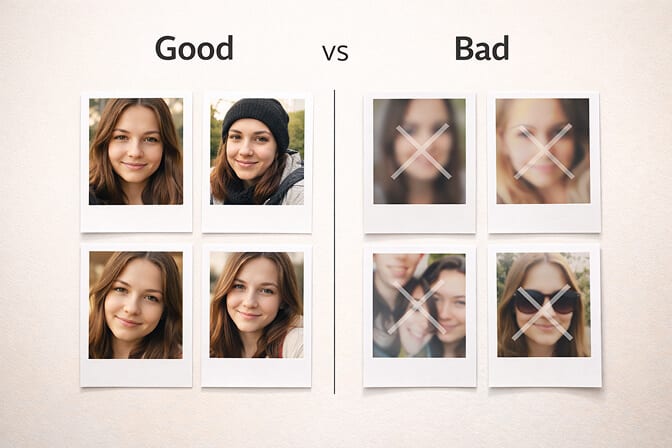
Here's exactly what the AI needs from your upload set:
Consistent appearance across all photos. Same hairstyle, same glasses (or no glasses), same facial hair. If you wear glasses daily, wear them in every upload. If you shaved yesterday, make sure none of your photos show last month's beard. Our guide on grooming for professional headshots covers how to get this right.
Front-facing angles. The AI needs to see your full face. Slight turns are okay, but avoid dramatic profiles or shots where you're looking away from the camera. Think passport photo angle, not Instagram pose angle.
Natural lighting. Window light or outdoor shade works best. Avoid harsh overhead fluorescents, ring light halos, and flash photography. The AI handles natural light patterns much better than artificial ones. If you want specifics, our headshot lighting for wrinkles post goes deep on flattering light techniques.
No filters. None. No beauty mode. No Snapchat effects. No skin smoothing. The AI needs your actual face data. When you pre-filter, you're feeding it fiction. Getting comfortable with how you look in unfiltered photos is a big part of this.
Clean backgrounds. You don't need a white wall, but avoid busy scenes, other people in frame, or cluttered environments that might confuse the AI's face detection.
Varied expressions. A natural smile, a neutral expression, a slight grin. This gives the AI a range to work with instead of one frozen look.
Recent photos only. Taken within the last 2 to 3 months. Your face changes over time, even subtly. Old photos introduce inaccuracy.
The Ideal Upload Set (Exact Breakdown)
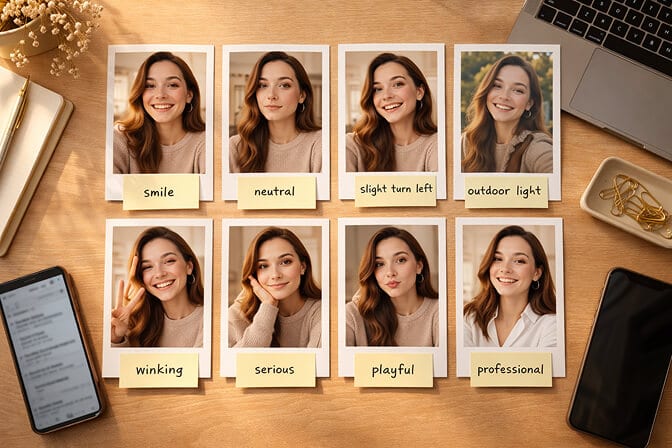
3 to 4 chest-up photos facing the camera directly. Mix of smile and neutral expression. Natural lighting. These are your primary training images and the AI leans on them the most.
2 photos with slight angle variation. Turn your head about 15 degrees in each direction. This helps the AI understand the three-dimensional shape of your face, including your cheekbones, jawline, and nose bridge.
1 to 2 photos in different lighting conditions. One in warm indoor light, one in cool outdoor shade. This teaches the AI how your skin tone behaves in different light, which leads to more realistic output.
1 photo with a different but recent outfit. Same you, different shirt or jacket. This helps the AI separate your features from your clothing, so it doesn't accidentally associate a specific collar or neckline with your face shape.
That's it. Eight photos. Deliberate. Consistent. Clean.
If you need a step-by-step on taking a professional headshot at home, we have a full walkthrough.
What Each Major Tool Requires
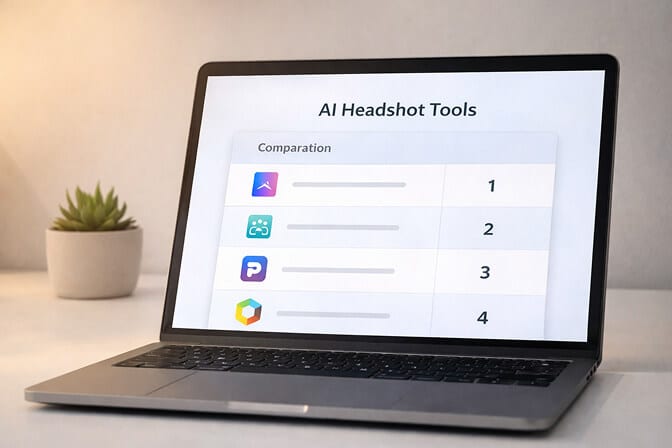
Headshot Photo: 8 selfies. Optimized for quality over quantity. Results in about 1 hour.
HeadshotPro: 15 uploads (or a guided selfie capture). Their model needs more inputs because it generates from a wider variety of styles.
BetterPic: 8 images. Recommends 6 to 7 chest-up shots plus 1 to 2 half-body.
InstaHeadshots: 10 images. Emphasizes variety in angles, backgrounds, and lighting.
PhotoPacks: 10 everyday photos. Generates 100+ headshots across multiple styles.
Portrait Pal: Fewer than 25 but wants a mix of selfies, candids, and portraits.
Aragon AI: Varies by package. Their focus is more on post-generation editing tools.
The range is 3 to 25 across the industry. But the consensus from platforms producing the best results? 8 to 12 intentional, high-quality photos beats everything else.
If you want a deeper comparison including pricing and output quality, our AI headshot tools roundup covers it all.
Common Upload Mistakes That Ruin Your Results
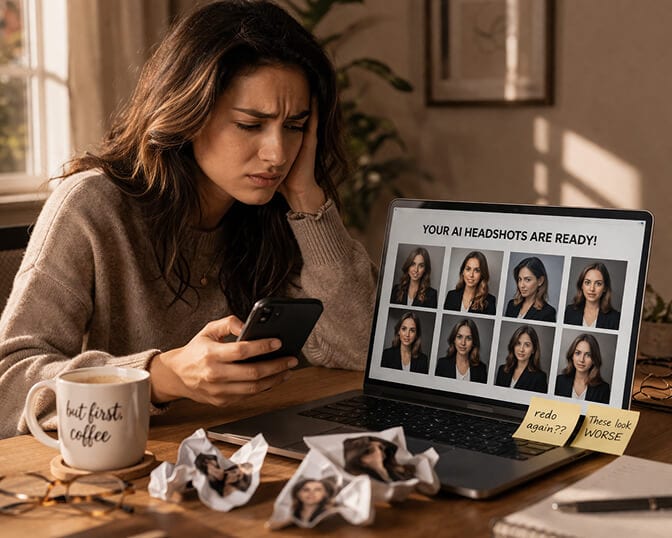
Mixing old and new photos. If even two of your eight photos are from a year ago when your hair was longer or you wore different glasses, the AI blends the old you with the current you. The output looks like neither.
Including filtered or edited photos. Beauty filters change your face geometry. Skin smoothing removes texture data the AI needs. Even Instagram's basic filters alter your skin tone enough to confuse the model.
Uploading group photos you've cropped. The cropping usually cuts into your chin or forehead, and the compression from zooming in reduces image quality. The AI gets less data to work with, and the parts it does get are distorted.
All the same expression. If every photo is the same exact smile, the AI can only reproduce that one expression. Your headshot ends up looking stiff and rehearsed. Mix it up. If you're not sure which expressions work, check out our post on best headshot poses.
Wearing sunglasses or hats. The AI can't see your eyes through sunglasses or your hairline under a hat. These are critical features it needs to model accurately.
Inconsistent glasses. Glasses in three photos, no glasses in five. Now the AI is confused about whether your face has glasses or not, and it produces weird hybrid results where frames appear and disappear between outputs.
Worried about whether employers can spot the difference anyway? Our post on whether employers can tell AI headshots has the actual data.
Does It Matter What You Wear in Your Upload Photos?
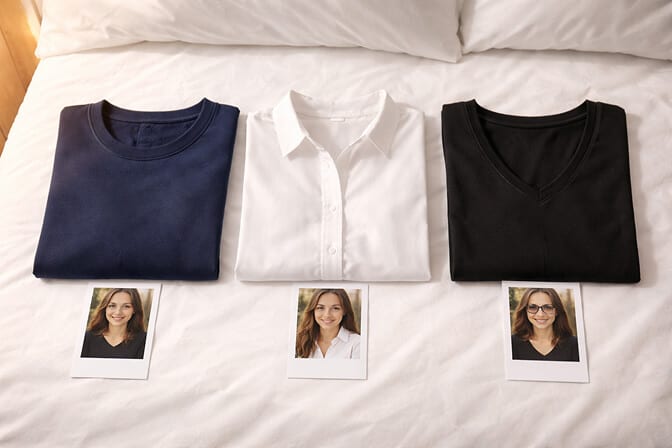
Your upload photos aren't about looking professional. They're about giving the AI clean data. The tool will dress you in professional outfits during generation. Your upload wardrobe just needs to not interfere with face detection.
Solid colors work best. Busy patterns, logos, and graphic tees can confuse the AI's edge detection around your neckline and chin.
Crew necks and v-necks are ideal. They keep the focus on your face without complex collar or lapel shapes the AI has to interpret.
Avoid turtlenecks. They obscure your neck and jawline, which are features the AI uses for accurate face modeling.
If you're curious about what to wear in the final headshot (not the upload), our guide on professional headshot attire covers that in detail. And for choosing the right headshot background to pair with your outfit, we have a full breakdown.
The Bottom Line
The question "how many photos do I need for AI headshots?" has a simple answer: 8 to 12 intentional, high-quality, recent, unfiltered selfies.
Not 4. Not 25. And definitely not a random dump of every photo on your camera roll.
The number matters less than what's in each photo. Consistent appearance, natural lighting, front-facing angles, no filters, varied expressions. Get those right, and 8 photos will produce headshots that actually look like you.
Your headshot is the first thing people see on LinkedIn, your company bio, your email signature. It should look like the person who shows up on the Zoom call.
Ready to see what 8 good selfies can turn into? Try Headshot Photo and get 100+ professional headshots in about 1 hour. Check out what our customers are saying or browse real headshot examples to see the quality for yourself.
Frequently Asked Questions
1. How many photos do I need to upload for AI headshots?
Most AI headshot generators require between 8 and 15 photos for best results. The sweet spot is 8 to 12 high-quality, recent selfies with consistent appearance, natural lighting, and varied expressions. Uploading fewer than 8 usually leads to inaccurate facial features, while uploading more than 15 often introduces noise from inconsistent photos that degrades output quality.
2. Can I use just 1 or 2 selfies for AI headshots?
Some tools claim to generate headshots from 1 to 3 photos, but results are typically less accurate. With so few inputs, the AI has to fill in significant gaps by guessing, which means your unique features get replaced with generic averages from its training data. For headshots that actually look like you, 8 photos is the minimum we recommend.
3. What kind of photos work best for AI headshot uploads?
The best upload photos are recent (within 2 to 3 months), unfiltered, front-facing selfies with natural lighting and clean backgrounds. Include a mix of expressions and slight angle variations. Avoid group photos, filtered images, sunglasses, hats, and photos from dramatically different time periods. Consistency in your appearance across all photos is more important than variety.
4. Do I need professional photos to upload, or can I use phone selfies?
Phone selfies work perfectly fine and are actually what most AI headshot tools are designed for. You don't need a professional camera or studio setup. Just use your phone's rear camera (if possible) or front camera in a well-lit space near a window. The AI cares about lighting quality and face visibility, not camera specs. Our guide on DIY headshots with your iPhone walks you through the exact process.
5. Why do some AI headshot generators ask for 15 to 25 photos?
Tools that request 15 to 25 uploads are typically compensating for the likelihood that many user photos will be low quality, inconsistent, or outdated. By requesting more, they increase the odds of getting enough usable data. However, if you provide 8 to 12 genuinely good photos following best practices, you'll get results equal to or better than someone who uploads 25 random images.
