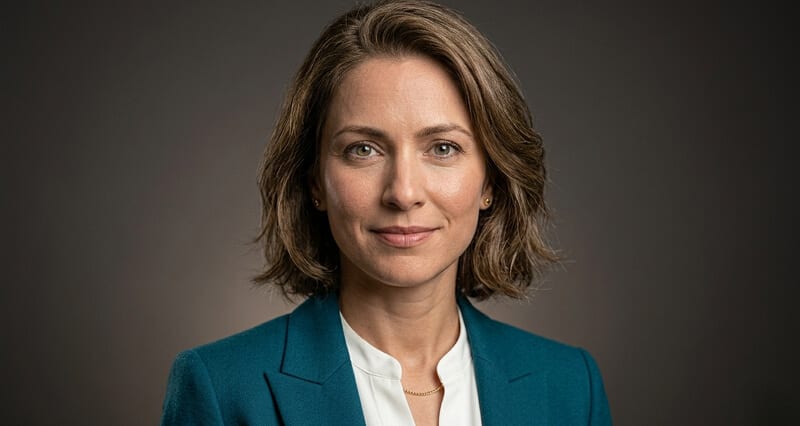
Advanced Tips for Achieving Hyper-Realistic AI Headshot Likeness in 2026
Most people upload a handful of random selfies and hope for the best. Here's the systematic approach that actually produces outputs indistinguishable from studio photography.
The first batch came back looking like my cousin.
Not my distant cousin. My cousin who I see at Christmas. Similar bone structure. Similar coloring. But clearly not me. The eyes were off. The nose sat differently. The overall impression was "adjacent to this person" rather than "this person."
I'd uploaded twelve selfies. All from roughly the same day. All taken in roughly the same lighting. All showing my face from roughly the same angle.
That, it turned out, was exactly the problem.
The AI model wasn't working with enough identity information to render me specifically. It had a narrow slice of one version of my face under one set of conditions. When it tried to generalize from that slice to a full studio portrait, it drifted. Not dramatically. Just enough to produce someone who looked like they'd borrowed my facial features without returning all of them.
The second batch, after I understood what had gone wrong, came back looking genuinely like me.
The difference wasn't the tool. It was the input strategy.
Why Most AI Headshot Input Strategies Fail
Here's the part that the tool interfaces don't explain.
AI headshot generators work by training a lightweight model on your input photos. That model learns what's consistent about your face across different conditions. Then it generates new photos of you by applying that learned identity to professional lighting, backgrounds, and compositions.
The quality of what it learns determines the quality of what it produces. And what it learns depends entirely on the diversity of the input set you provide.
Most people make the same mistake. They take a burst of selfies in one location, in one lighting condition, at one moment in time. The model receives highly consistent inputs and infers that consistency is who you are. When it generates outputs, it renders that narrow slice rather than your actual face with all its natural variation.
The result: a face that looks like you in those specific conditions but drifts when the model tries to generalize to studio lighting, different angles, or a professional context.
The goal of a good input set is not consistency. It's diversity within consistency. You want to teach the AI what's stable about your face across many different conditions, not what your face looks like under one specific condition.
That's a fundamentally different approach to taking input photos, and it changes everything.
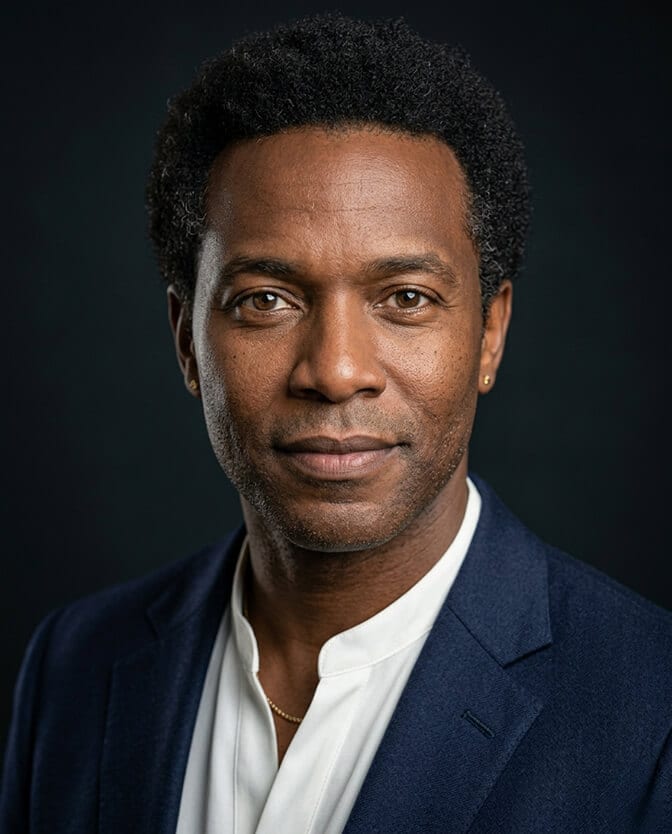
The Advanced Input Strategy: What Your Photo Set Actually Needs
Here's the systematic breakdown of what a high-quality input set looks like.
Angle diversity. Your model needs to see your face from multiple perspectives to accurately reconstruct your three-dimensional features. A set of twelve photos, all taken straight-on, gives the model one-dimensional information. Include: one or two straight-on shots, several at 15 to 30 degree turns to each side, one or two at a slight upward angle (phone held slightly below eye level), and one or two at a slight downward angle (phone held slightly above eye level). The model learns from the intersection of these views.
Lighting diversity. Your face looks different under different light sources, and the model needs to see that variation. Include photos taken in natural window light, overhead indoor light (even though this isn't ideal for headshots, it provides contrast with your preferred inputs), and if possible, outdoor open-shade light. The goal isn't for all of these to be good photos. It's for the model to understand your actual features across lighting conditions rather than your features under one specific lighting setup.
Expression variation. This surprises people. For a professional headshot, you want consistent expression outputs. But for accurate input training, including a range of expressions actually improves likeness accuracy. A slight smile, a neutral expression, and a more engaged or slightly more expressive face all reveal different aspects of your facial structure. The cheeks behave differently when smiling. The area around the eyes activates differently with different expressions. A model trained on only one expression knows less about your face than one trained on several.
Time of day variation. If possible, shoot your input photos over a couple of hours or even on different days. Lighting changes. Your skin reads slightly differently in morning light versus afternoon light. These variations give the model more identity data to work from.
Resolution and focus. Every photo in your input set should be sharp, well-lit on your face specifically, and taken at full camera resolution without heavy filters. Blurry or filtered photos don't give the model accurate facial data. They teach the model a filtered, smoothed version of your face, which produces filtered, smoothed-looking outputs.
The Angle Coverage Checklist
Make this specific. For a high-quality input set aimed at maximum likeness accuracy, you want coverage across these positions:
Dead straight to camera. Two or three photos. Face centered. Eyes level with the lens. Chin at its natural position.
15 to 20 degree turn left. Two photos. Body slightly angled, face returned toward camera. This is the beginning of the three-quarter turn that produces most professional headshots.
30 to 45 degree turn left. Two photos. Classic three-quarter angle. This is where most AI headshot generators produce their best output, so giving them strong input data from this angle pays off directly.
Same coverage on the right side. Two to four photos mirroring the left-side coverage. Your face is slightly asymmetrical (all faces are), and the model needs to see both sides to represent you accurately.
Slight elevation variation. One or two photos with the camera slightly above eye level (chin slightly down), and one or two with the camera at or just below eye level. Avoid extreme low angles (unflattering, and misleading about your facial structure).
This gives you twelve to sixteen photos with genuine angle diversity. Combined with lighting and expression variation, that's enough for a quality model to render your face accurately across the full range of professional headshot outputs.
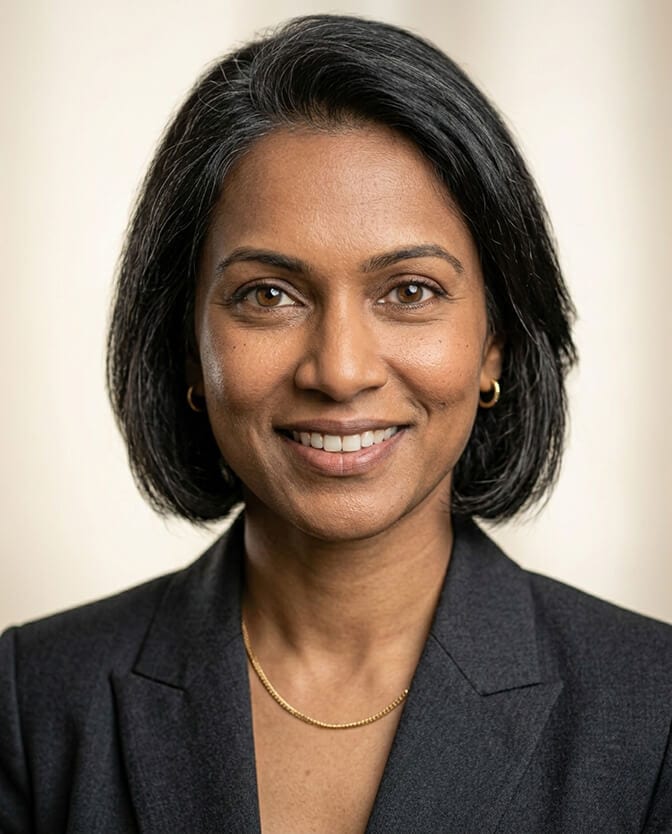
The Lighting Input Trap (And How to Avoid It)
Here's where most advanced users still make a mistake even after they've got the angle diversity right.
The trap is optimizing all your input photos for flattering lighting. You think: I want a professional output, so I should give the model photos that look as professional as possible. You shoot everything in your best window light, at the most flattering angle, in perfect conditions.
The model learns your face in good lighting. Then when it tries to render you in studio lighting, which has different characteristics, it drifts because it doesn't have enough information about how your face looks under different conditions.
A small number of your input photos should look bad. Overhead light. Slightly harsh conditions. An overcast outdoor shot with flat, even light. These teach the model your actual facial features rather than your features in one favorable environment.
The final output will still be studio quality, because the model applies professional rendering to what it learned. But what it learned will be more accurate because you gave it more data to work from.
Think of it like training data for a classifier. You don't train a robust image classifier on only perfect, well-lit examples. You include variation and edge cases because that's what produces a model that generalizes correctly.
What To Do With Problem Areas
Some aspects of face rendering are harder for AI models than others, and knowing which ones to specifically account for in your inputs helps.
Eyes. The most trust-critical element and the one most likely to drift. In your input set, include at least four to six photos where your eyes are the clearest, sharpest element in the frame. Focus specifically on your eyes in several shots. The model needs extremely high-resolution eye data to render irises, catchlights, and eye shape accurately.
Facial hair. If you have a beard or mustache, this is a consistent identity feature the model must learn accurately. Include photos taken over a couple of days so the model sees your facial hair in different conditions and lighting rather than rendering a generic beard shape in your coloring.
Hair. The edge where your hair meets the background is one of the hardest things for AI to render cleanly, particularly with lighter or finer hair. Including photos against different background colors (a light wall, a dark surface, outdoors) gives the model more information about your actual hair boundary.
Glasses. If you wear glasses regularly and want to appear with them in your headshots, include photos with them in your input set. If you want outputs without glasses, include photos without them. Don't mix if you can avoid it, as the model becomes uncertain about which version to render.
If you want to see how well-optimized inputs translate into finished professional headshots, browse AI headshot examples from real Headshot Photo users across different features and face types before you finalize your own input strategy.
The Post-Processing Trap
Stay with me here, because this is where people undo their own work.
A common mistake after receiving a high-quality AI headshot output is to run it through additional editing apps. Face-smoothing filters. Brightness adjustments. Additional retouching in a portrait editing app.
Every layer of additional processing on top of a well-rendered AI headshot pushes it back toward the uncanny valley. The AI has already optimized the skin texture to the correct level of realism. Running it through another app that smooths skin further removes the natural texture that makes the photo read as real. The catchlights that were in exactly the right position get slightly altered. The color calibration shifts.
The output of a quality AI headshot session should be treated like a final photograph, not a raw file to be processed further. The one exception is cropping for specific platform dimensions. Cropping doesn't alter the rendering quality. Filters, smoothing, and brightness adjustment do.
If you receive an output that needs heavy post-processing to look right, the issue is the input strategy or the tool, not the output. Address the root cause rather than trying to fix the symptom with a layer of additional processing.
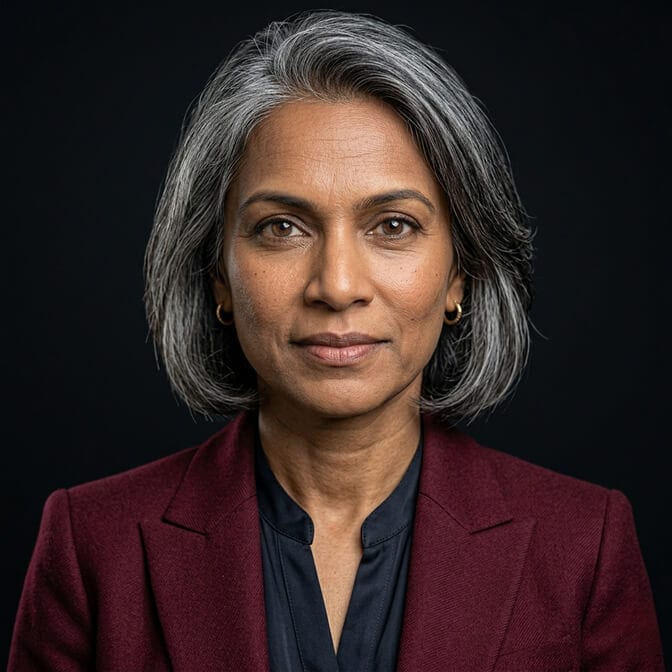
The Selection Process: How to Evaluate Outputs for Likeness
Once you receive your output batch, the selection process matters as much as the input strategy. Here's the framework for evaluating likeness specifically.
The mirror test. Look at the output and then look at yourself in a camera or mirror. Do the eyes match in shape, color, and placement? Does the nose sit in the same position? Does the jaw and chin shape match? This test catches the subtle drift that's easy to miss when you're looking at an output in isolation.
The video call test. Open your video call application and look at your live feed. Then look at the output. Would someone transitioning between them recognize you immediately? This is the practical version of the mirror test applied to the specific context that matters most professionally.
The stranger test. Show several output options to one person who knows you well and ask them to identify which one looks most like you today. Not the most flattering. The most accurate. The winner of this test is your headshot.
What to do when nothing passes. If no output from the batch passes the likeness tests, the issue is almost certainly in the input strategy. Go back and add angle diversity, lighting diversity, or expression variation to your input set, then regenerate. Our 10 red flags of low-quality AI headshots checklist covers the specific output failures to watch for during evaluation.
For professionals who want to understand the full range of headshot options and output styles before committing to their input session, the professional headshots page at Headshot Photo shows how different input qualities translate to finished outputs.
The Takeaway
The second batch looked like me. Genuinely. Specifically. The kind of photo where people who see it and then meet me on a video call have zero adjustment moment.
The difference between the first batch and the second was a completely different input strategy. More angles. More lighting variation. More expression range. Fewer assumptions about what the model needed.
The tool was the same. The results were completely different.
That's the thing about hyper-realistic AI headshot likeness in 2026. The technology is capable of producing genuinely accurate, professional-quality outputs. What it can't do is compensate for inputs that don't give it enough to work with.
Give it good data and it produces you at your professional best. Give it a narrow slice of one afternoon's selfies and it produces someone who borrowed your face.
The input strategy is yours. Everything else is automated.
When you're ready to apply this approach and see what a well-prepared input set produces, create your professional headshot with Headshot Photo and test the output against the likeness framework in this article.

Frequently Asked Questions
1. What is style cloning in AI headshots and how does it work?
Style cloning in AI headshots refers to the process of training a model on your specific photos so it learns your individual facial identity, then generating new professional images that accurately render your likeness in different lighting, background, and wardrobe contexts. The model learns what's consistent about your face across multiple input photos and applies that identity to professional output settings. The quality of the likeness depends directly on the diversity and quality of the input set provided.
2. How many photos do I need for hyper-realistic AI headshot results?
For strong likeness accuracy, a well-structured set of 12 to 20 photos outperforms a larger set of repetitive photos. The critical variable is diversity: different angles (straight-on, left and right three-quarter turns, slight elevation variations), different lighting conditions, and different expressions. Twelve photos covering these variations consistently produces better likeness than thirty photos all taken in the same lighting from the same angle.
3. How do I improve AI headshot likeness if the outputs don't look like me?
The most common cause of poor likeness is insufficient input diversity. Specifically: too many photos from the same angle, all input photos taken in the same lighting condition, or all input photos showing the same expression. Add angle diversity (especially three-quarter turns from both sides), include a few photos in different lighting conditions including some that are less flattering, and include two or three different facial expressions. Then regenerate from the improved input set rather than trying to post-process the existing outputs.
4. Does adding more photos to my input set always improve AI headshot likeness?
Not necessarily. The quality and diversity of photos matters more than quantity. Thirty blurry, repetitive, or similar-angle photos produce worse results than twelve sharp, diverse, well-lit photos. The model benefits from variation that teaches it what's stable about your identity across conditions, not from volume that all shows the same narrow slice of your appearance.
5. Should I retouch or edit my AI headshots after receiving them?
Generally no. Quality AI headshot generators apply optimized skin rendering and lighting as part of the generation process. Running the output through additional smoothing, filtering, or brightening apps typically removes the natural texture that makes the photo read as real and pushes it back toward the uncanny valley effect. Cropping for specific platform dimensions is fine. Other post-processing usually degrades the output rather than improving it. If the output needs heavy editing to look right, the issue is in the inputs or the tool rather than the output itself.
