InstaHeadshots vs Headshot Photo: A Side-by-Side Comparison
Same promise, two prices, one real difference that decides which one your face actually wants. I tested both so you don't have to guess.
Two tabs open. Same selfies uploaded to both. Same goal: one headshot good enough that I'd stop cringing at my own LinkedIn.
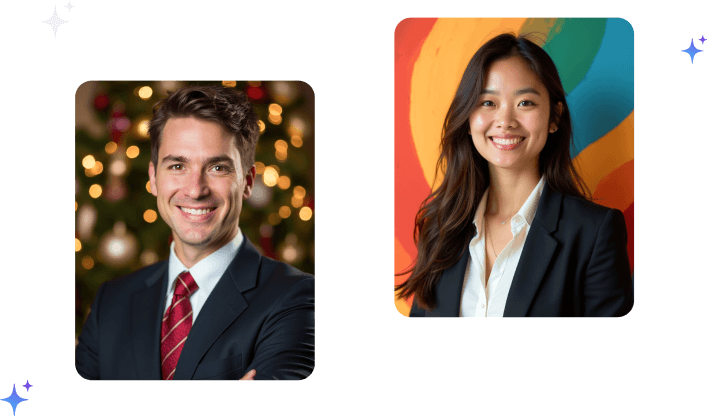
On the left, InstaHeadshots. On the right, Headshot Photo.
I'd already paid for both, so this wasn't theory. This was my actual face, run through two machines, and I was about to find out where the real difference lives.
Spoiler: it's not where the marketing pages say it is.
Here's the honest breakdown.
The Pitch Is Identical. The Price Is Not.
Both tools sell the same dream. Upload some selfies, skip the photographer, get professional headshots in minutes. No studio, no awkward posing, no $400 invoice.
On that promise, they're twins.
Then you hit the pricing page, and they split.
InstaHeadshots runs three one-time plans. Starter at $49 for around 40 headshots, Simple at $59 for around 100, Premium at $69 for around 200.
Headshot Photo also runs one-time plans, but lower. Basic at $34 for 40 headshots, Premium at $39 for 80, and the top tier at $59 for 200.
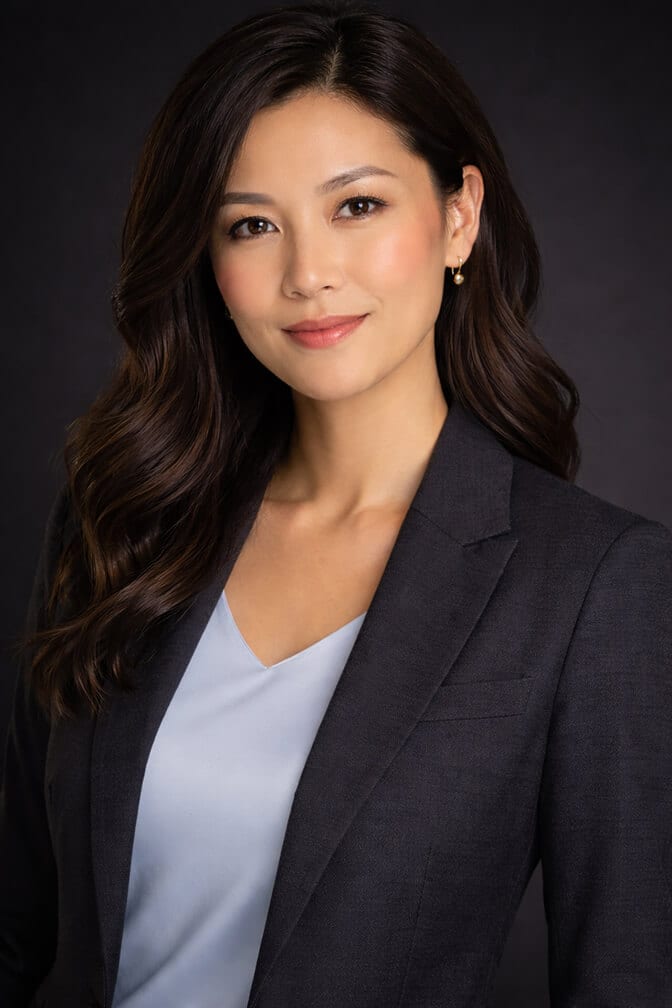
Look at the entry tiers side by side. Forty headshots for $49 versus forty headshots for $34.
Same count. Fifteen dollars apart. And that's before you get to what actually matters.
Here's Where It Gets Interesting
Price is the easy comparison. Everyone does it. It's also the least useful one, because both tools land in the same affordable zone and neither will bankrupt you.
The thing that actually decides your experience is what happens after you pay.
InstaHeadshots leans into volume and variety. Its Creator Flow system advertises more than a thousand style combinations. The pitch is choice. Lots of outfits, lots of backgrounds, lots of looks.
Headshot Photo takes a tighter approach. Fewer, more curated styles and backgrounds, with edit credits built into every plan so you can swap an outfit, change a background, or upscale a shot after the fact.
One tool hands you a thousand doors. The other hands you the right few and a key to adjust them.
Neither approach is wrong. But they attract very different people, and knowing which one you are saves you a lot of regret.
The Volume Trap Nobody Mentions
Here's the part most comparison posts skip.
More styles sounds better. In practice, a thousand combinations mostly means a thousand chances to generate a photo that's fine and forgettable.
You don't need 200 headshots. You need three you'd actually use. And when a tool floods you with options, you spend your afternoon scrolling instead of choosing.
This is where most people get it wrong. They buy the plan with the biggest number, thinking more photos equals more value. Then they drown in mediocre variations and still struggle to find the keeper.
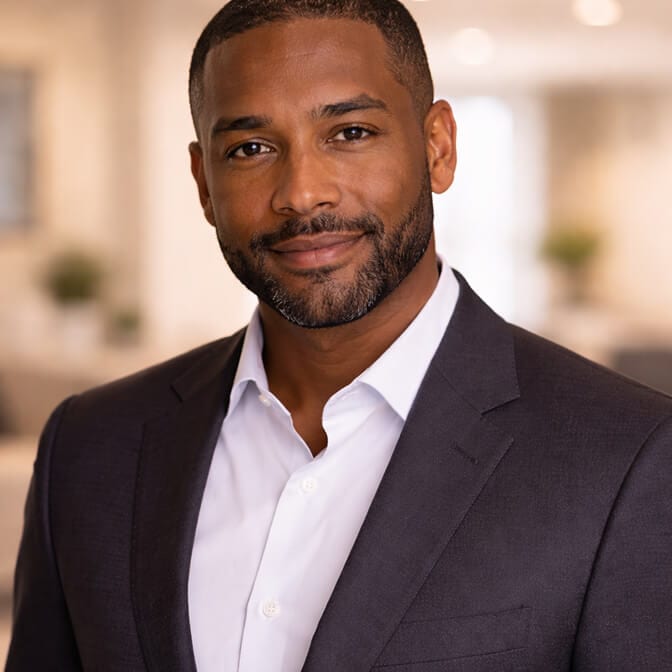
If you've ever felt that paralysis, our breakdown on how to choose an AI headshot generator walks through the questions that actually matter before you pick a plan.
The smarter measure isn't photos per dollar. It's usable photos per dollar. And on that math, a tighter, cheaper set of consistent shots often beats a sprawling pile of average ones.
Speed and Turnaround
Both tools are fast. This is table stakes now.
InstaHeadshots delivers in roughly 15 to 90 minutes depending on the plan. Headshot Photo ranges from about 3 hours on the entry tier down to roughly 10 minutes on the top tier.
If raw speed is your single obsession, both will get you a headshot before your coffee goes cold. This isn't where the decision gets made.
What I noticed mattered more than minutes was the after-care. Headshot Photo's edit credits meant that when a shot was almost right (good face, wrong background), I could fix it without regenerating a whole new batch.
That's a small feature that quietly saves you the most frustrating part of the process.
The Likeness Test (The Only Test That Counts)
Forget pricing for a second. Forget style counts.
Will the photo actually look like you?
This is the whole game, and it's the question both marketing pages tap-dance around. Because the dirty truth of every AI headshot tool is that some shots nail your face and some turn you into a suspiciously handsome stranger.
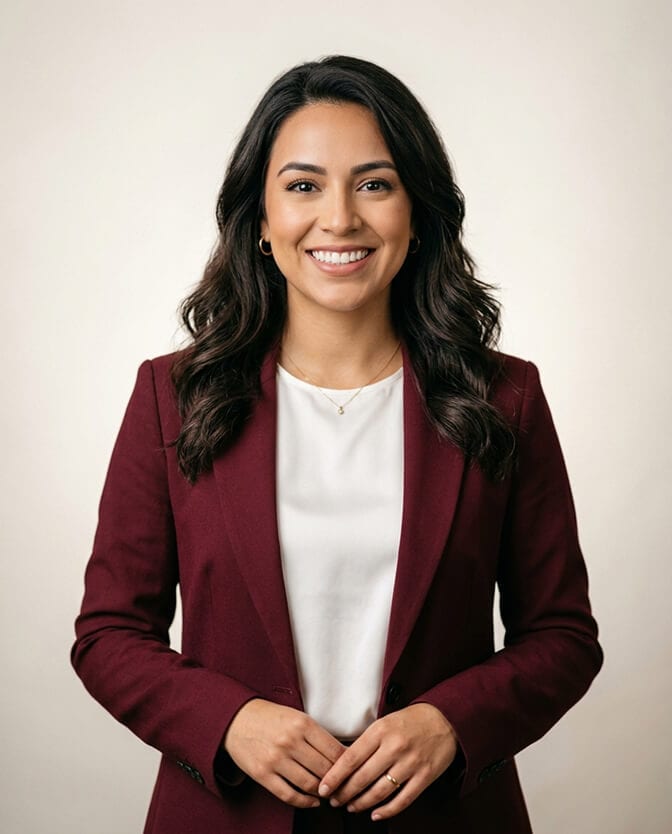
In my test, both tools produced a mix. Some great, some off. That's normal. The question is the hit rate, and the hit rate depends heavily on the selfies you feed in and how well the model holds your real features instead of "improving" them.
If your results ever come back looking like a polished impostor, the reasons are almost always fixable, and we covered them in detail in our piece on why your AI headshot doesn't look like you.
A headshot that flatters a stranger is worthless. A headshot that looks like you on a good day is the entire point.
That's the bar. Not style count. Not turnaround speed. Likeness.
So Which One Should You Pick?
Here's my honest take, founder bias disclosed up front.
If you want maximum variety and don't mind paying a bit more and sorting through a big pile to find your favorites, InstaHeadshots is a legitimate, capable tool. It does what it says. We covered the full details in our InstaHeadshots review.
If you want a lower price, a tighter curated set, and edit credits to fine-tune the near-misses, Headshot Photo is built for exactly that. Forty headshots at $34 versus $49 is a real gap, and the edit credits close the "almost perfect" frustration that volume alone can't.
There's also a genuinely useful middle path most people miss. You can test the waters before paying full price for any tool by trying a free LinkedIn photo generator and seeing how AI handles your face first.
If you'd rather skip straight to comparing real plans, you can see exactly what Headshot Photo costs and weigh it against what you'd pay elsewhere. No coupon scavenger hunt, no subscription creeping onto your card later.
Pick the tool that gets your face right at a price that doesn't make you wince. Everything else is noise.
What I'd Actually Do
If it were my money and my face, I'd start with the cheapest plan that gives me enough variety to find a few winners, then use edit credits to polish the ones that are close.
That usually means I'm spending less and ending up with photos I'm genuinely happy to use, instead of paying a premium for 160 extra shots I'll never open.
Both tools can get you there. One just asks for more money and more patience to do it.
You came here to compare two tools. The real comparison was never about which has more styles or faster delivery. It's about which one hands you a photo that looks like you, for the least hassle and the smallest dent in your wallet.
Now you know where they actually differ. Go get the photo you'll be proud to use.
Frequently Asked Questions
1. What is the difference between InstaHeadshots and Headshot Photo?
Both turn your selfies into professional AI headshots with one-time pricing and fast delivery. The main differences are price and approach. Headshot Photo starts lower (around $34 for 40 headshots versus $49) and includes edit credits to adjust outfits and backgrounds, while InstaHeadshots leans into a larger volume of style combinations.
2. How does InstaHeadshots compare to Headshot Photo on price?
Headshot Photo is the cheaper option at every comparable tier. Its entry plan is about $34 for 40 headshots, while the comparable InstaHeadshots plan is around $49. Both are one-time payments with no subscription, so the gap is straightforward to read.
3. How do I choose between InstaHeadshots and Headshot Photo?
Decide what you value most. If you want the widest range of style combinations and don't mind sorting through more options, InstaHeadshots fits. If you want a lower price, a curated set, and edit credits to fine-tune near-perfect shots, Headshot Photo is the better match. Our guide on how to choose an AI headshot generator breaks down the full decision.
4. Is InstaHeadshots or Headshot Photo worth the money?
Both are worth it compared to a traditional studio session that runs $250 to $800 for only a few images. The deciding factor is how many of the generated photos actually look like you. On a cost-per-usable-photo basis, the cheaper option with reliable likeness tends to win.
5. Are AI headshots from these tools good enough for LinkedIn and corporate profiles?
Yes. Both tools produce studio-style images at resolutions suitable for LinkedIn, company team pages, and professional profiles. The quality depends largely on your input selfies, so clear, well-lit photos from a few angles give you the strongest results from either tool.