
Most "best AI headshot tool" lists are written for Google, not for you. Here's the checklist I wish someone handed me before I burned $98 on two generators that made me look like a wax figure.
Last Tuesday, my cousin called me at 11:47 PM.
She had 14 browser tabs open, a half eaten bowl of Maggi cooling next to her laptop, and a job interview in 72 hours. Every tab was a different AI headshot tool. Every tool promised the same thing. None of them told her which one to actually pick.
"Just tell me which one you'd use," she said.
And I couldn't. Not because I didn't know. But because the real answer is: it depends on what you're actually buying.
Here's the part that frustrates me. Most buyer's guides online right now just rank tools. 7 best this, top 10 that. They never teach you how to evaluate a tool for yourself. So the second a new generator launches next month, you're lost again.
This article fixes that.
I'll walk you through the 9 point checklist we built internally at Headshot Photo after testing almost every competitor in the space (including paying for plans we didn't need, just to see what the experience felt like). Use this checklist on any AI headshot tool, including ours, and you'll stop guessing.
Let's get into it.
Why Most People Pick the Wrong AI Headshot Generator
Here's the weird part.
People research AI headshot tools the same way they research laptops. They compare specs. Number of photos. Price. Total styles. Speed. And they pick whichever one has the biggest numbers next to it.
But headshots don't work like laptops.
A laptop either runs your software or it doesn't. A headshot either looks like you or it doesn't. And that single variable breaks every spec sheet in half.
If a tool gives you 200 "headshots" and only 4 of them look like a professional version of you, you didn't buy 200 headshots. You bought 4. The other 196 are digital noise.
This is the thing nobody on page 1 of Google is telling you clearly. So let's build a better way to judge.
The 9-Point AI Headshot Generator Checklist
Print this. Screenshot it. Tape it above your desk. Whatever works.
1. Does It Actually Look Like You? (The Identity Accuracy Test)
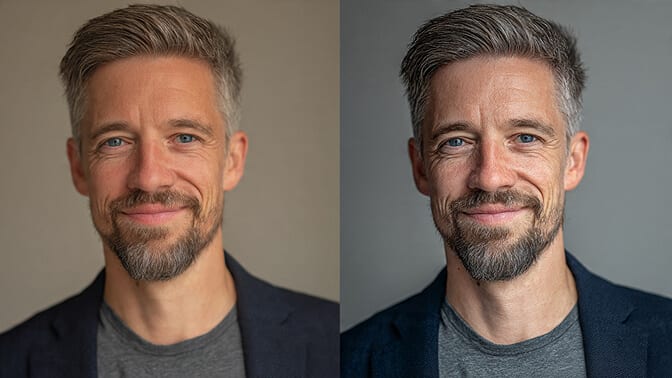
Most generators produce a "professional looking stranger." They nail the lighting. They nail the blazer. Your mom looks at the output and asks, "who is that?"
Test for this before you buy. Look at the tool's sample outputs on their reviews page or gallery. Compare the "before selfie" to the "after headshot." Is it the same bone structure? The same smile lines? The same eyes? Or has the AI basically painted a different person and stapled your vibe onto them?
If a company doesn't show real user before/after pairs, that's usually a sign.
2. What's the Usable Rate, Not the Total Count?
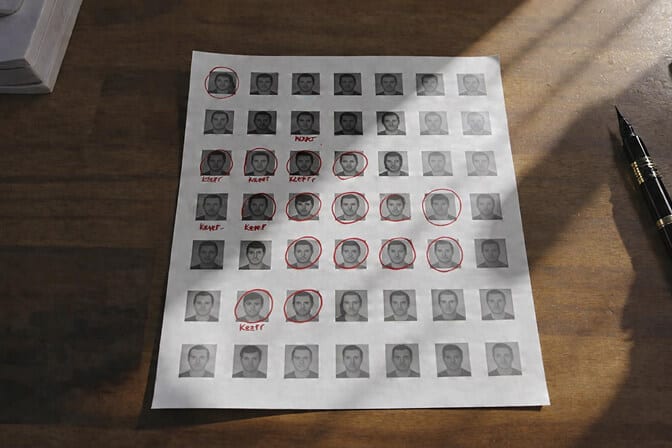
"$49 for 300 headshots" sounds incredible until you realize 260 of them have weird fingers in the frame, melted ears, or that plastic doll skin that screams AI.
The number that matters is the usable rate. Out of every 100 images, how many would you actually put on LinkedIn without flinching?
Across the industry, we've seen usable rates swing wildly, anywhere from 15% to 80% depending on the tool and input quality. A 40 headshot plan with a 70% usable rate gives you 28 keepers. A 300 headshot plan with a 15% usable rate gives you 45. Same tier of results, but one probably cost twice as much.
When we broke down the real cost per keeper across top tools, the rankings flipped completely. You can see that full breakdown in our AI headshot generator pricing guide.
3. How Many Input Selfies Does It Need?
This one matters more than people realize.
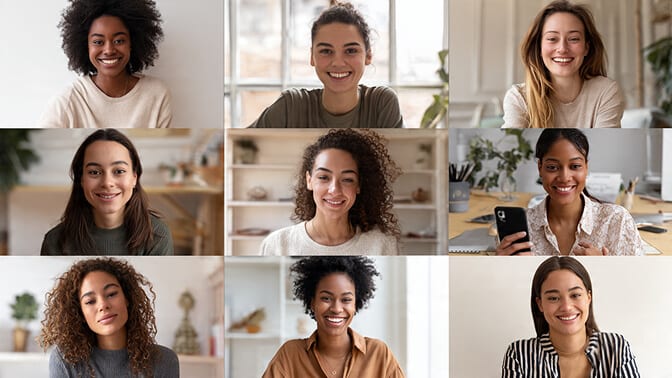
Some tools ask for 6 photos. Others demand 20. More input photos almost always means a better trained model of your face, which means a higher usable rate. But more input photos also means more effort from you, and if your selfies are bad, more photos just teaches the AI to confidently get you wrong.
Ask yourself honestly: can you produce 15 to 20 well lit selfies with varied angles, expressions, and outfits in the next hour? If yes, go with a tool that uses more input photos. If no, pick one designed for fewer inputs.
For a practical breakdown of exactly how many selfies each type of tool needs, check our guide on how many photos you need for AI headshots.
4. Turnaround Time (and What "Fast" Actually Means)
Everyone advertises "fast." Almost nobody defines it.
Some tools deliver in 2 minutes. Some take 2 to 3 hours. A few quietly take overnight. If you have a job interview tomorrow morning, an overnight turnaround is useless. If you're planning a company team refresh six weeks out, nobody cares whether it's 2 minutes or 2 hours.
Match the turnaround to your actual deadline. Don't pay premium pricing for speed you don't need, and don't cheap out if you need it tonight.
5. Commercial Usage Rights (Read This Carefully, It's Boring and Critical)
This is where a lot of people get burned.
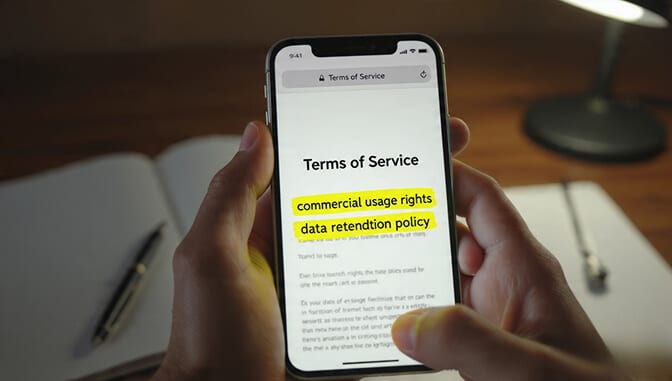
Some AI headshot tools give you the output image but keep partial rights. Some have non commercial licenses. Some include your images in their marketing unless you opt out.
Before you pay, read the terms. Look for these exact words in some form:
- You own the output.
- You have full commercial usage rights.
- The tool will not use your images for marketing without consent.
- Your photos are not used to train future models.
If the Terms of Service are vague, assume the worst.
6. What's the Data Privacy and Deletion Policy?
Your face is biometric data. Treat it that way.
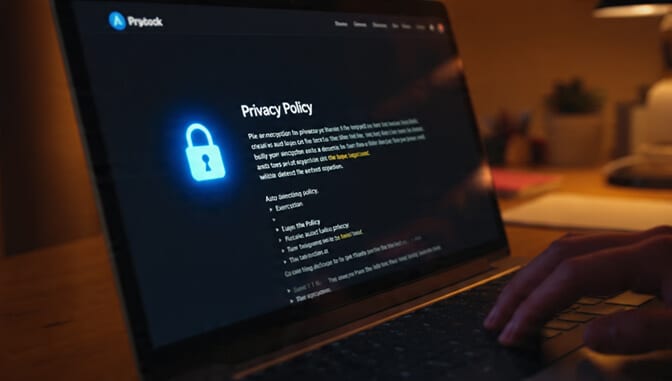
A legitimate tool should tell you, in plain English, three things:
- Where your photos are stored.
- How long they keep your photos after generation.
- Whether they train future AI models on your face.
At Headshot Photo, photos are encrypted, never used for training, and auto deleted within 7 to 30 days depending on the plan. That's the bar. If a tool can't answer these three questions on their site without making you email support, keep scrolling. We break the full privacy picture down in our guide to whether AI headshots are safe.
7. Output Variety (Backgrounds, Outfits, Angles)
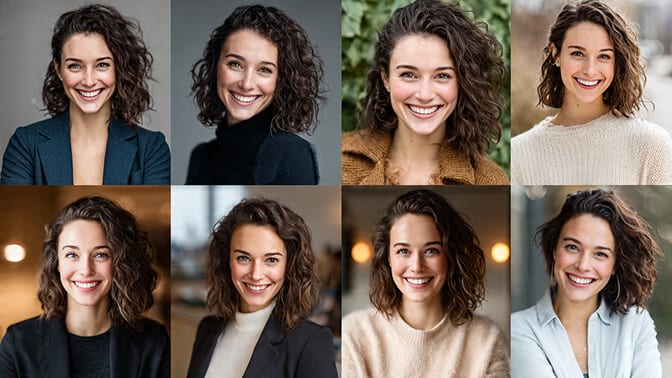
This one seems obvious, but there's nuance.
More styles doesn't always mean better. Some tools offer 100+ "styles" that are all basically the same corporate backdrop with different wall colors. What you actually want is meaningful variety: studio, office, outdoor, casual, formal, different lighting moods.
Also ask: can you pick the outfit and background, or does the AI assign them at random? Control matters. Getting 100 random outputs and hoping one lands is a worse experience than generating 40 that match exactly what your industry expects.
8. Resolution and Export Quality
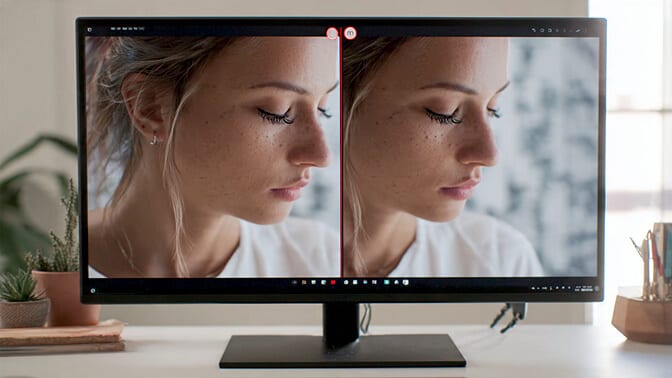
Here's where most people don't think until it's too late.
You generate your headshots. You look at them on your phone. They look crisp. Then you upload one to your company About page and the image compresses into something that looks like it was shot in 2011.
Check the output resolution before you pay. LinkedIn is forgiving. Print materials, press kits, conference bios, and 4K company websites are not. If the tool only outputs at 1024x1024 and you need 4K for anything, move on.
9. Pricing Model (One Time vs Recurring)
Subscriptions for headshots are almost always a trap.
You're not going to need fresh headshots every month. You'll need them once, maybe once a year, maybe when you change roles. Paying a recurring fee for a service you'll use for 15 minutes is how companies sneak an extra $200 out of you.
Prefer one time payments. Or at minimum, tools with a clear cancel in one click flow.
The Part Nobody Tells You About "Free" AI Headshot Tools
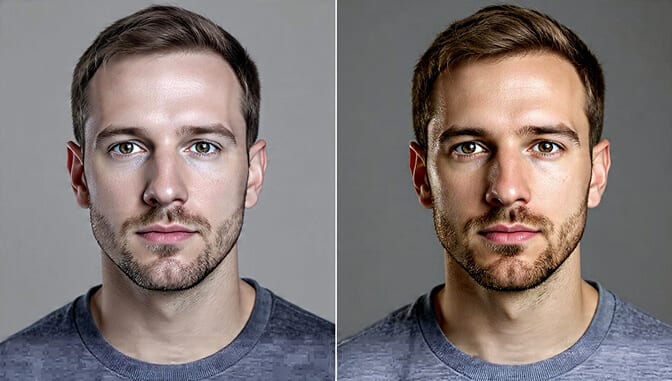
Free tools have a role. I won't pretend otherwise.
If you need a Slack avatar or a Discord profile pic, a free generator is fine. You'll get something that looks professional enough from across the room.
But the moment your face will be seen on a LinkedIn profile, a company website, a speaker bio, or a resume, the gap between free and paid is enormous. Free tools typically use single image processing instead of custom model training. The result: smoother skin, imprecise features, that distinct AI glow.
This is the honest version of that comparison. I know some people will click away mad that I said it. But your LinkedIn photo gets 14x more profile views when it's a real looking professional headshot. That's not a marketing stat. That's a compound advantage stacked over every recruiter, every client, and every cold outreach you'll ever do.
If You're Tired of Comparing 14 Tabs at 11 PM
Quick aside, because you've been reading a while.
If the whole point of this checklist is to save you hours, and you've already decided you just want something that passes all 9 tests without you having to audit every vendor yourself, we built Headshot Photo for exactly this. 40 to 100 headshots starting at $34. 1 hour turnaround. Auto delete within 30 days. Full commercial rights. 4K export on premium plans.
Okay. Back to the checklist.
How to Apply the Checklist in Under 2 Minutes
Here's the process I'd actually use.
Open three AI headshot tools in separate tabs. For each one:
- Scan their gallery. Does the output look like real people, or like AI renders?
- Check their pricing page. Is it a one time payment or a sneaky subscription?
- Search "tool name review" on Reddit. Real users don't sugar coat.
- Skim their Terms of Service for usage rights and data retention.
- Count input photo requirements. Match it to how many good selfies you can realistically take.
That's it. Two minutes. You'll eliminate 2 out of 3 tools before you even run one generation.
For a deeper side by side on the most popular options, our AI headshot tools tested side by side comparison has the full breakdown on all 8 major generators we paid for and reviewed.
The Thing Your Headshot Is Actually Doing
Let me close this with something that's easy to forget when you're deep in spec comparisons.
Your headshot isn't just a photo. It's the first thing a hiring manager sees before reading a single line of your resume. It's the image in the sidebar of every cold email you send. It's the tiny circle next to your name at a Zoom meeting where someone decides, in 4 seconds, whether to take you seriously.
A good headshot doesn't have to look expensive. It has to look like you on your best Tuesday morning. Calm. Prepared. Like someone who answers emails on time.
That's the whole game. Pick the tool that gets you there.
Ready to Skip the 14 Tabs?
If this checklist helped you cut through the noise, you probably already know what you want next. Try Headshot Photo free. Upload 8 selfies. Get 40+ professional headshots in about 1 hour. No subscription. No waiting room. No plastic doll skin.
Your cousin would have been done by now.
Frequently Asked Questions
What is an AI headshot generator and how does it work?
An AI headshot generator is a tool that trains a small AI model on selfies you upload (usually 8 to 20 photos), then generates professional looking headshots of you in different outfits, lighting setups, and backgrounds. Most tools deliver results in 2 minutes to 2 hours. The quality depends heavily on how well the model is trained and how many input photos you provide.
How do AI headshots compare to a traditional photographer?
AI headshots give you 40 to 200 options for $29 to $59 in about 1 hour. A traditional photographer typically delivers 3 to 5 retouched images for $150 to $500+ after a scheduled session. For LinkedIn, company bios, and most corporate uses, AI is the better value. For executive press shoots, acting portfolios, or editorial portraits, a specialist photographer still wins.
How do I know if an AI headshot generator is actually good?
Run the 9 point checklist: identity accuracy, usable rate, input photo requirements, turnaround time, commercial rights, data privacy, output variety, resolution, and pricing model. Always check real user outputs in a gallery or review section before paying. If the tool can't clearly answer how they handle your photos, skip it.
Is it worth paying for an AI headshot generator instead of using a free one?
For casual profile pictures, free tools are fine. For anything tied to your career (LinkedIn, resume, company website, press page), paid tools are worth the $29 to $59 investment. Paid tools train a custom model on your face, which dramatically improves realism and identity accuracy compared to free single image processing.
Are AI generated headshots safe to use on LinkedIn and professional profiles?
Yes, as long as you pick a tool that outputs realistic results and that you own full commercial rights to. Most modern AI headshot tools produce output that is visually indistinguishable from studio photography. LinkedIn allows AI generated profile photos as long as they represent you accurately. Avoid using AI images of a completely different face or over stylized outputs that don't match how you actually look.
