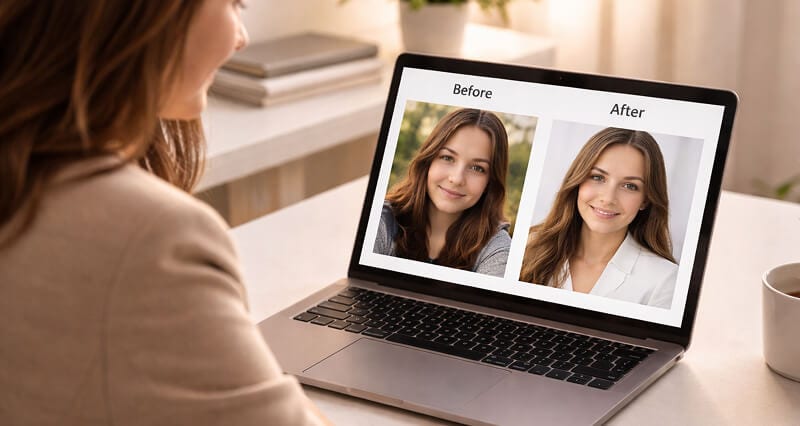
You're not breaking any rules. But you might be breaking them wrong.
I got the email on a Tuesday morning.
A friend. VP of Sales at a Series B startup. Forwarding me a screenshot from his team's Slack channel. Someone had posted an article claiming LinkedIn was "cracking down on AI-generated profile photos." Panic everywhere. Three people asking if they needed to swap their headshots back to the grainy iPhone selfie from 2019.
Whatever the policy debate, the practical bar is unchanged: a square crop, your real face, a clean background. A profile picture maker gets an existing photo to that bar in a couple of minutes.
His question to me: "Is any of this real?"
I spent the next four hours reading LinkedIn's actual Terms of Service, their Professional Community Policies, their evolving stance on synthetic media, and every credible source I could find on the topic.
Here's what I found: the panic is mostly wrong. But the nuance matters more than most people realize.
The Question Nobody Wants to Google Out Loud
Millions of professionals are already using AI-generated headshots on LinkedIn. You probably know a few. You might be one of them.
And yet there's this low-grade anxiety floating around: Is this allowed? Could my profile get flagged? Am I being... dishonest?
It's a fair question. LinkedIn is a professional network built on trust. Your face is part of your credibility. So when you swap a real photo for something generated by AI, it feels like there should be a rule about that.
There is. Sort of. And it's more permissive than you think.
What LinkedIn's Terms Actually Say
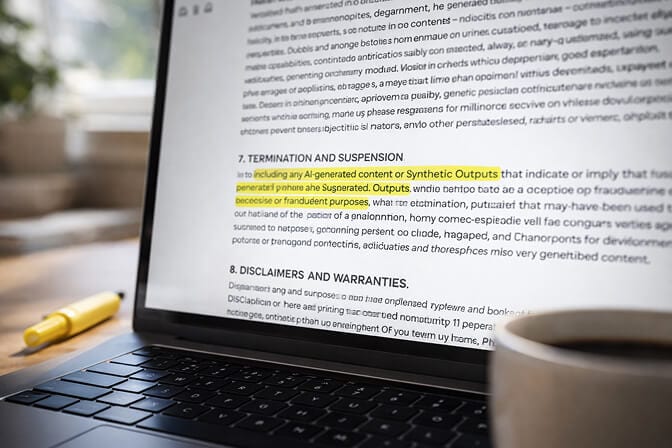
They assume LinkedIn has a specific, written policy about AI headshots. A line in the rules that says "AI photos: allowed" or "AI photos: banned."
That line doesn't exist.
What LinkedIn does have is a set of Professional Community Policies that cover authenticity, misrepresentation, and synthetic media. The relevant pieces:
Authenticity requirement: LinkedIn requires that your profile represents a real person. You can't create a fake identity, impersonate someone else, or use a stock photo of a stranger.
Synthetic media policy: LinkedIn has taken a public stance against deepfakes and misleading synthetic content. But this is primarily aimed at deceptive media in posts and ads, not profile photos that represent the actual account holder.
Profile photo guidelines: Your photo should be a clear, recognizable image of you. No logos, no group shots, no cartoons.
The bottom line: LinkedIn cares that your photo looks like you. They don't currently care how that photo was made.
An AI headshot that accurately represents your appearance, your face, your general look, your approximate age, fits within these guidelines. An AI headshot that makes you look like a completely different person does not.
That distinction matters more than the technology behind it.
But Wait. What About the "AI-Generated" Label?
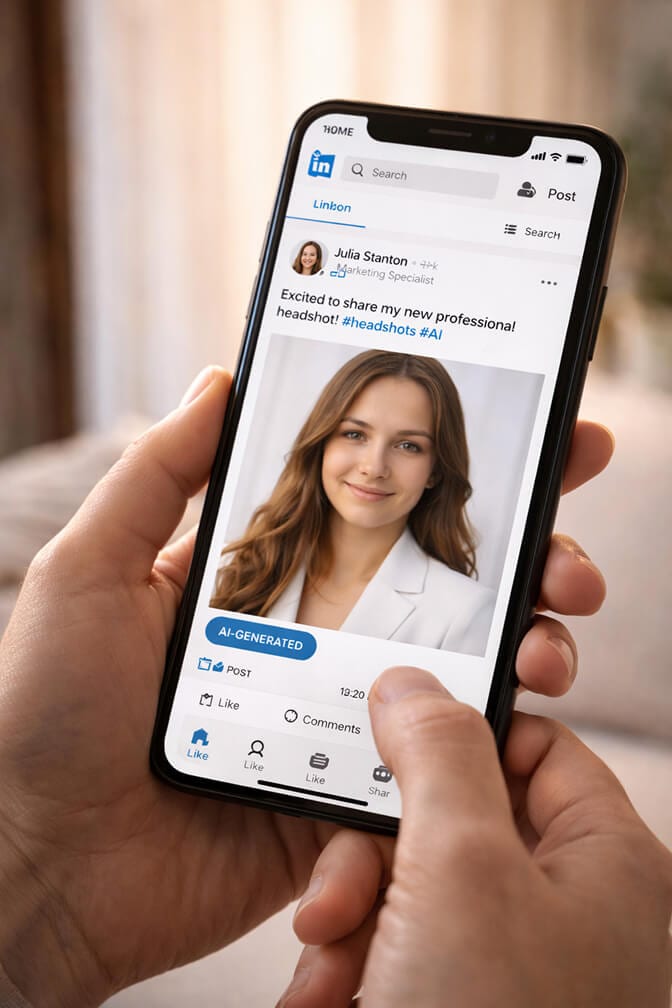
Here's what that means in practice for profile photos in 2026: not much, yet.
The AI content labels currently apply to posts, articles, and media shared in the feed. Profile photos operate in a different system. LinkedIn hasn't implemented AI detection or labeling for profile pictures as of now.
Could that change? Absolutely. The direction across all major platforms is toward more transparency about AI-generated content. But "might change someday" isn't the same as "banned today."
The smart move isn't to avoid AI headshots. It's to use them honestly.
If you want to understand what a genuinely well-made AI headshot looks like compared to common mistakes, our breakdown of how to spot an AI headshot covers the telltale signs and what separates a great result from an obvious one.
The Real Risk Isn't the Platform. It's the Uncanny Valley
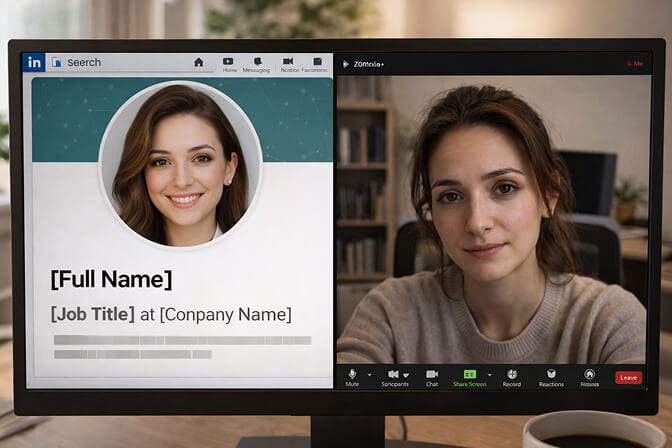
I've seen hundreds of AI headshots at this point. The ones that cause problems aren't the ones LinkedIn flags. LinkedIn isn't flagging any of them.
The ones that cause problems are the ones that make people uncomfortable.
You know the type. The skin is too smooth. The eyes are slightly off. The background has a weird blur pattern that no real lens produces. The person looks 15 years younger than they do on a Zoom call.
That's the real risk. Not a platform policy violation. A trust violation.
When someone connects with you on LinkedIn, then hops on a video call and sees a completely different person, that's a problem no Terms of Service needed to create.
The best AI headshots don't just pass platform rules. They pass the Zoom test.
This is something we think about constantly at Headshot Photo. Every headshot we generate is designed to look like you on your best day, in great lighting, with a solid background. Not a fantasy version. Not a filtered-into-oblivion version. You, but photographed well.
What Other Platforms Are Doing (And Why It Matters for LinkedIn)
Meta rolled out AI-generated content labels across Facebook and Instagram. These apply to posts and shared media, not profile photos.
X (Twitter) has a synthetic media policy focused on deceptive content, deepfakes intended to mislead. Profile photos aren't the enforcement target.
Google added AI disclosure requirements for ads and is working on broader content provenance tools.
The pattern is clear: platforms are targeting deceptive AI content, not AI content that accurately represents the person using it. A fake celebrity endorsement? That's the problem they're solving. A software engineer who used AI to get a better headshot? Nobody's coming for that person.
LinkedIn will likely follow this same trajectory. More transparency tools. Maybe eventual C2PA metadata reading for profile photos. But an outright ban on AI-generated profile pictures? That would affect millions of current users and goes against every signal the company has given.
The Part Nobody Tells You
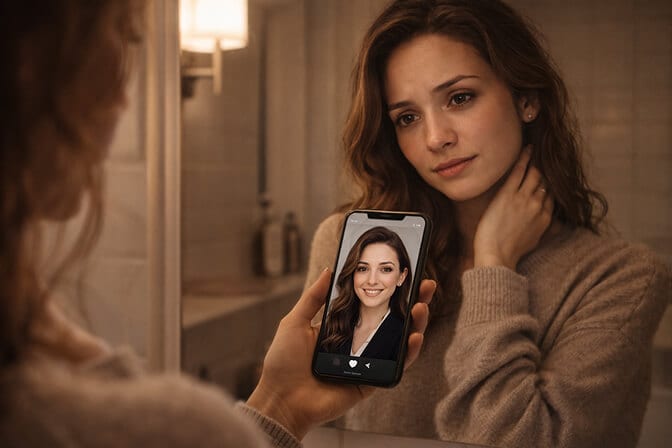
The reason people worry about AI headshots isn't really about platform rules. It's about imposter syndrome dressed up as a policy question.
I've talked to dozens of professionals who hesitate to use AI headshots. And when you dig past the "but is it allowed?" surface question, what you actually hear is:
"I feel weird having a photo that looks better than I think I look."
"What if people think I'm being fake?"
"I don't want to seem like I'm trying too hard."
These are human feelings. They're valid. And they have nothing to do with LinkedIn's Terms of Service.
The truth is, professional headshots have always been enhanced versions of reality. Studio lighting, professional makeup, wardrobe styling, retouching, color grading. Traditional photography has been "artificially" improving how people look for decades. AI just made it faster and more accessible.
Nobody ever asked "is it allowed to use a photographer who makes me look good." The question sounds absurd. So does this one, when you think about it clearly.
Not sure where to start with getting a headshot that actually looks like you? Our guide on professional headshot tips and dos and don'ts walks through the fundamentals that matter regardless of whether you go AI or traditional.
So What Should You Actually Do?
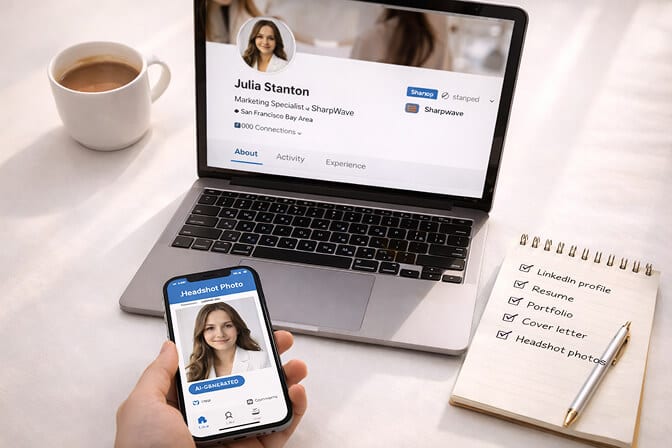
Use an AI headshot if it looks like you. The operative word is "you." Current you. Not 2015 you. Not filtered-to-the-gods you. If your mom would recognize the photo, you're fine.
Don't use an AI headshot that misrepresents your identity. Different face shape, different age bracket, different ethnicity. That crosses the line from enhancement into deception. That violates both LinkedIn's spirit and basic professional ethics.
Pick a tool that prioritizes realism over glamor. Not all AI headshot generators are created equal. Some push hard on beautification to the point where the result doesn't look like a photograph anymore. You want professional AI headshots that could pass as real studio shots, because that's what builds trust. If you're comparing options, our roundup of AI tools for creating professional headshots breaks down what actually matters when choosing.
Don't overthink the disclosure. You're not required to announce "this is an AI headshot" on your profile. But if someone asks, just say it. There's no shame in it. It's 2026. Everyone's using AI for something.
Keep an eye on policy updates. Platforms evolve. LinkedIn's policies will continue developing around synthetic media. Stay informed, but don't let hypothetical future rules stop you from looking professional today.
Where This Is All Heading
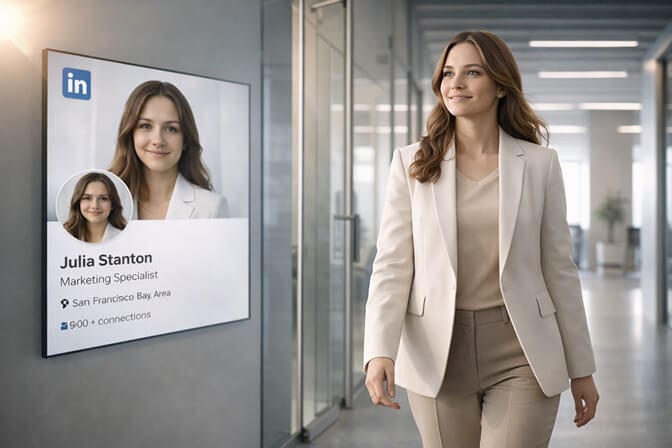
The stigma is fading fast. The tools are getting better. The results are increasingly indistinguishable from traditional studio photography.
And LinkedIn, a platform that profits from professional engagement and polished profiles, has zero financial incentive to ban the thing that makes its users look more professional.
The policy question has a clear answer: yes, AI headshots are allowed on LinkedIn in 2026, as long as they represent the real you.
The more interesting question is why you're still hesitating.
If you've been going back and forth, try generating your headshot with Headshot Photo's free AI LinkedIn photo generator. It takes less time than reading this article did. And you'll finally have a profile photo that doesn't make you cringe every time you open the app.
Frequently Asked Questions
1. What is LinkedIn's AI headshot policy in 2026?
LinkedIn doesn't have a specific rule banning or allowing AI-generated headshots. Their Professional Community Policies require your profile photo to accurately represent you as a real person. As long as your AI headshot looks like you, it falls within their guidelines.
2. How does an AI headshot compare to a traditional professional headshot for LinkedIn?
Quality-wise, the best AI headshots are now nearly indistinguishable from studio photography. The main differences are cost (AI runs $29 to $79 vs. $200 to $500 for a studio session), time (minutes vs. hours), and convenience (no scheduling or travel). Traditional photography may still be better for specialized needs like acting portfolios or large-format printing.
3. Can you use an AI headshot on LinkedIn without getting flagged?
Yes. LinkedIn does not currently detect or flag AI-generated profile photos. Their AI content labeling systems apply to posts and shared media in the feed, not profile pictures. There's no automated enforcement against AI headshots on profiles.
4. Is using an AI headshot on LinkedIn worth the cost?
For most professionals, absolutely. A solid AI headshot costs a fraction of a traditional photoshoot and delivers results in minutes. It's especially worth it for job seekers, freelancers, and remote workers who need a polished image quickly without the logistics of booking a photographer.
5. Are AI headshots professional enough for executive or corporate LinkedIn profiles?
Yes. Tools like Headshot Photo generate results that match or exceed mid-range studio photography. Many recruiters and hiring managers can't tell the difference. What matters is that the headshot looks polished, well-lit, and like a genuine representation of you.
