How to Make AI Yearbook Photos in 2026 (Without Looking Like a Stranger)
The viral 90s trend never really left. Here's how to make your own in minutes, and how to get ones that actually look like you.
I made my first AI yearbook photo as a joke at 11pm.
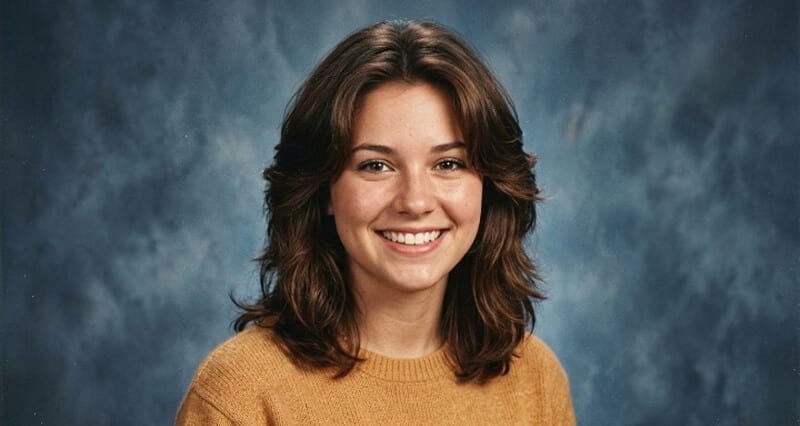
Uploaded a handful of selfies, picked the 90s pack, went to brush my teeth. Came back, and there I was: feathered hair, a sweater I'd never own, that exact mottled blue studio background every school in America apparently shared. I laughed out loud.
Then I looked closer. Wait. That actually looks like me.
And that's the thing nobody tells you about this trend. The tech that makes the funny throwback photo is the same tech that makes a photo you'd genuinely use. Let me show you how to do both.
First, what an AI yearbook photo even is
Quick version, in case you're new to it.
You upload a set of your own selfies. The AI studies your face, your features, the way you actually look. Then it generates new portraits of you styled like a classic high school yearbook... retro hair, vintage wardrobe, soft focus, that unmistakable backdrop.
It blew up on social platforms a couple years back, and it never truly went away. It just keeps coming back in new outfits.
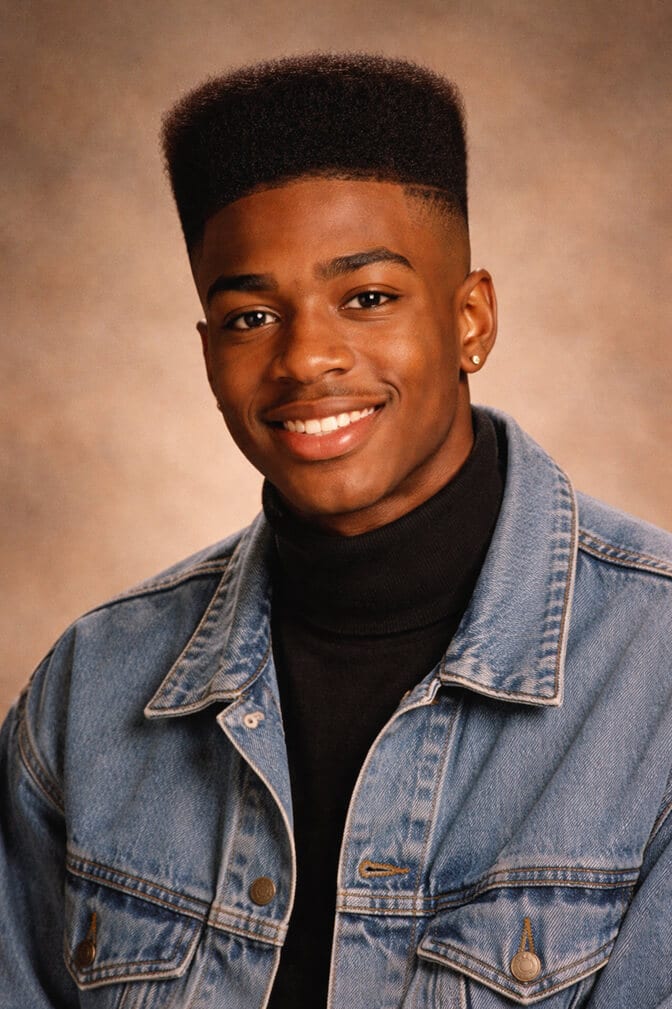
Here's the weird part. In 2023, these photos often looked a little off. Plastic skin. A face that was almost you. By 2026, the good tools cleared that hurdle. The output now looks like a real photograph of a real person. Specifically, you.
How to make your own, step by step
You don't need editing skills. You need good selfies and five minutes. Here's the whole process.
Step 1: Gather 8 to 12 clear selfies. This is the part that decides everything, so don't rush it. Use photos with good lighting, your face clearly visible, no sunglasses, no hats, no other people in frame. Different angles and expressions help. Garbage in, garbage out is the entire rule of AI photos.
Step 2: Pick your style. Choose the 90s yearbook look, or whatever era you're after. Some tools give you a whole album of variations... different outfits, hairstyles, poses, backgrounds.
Step 3: Let it generate. Upload, hit go, walk away. Modern tools turn this around in minutes, not the hour-long waits of the early days. You come back to a full set.
Step 4: Pick the keepers. Scroll the batch. Save the ones that make you laugh and the ones that quietly look great. You'll be surprised how many land in that second pile.
That's it. That's the trend. If you want the cultural backstory on why this thing went so viral in the first place, our AI yearbook trend breakdown covers how it took over social feeds.
This is where most people get it wrong
They blame the tool when the photo looks like a stranger.
But nine times out of ten, the problem was upstream. Blurry selfies. Three good photos instead of ten. Every shot from the same dead-on angle with the same flat expression. The AI can only learn the face you show it.
Feed it a rich, clear set of selfies, and it returns you. Feed it scraps, and it invents a person.
That's the single skill worth learning here. Master your input photos and you'll never get the uncanny, doesn't-look-like-me result that makes people give up on AI photos entirely.
The part nobody tells you
The same workflow makes more than a joke.
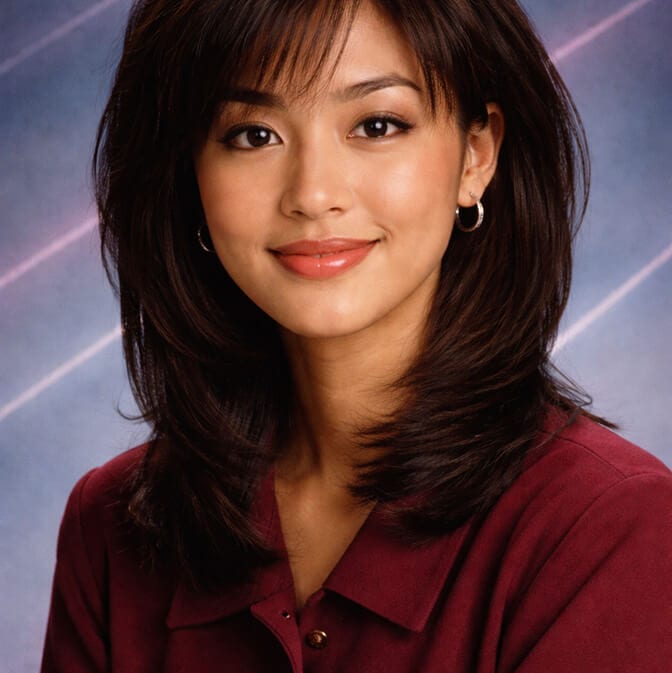
Think about it. You just trained an AI on your face and got back polished, well-lit portraits in minutes. Swap the retro sweater for a blazer and a clean background, and that exact process gives you a professional headshot. The novelty version and the LinkedIn version come from the same place.
That's why I keep telling people the yearbook trend is a gateway. You came for the mullet you never had. You leave realizing you can get a genuinely good photo of yourself any time you want, without booking a studio.
If that clicks for you, Headshot Photo runs on the same upload-a-few-selfies idea, except tuned for sharp, professional results you'd actually put on a resume. Same one-hour turnaround. Different wardrobe.
What I wish I knew sooner
Don't overthink the styles. Do obsess over your selfies.
I wasted my first couple of attempts uploading whatever was nearest in my camera roll, then wondering why the results felt generic. The run where I actually took ten fresh, well-lit photos? Night and day. Suddenly every portrait looked like me, retro costume and all.
And save the good ones, not just the funny ones. That late-night joke of mine? One of those throwaway shots ended up being a profile picture I used for months. Nobody guessed it started as a 90s gag.
The yearbook trend is fun precisely because it's low stakes. But the skill you pick up... getting AI to give you back the real you... is the part that sticks around long after the trend cycles to the next decade.
Want to see what your own set looks like? Take a look at Headshot Photo pricing and turn a handful of selfies into photos that actually look like you, retro or professional.
Frequently Asked Questions
What is an AI yearbook photo?
An AI yearbook photo is a portrait generated from your own selfies and styled to look like a classic high school yearbook picture, complete with retro hair, vintage wardrobe, and that familiar soft-focus studio backdrop. The AI learns your face from the photos you upload, then recreates it in the throwback style.
How do I make AI yearbook photos?
Upload 8 to 12 clear, well-lit selfies of your face, choose a yearbook style like the 90s look, and let the AI generate a full set in minutes. Then scroll through and save your favorites. The quality of your selfies is the single biggest factor in how good the results look.
How is an AI yearbook photo different from a regular AI headshot?
They use the same underlying process, the AI learns your face from selfies, but the styling differs. A yearbook photo applies retro, nostalgic looks, while a professional headshot applies business wardrobe and clean backgrounds. The same upload can produce either, depending on the style you pick.
How much do AI yearbook photos cost and how long do they take?
Affordable AI yearbook and headshot sets start around $34, and modern tools deliver your photos in roughly one hour after you upload. That's a fraction of a traditional studio session, with no scheduling or photographer needed.
Are AI yearbook photos safe and do they actually look like me?
Yes, when you use clear selfies and a quality tool. Good AI yearbook photos look like a realistic, recognizable version of you in retro styling, not a random stranger. If results don't resemble you, the usual fix is uploading more high-quality, well-lit photos from varied angles.
