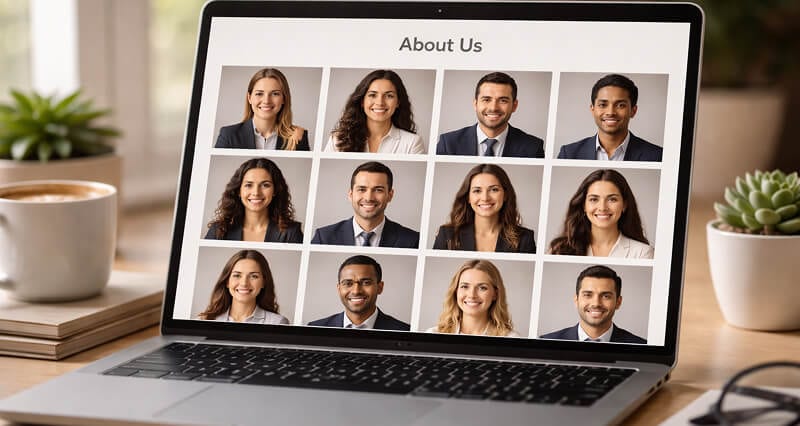
The complete guide to getting consistent, professional team photos when your people are scattered across the globe.
Last March, I watched a Head of People at a 40-person startup spend three weeks trying to get matching headshots for her company's new website.
Three weeks.
She sent Slack messages. She sent follow-up Slack messages. She created a Notion doc with "headshot guidelines" that included phrases like "please use natural lighting" and "avoid busy backgrounds." She even found a photographer in Brooklyn willing to do remote sessions over Zoom, coaching people through self-portraits.
The result? Forty photos that looked like they came from forty different decades. One guy shot his in a parking garage. Someone else used a ring light so intense she looked like she was being interrogated. Two people just... never submitted anything.
The about page launched with 26 photos. Fourteen blank gray circles with initials.
Here's what nobody tells you about matching team headshots: the problem isn't photography. It's logistics. And if your team is remote, the logistics are a nightmare that no amount of Notion templates will fix.
But there's a way around all of it. Stay with me here.
Why Your About Page Looks Like a Ransom Note
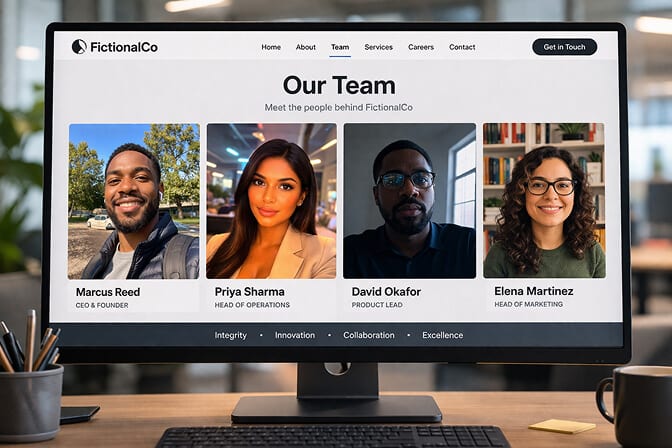
If you're like most remote-first companies, you'll see a grid of photos that have exactly one thing in common: the people in them work at the same company.
Everything else is chaos. Different backgrounds. Different lighting temperatures. Different crops. One person is smiling warmly. Another looks like their passport photo from 2016. Someone clearly took theirs in their car.
This isn't a small problem. Your team page is often the second or third most-visited page on your entire site. Investors look at it. Candidates look at it. Potential customers look at it to decide if your company feels trustworthy.
And when every photo looks different, the subconscious message is: this company isn't quite put together.
Matching team headshots aren't about vanity. They're about visual trust. The same reason law firms and consulting companies have used uniform portrait styles for decades. It communicates coordination, professionalism, and attention to detail.
The difference is, those firms had everyone in the same building.
You don't.
The Three Approaches (and Why Two of Them Fail for Remote Teams)
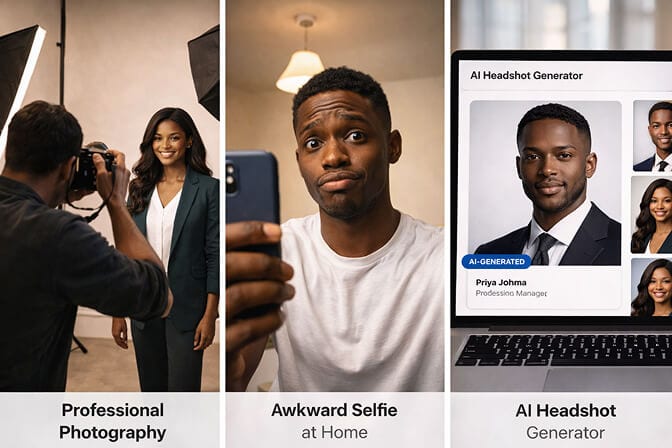
This is the "proper" solution, and it's wildly impractical. If your team is spread across eight cities, you're coordinating eight photographers, eight schedules, and eight different artistic interpretations of "professional headshot." Even with a detailed style guide, the results will vary. Different studios. Different equipment. Different post-processing.
Cost: $150 to $400 per person, multiplied across locations, plus the project management overhead.
Option 2: DIY with guidelines.
This is the Notion-doc-and-a-prayer approach. You send everyone instructions, maybe a reference photo, and hope for the best.
You already know how this ends.
The problem isn't that people are lazy. It's that most people have no idea how to evaluate their own lighting, framing, or background. "Use natural light" means nothing to someone whose home office is in a basement.
Option 3: AI-generated team headshots.
Here's where it gets interesting.
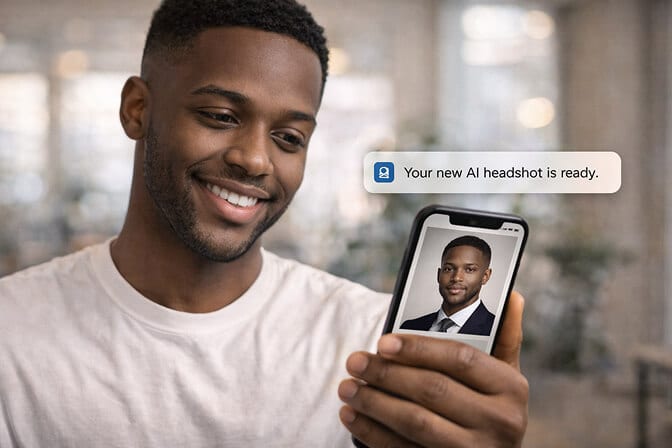
This is the approach that didn't exist two years ago and now solves the entire problem in an afternoon. Each team member uploads a few casual selfies, picks a style, and gets back a studio-quality professional headshot with the same background, same lighting, same framing as every other person on the team.
No scheduling. No photographers. No "can you retake yours, the background is weird" conversations.
What "Matching" Actually Means (Most Companies Get This Wrong)
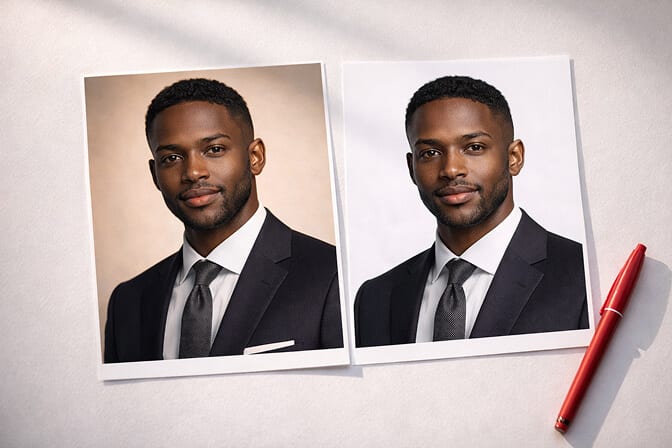
That's maybe 30% of what makes headshots look cohesive.
The real consistency comes from five elements working together:
Background tone and texture. Yes, same background. But also same shade, same gradient, same depth of field effect.
Lighting direction and temperature. This is the one that kills DIY attempts. Warm side-lighting versus cool overhead fluorescents will make two photos look like they belong on different websites, even with identical backgrounds.
Crop and framing. How much shoulder is showing? Where are the eyes positioned in the frame? Is the crop tight or loose? These small differences create visual rhythm or visual noise on a team page grid.
Color grading and post-processing. The subtle warmth, contrast, and skin tone treatment that ties everything together. One photo with heavy Instagram-style filtering next to a flat unedited one? Instant inconsistency.
Expression and energy. This is the human element. You don't need everyone making the same face, but you need everyone in the same emotional register. All confident and approachable, or all serious and authoritative. Not a mix of LinkedIn-casual and passport-tense.
The real secret to matching team headshots isn't making everyone look the same. It's making every photo feel like it was taken in the same room, on the same day, by the same photographer, even when it wasn't.
How to Actually Pull This Off (Step by Step)
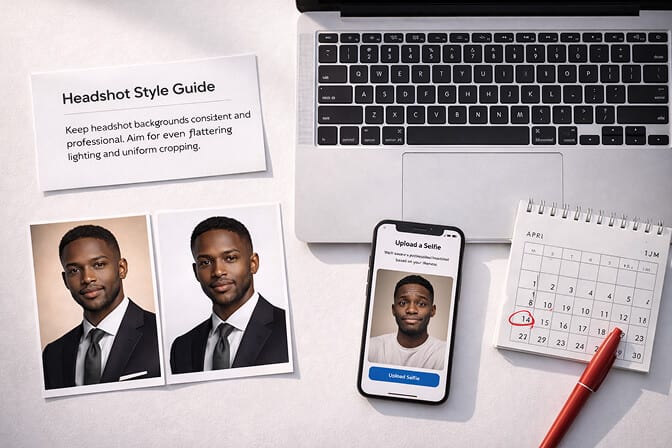
Step 1: Define your headshot style before anyone touches a camera.
Decide on three things upfront: background (solid gray, solid white, soft gradient, or environmental), mood (warm and friendly vs. clean and corporate), and crop (head-and-shoulders or tighter portrait).
Write it down in two sentences. Not a page. Two sentences.
Example: "Soft light gray background, warm and approachable expression, cropped from mid-chest up with eyes in the upper third of the frame."
That's your company headshot style guide. Done.
Step 2: Choose a single source for all headshots.
This is the critical decision. Whether it's one photographer, one AI tool, or one very specific set of instructions, the source needs to be singular. The moment you have "some people used Tool A and some used Tool B," consistency dies.
For remote teams, AI headshot generators are the most practical single source because every photo runs through the same model, same lighting engine, same output parameters. The physics of consistency are built in.
Step 3: Batch the process.
Don't trickle this out over weeks. Set a deadline. Give the team 48 hours. Make it a thing.
Send one message: "Hey team, we're updating our website photos. Upload your selfies to tool/link by Friday. Takes 5 minutes. Here's the style we picked: two-sentence guide from Step 1."
People procrastinate when something feels optional. A short window with a clear ask gets 90%+ participation.
Step 4: Review as a grid, not individually.
This is the step everyone skips.
Don't evaluate headshots one by one. Pull all of them into a single view, a grid, a Figma frame, a Google Slides page, and look at them together. You'll immediately spot the outlier that's slightly warmer, slightly tighter, or slightly different in energy.
Step 5: Have a plan for new hires.
Your team page isn't static. Someone new joins every month or quarter. If you don't have a repeatable process, your beautifully matching headshots will degrade within six months.
This is another reason AI tools win for remote teams. Any new hire can generate a matching headshot on their first day, using the same style settings as everyone else. No photographer scheduling. No "we'll get yours done at the next offsite."
The Part About Cost That Nobody Wants to Admit
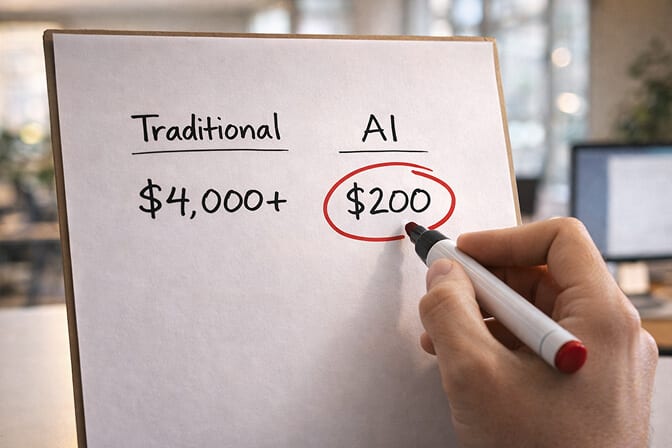
Traditional photography for a 20-person remote team: $200/person average (including travel, studio rental, or photographer coordination) = $4,000. Plus 2 to 3 weeks of calendar coordination. Plus the ops person managing it all.
DIY approach: $0 in hard costs. But you'll spend 15+ hours chasing people, reviewing submissions, requesting retakes, and the end result still won't match.
AI headshots for a 20-person team: roughly $100 to $300 total, depending on the tool. Done in a day. Matching by default.
If your team is growing and you want every new hire's headshot to match without re-doing the whole set, the economics get even more lopsided.
If you're still coordinating headshot sessions across time zones, check out Headshot Photo's pricing for teams. It takes about 1 hour per person and every photo comes out matching.
What About Quality? (The Objection I Hear Most)
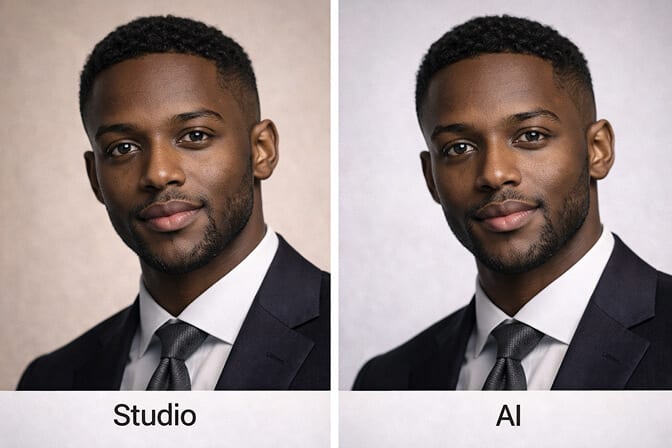
That's not where the technology is now.
Modern AI headshot generators produce output that is, honestly, indistinguishable from studio photography for 95% of use cases. The lighting is physically accurate. The skin detail is natural. The backgrounds are clean and consistent.
Are there still situations where a professional photographer is better? Sure. If you're a CEO doing a magazine feature, get the photographer. If you need environmental portraits at your actual office, get the photographer.
But for the company team page, LinkedIn profiles, and internal directories? AI headshots aren't just "good enough." They're often better than what you'd get from forty different photo sessions because consistency is built into how the AI model works.
You can see real examples of AI-generated professional headshots to judge the quality for yourself.
The Real Reason This Matters
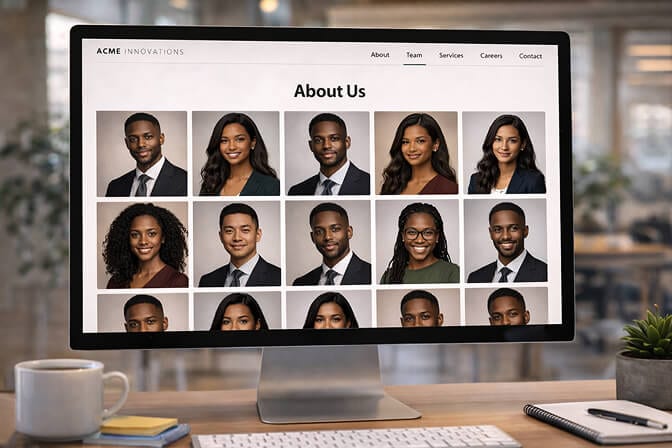
Matching team headshots feel like a small thing. A design detail. A nice-to-have.
But what they actually represent is something bigger: your company's willingness to invest in the details that signal professionalism, even when nobody's in the same room.
Remote companies already fight the perception that they're less "real" than office-based ones. Your about page is one of the few places where you get to push back on that, visually, immediately, without saying a word.
A grid of consistent, professional headshots says: we care about how we show up. We're coordinated. We're a team, not just a collection of people on Slack.
And honestly? It's one of the easiest wins you can get.
Don't overthink it. Pick a style. Pick a tool. Give your team a deadline. Ship it.
Your about page will thank you. And so will the next candidate who's deciding whether to apply.
1. What are matching team headshots and why do they matter?
Matching team headshots are professional photos of your team members that share the same background, lighting, framing, and overall style. They matter because a consistent team page builds visual trust with customers, investors, and candidates. It signals that your company is professional and coordinated, even if your team is fully remote.
2. How do AI team headshots compare to hiring a professional photographer?
For remote teams, AI headshots offer a major advantage: guaranteed consistency without logistical complexity. A photographer produces beautiful individual portraits, but when you hire different photographers across multiple cities, the results almost never match. AI tools process every photo through the same system, so matching is automatic. Professional photography still wins for high-stakes editorial shoots, but for team pages and LinkedIn, AI output is comparable in quality and far easier to coordinate.
3. How long does it take to get matching headshots for a remote team?
With an AI headshot tool, each person spends about 5 to 2 minutes uploading selfies and selecting a style. Results usually arrive within 15 to 30 minutes. For a 20-person team, you can realistically have every matching headshot completed within a single business day, compared to 2 to 3 weeks of scheduling with traditional photography.
4. How much do matching team headshots cost with AI vs. traditional photography?
Traditional photography for a remote team runs roughly $150 to $400 per person when you factor in studio time, travel, and coordination across locations, easily $4,000+ for a 20-person team. AI headshot tools typically cost $10 to $30 per person, bringing the total to $100 to $300 for the same team size. The savings grow as your team grows.
5. Are AI-generated headshots professional enough for a company website?
Yes. Current AI headshot technology produces results that are visually indistinguishable from studio photography for standard professional use cases like team pages, LinkedIn profiles, and internal directories. The lighting, skin detail, and background quality are on par with professional studio output. The only scenarios where traditional photography is clearly preferable are high-end editorial features or environmental portraits shot at a specific physical location.
