
Law Firm Website Requirements: The One Element That Makes or Breaks Client Trust
Your website has 0.05 seconds to convince a potential client you're the attorney who can solve their problem. Here's what most law firms are getting catastrophically wrong.
Last month, I watched a managing partner lose a six-figure client before they ever picked up the phone.
The prospect had been in a car accident. Serious injuries. Clear liability. The kind of case that makes plaintiff attorneys salivate.
She Googled "personal injury attorney near me." Found the firm's website. Clicked on the attorney bio page.
And left.
In under four seconds.
The culprit? A grainy cell phone photo from 2016 that made a Harvard-educated, 20-year veteran litigator look like someone who couldn't be trusted to water your plants.
This isn't an isolated story. It's happening to law firms every single day.
Here's the uncomfortable truth about law firm website requirements: You can nail your practice area pages. Perfect your contact forms. Optimize every last bit of SEO.
But if your attorney photos look like they were taken in a DMV, none of it matters.
What Actually Constitutes a "Complete" Law Firm Website?
Let's start with the basics.
If you've been researching law firm website requirements, you've probably seen the standard checklist floating around:
Homepage. About page. Practice area pages. Contact information. Testimonials. Mobile responsiveness. SSL certificate.
These elements are table stakes. Non-negotiable.
But they're also what every law firm website has.
The question isn't whether you have these elements. The question is whether they're working together to convert visitors into clients.
The firms that win aren't checking boxes. They're engineering trust at every touchpoint.
And here's where most articles about legal website requirements completely miss the mark.
They treat your attorney profiles like an afterthought. A place to dump credentials and move on.
That's backwards thinking.
The Psychology of Why Clients Choose One Attorney Over Another
Before we dive into the complete requirements checklist, let me share something that changed how I think about law firm websites entirely.
Princeton researchers discovered that people form judgments about trustworthiness in approximately 100 milliseconds.
One-tenth of a second.
That's faster than a conscious thought can form.
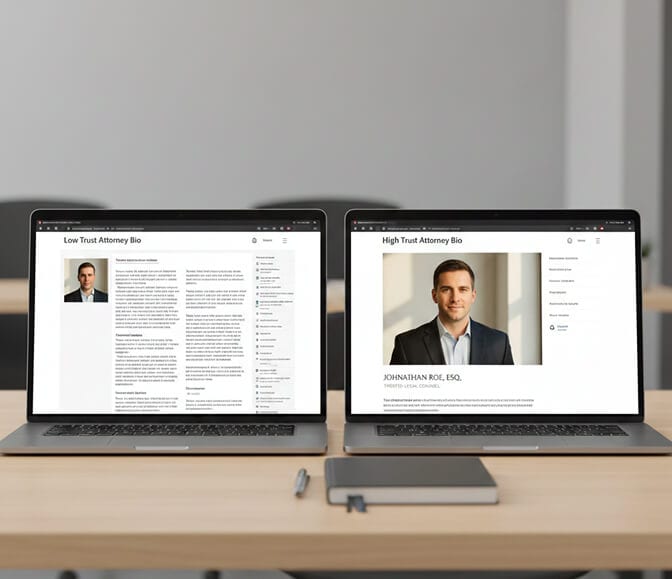
When a potential client lands on your website, their brain is making rapid-fire assessments:
Can I trust this person? Are they competent? Will they actually care about my case?
Your attorney photos answer these questions before a single word gets read.
This isn't opinion. It's neuroscience.
A study published in Psychological Science found that facial photographs significantly influence perceived competence and trustworthiness, and these snap judgments correlate with real-world outcomes like election results and hiring decisions.
Your headshot is doing work you can't see. And for most law firms, it's working against them.
The Complete Law Firm Website Requirements Checklist
Alright. Let's build this out systematically.
I'm going to walk through every element your law firm website genuinely needs, organized by priority and impact.
But here's the twist: I'm not just listing features. I'm explaining why each one matters for converting visitors into clients.
1. Professional Attorney Headshots and Team Photos
Yes, I'm putting this first.
Not because I'm biased. Because the data demands it.
Professional photography improves marketing efforts and can increase conversion rates by up to 161%. Casey Templeton That's not a typo.
Your attorney headshots need to accomplish three things simultaneously:
Competence: You need to look like someone who knows what they're doing. This means professional lighting, proper framing, and appropriate attire.
Trustworthiness: Potential clients are often going through the worst moments of their lives. A divorce. A criminal charge. A devastating injury. They need to feel like you're a real human who will genuinely advocate for them.
Approachability: Nobody wants to hire an attorney who looks like they'd rather be anywhere else.
Most law firms get this embarrassingly wrong.
They use photos from five years ago. Or worse, different attorneys have wildly different photo styles, making the firm look disorganized.
Headshots of lawyers within a firm should be consistent. They should look the same in terms of colors, feel, lighting, and posing. WASIO faces
This creates visual cohesion. It signals that your firm is organized, professional, and pays attention to details.
The old way to achieve this? Hire a photographer, coordinate schedules for 12 attorneys, pay thousands of dollars, and repeat the process every time someone joins or leaves the firm.
The modern solution? AI headshot generators like HeadshotPhoto.io can produce consistent, professional headshots for your entire team in minutes. No scheduling headaches. No coordination nightmares. Just upload some casual photos and receive studio-quality results that make your firm look polished and unified.

2. Clear Navigation and User Experience
Good website navigation is easy to use and follows an intuitive information architecture. Lawlytics
Here's the test: Can someone with zero legal knowledge find what they need in under 10 seconds?
Your navigation should include:
- Home
- About (the firm and individual attorneys)
- Practice Areas (clearly defined)
- Results/Case Studies
- Resources/Blog
- Contact
That's it. Six or seven items maximum.
Every additional menu item adds cognitive load. Every dropdown menu creates friction.

3. Mobile Responsiveness (This Isn't Optional)
More than 60% of web traffic now comes from mobile devices.
When someone gets arrested at 2 AM, they're not pulling out their laptop. They're searching for a criminal defense attorney on their phone.
Your website needs to look flawless on every screen size. No pinching. No zooming. No horizontal scrolling.
Test this yourself. Pull up your firm's website on your phone right now. Can you tap the "call" button easily? Is the text readable without squinting?

4. SSL Certificate and Security Compliance
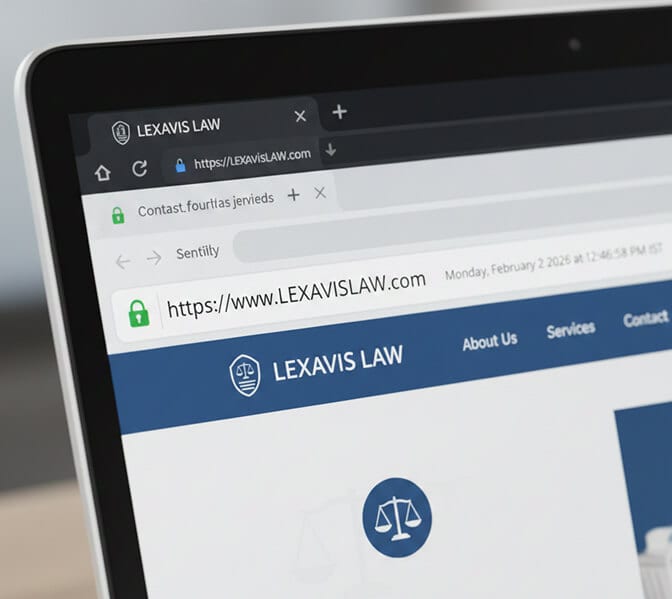
Using SSL (Secure Sockets Layer) encryption secures data transmission between the user's browser and the website. Conroycreativecounsel
That little padlock icon in the browser bar isn't just a nice-to-have.
Google actively penalizes non-secure websites in search rankings. And potential clients are increasingly savvy about security indicators.
If your URL shows "http" instead of "https," you're losing traffic and trust simultaneously.
5. Practice Area Pages With Depth
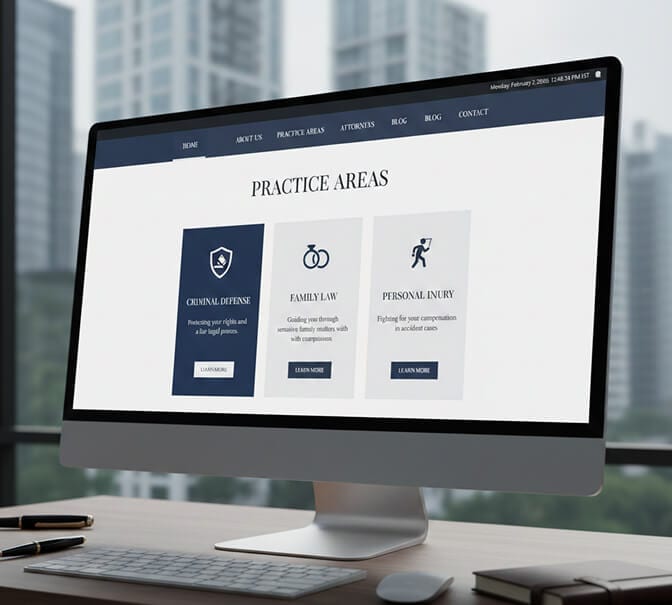
Each practice area deserves its own dedicated page.
Not a paragraph. A full page.
If you are going to optimize for search keywords, the practice area pages are one of the main places to do it.
These pages should explain:
- What the practice area entails
- Common client situations you handle
- Your approach to these cases
- Relevant experience and results
- A clear call-to-action
Avoid legal jargon where possible. Your potential clients aren't attorneys. Write like you're explaining things to your neighbor.
6. Attorney Bio Pages That Actually Convert
This is where most firms completely fumble.
The typical attorney bio reads like a resume recitation. Law school. Bar admissions. Practice areas. Memberships.
Boring. Forgettable. Useless for conversion.
Personal touches help in differentiating each attorney's unique personality and approach, further personalizing the client's experience with the firm.
Your bio page should include:
- A professional headshot (top of page, prominent placement)
- A compelling narrative about why you became an attorney
- Your specific approach to client service
- Credentials (but woven into context, not just listed)
- Personal elements that humanize you
- Direct contact information
Here's the part nobody tells you: The photo matters more than the text.
People will skim your credentials. They'll study your face.
If your headshot doesn't inspire confidence, they won't stick around to read about your landmark cases.

7. Testimonials and Social Proof
It's important to show previous client reviews and testimonials.
But here's the nuance: Generic five-star reviews don't move the needle anymore.
People are skeptical. They've seen fake reviews. They know the game.
What works? Specific stories with specific outcomes.
"Attorney Smith got my DUI reduced to reckless driving and saved my commercial driver's license" hits differently than "Great attorney, highly recommend!"
Video testimonials are even more powerful. When potential clients see real humans vouching for your work, the trust factor multiplies.

8. Contact Information and Forms
A legal website needs a Contact Us page that provides details on how prospective clients can contact the firm. This should include any physical address, phone number, and email address. InfoTrack
Make it absurdly easy to reach you.
- Phone number in the header (clickable on mobile)
- Contact form on every page
- Physical address (required for bar compliance in most states)
- Hours of operation
- Expected response time
If you offer free consultations, shout it from the rooftops. That's a massive value proposition.

9. ABA Compliance and Ethical Considerations
Here's where law firm websites differ from every other industry.
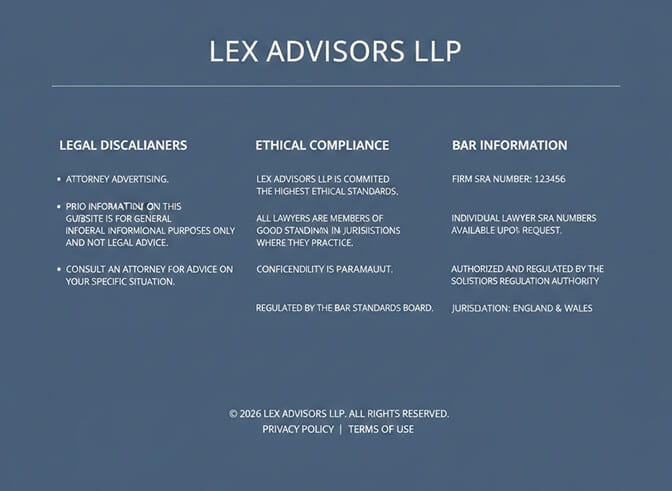
Most state bar associations consider a law firm website a form of advertising. Rankings
This means you're subject to attorney advertising rules.
Things that can get you in trouble:
- Calling yourself the "best" or "#1" without substantiation
- Claiming specialization without proper certification
- Guaranteeing case outcomes
- Using misleading testimonials
A good rule of thumb for lawyer's website content is that any claims made on your site should be truthful and verifiable.
When in doubt, err conservative. Or have your content reviewed by someone who understands legal marketing ethics.
10. Blog and Educational Content
A regularly updated blog serves two purposes.
First, SEO. Fresh content signals to Google that your site is active and authoritative.
Second, trust-building. When potential clients find helpful answers to their legal questions on your website, they're more likely to view you as the expert who can help solve their actual problem.
Write about the questions your clients actually ask. What happens after a DUI arrest? How does child custody work? What should I do after a car accident?
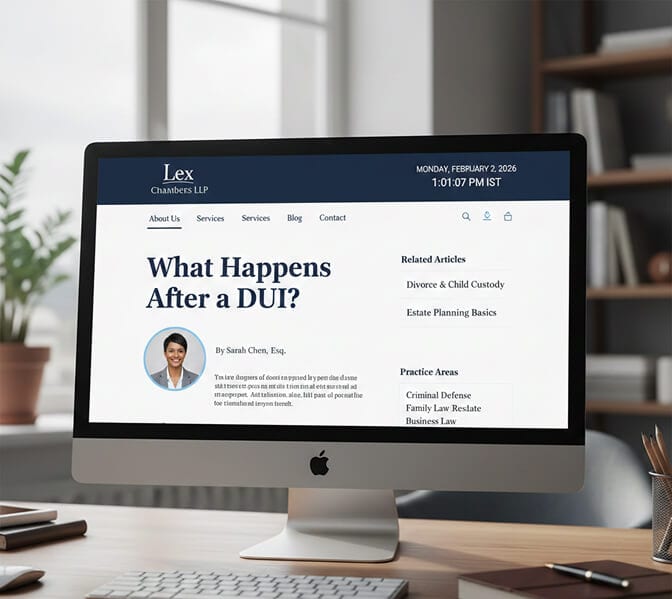
The Element Most Law Firms Ignore (And Why It's Costing Them Clients)
I want to circle back to headshots for a moment.
Because this is genuinely the highest-ROI change most law firms can make to their website.
Think about the typical client journey:
- Something happens (accident, arrest, divorce, business dispute)
- They search for an attorney online
- They open multiple tabs of different law firm websites
- They compare attorneys
- They pick up the phone to call one
Step four is where most firms lose.
When a potential client is comparing three personal injury attorneys, they're not deeply analyzing credentials. They don't know the difference between a state bar award and a local bar association membership.
They're looking at faces. Making gut-level judgments about who seems most trustworthy and competent.
Most people are prone to generating first impressions of other people in just one-eighth of a single second. These first impressions can have dramatic impact on who they hire, buy from, and otherwise listen to.
If your headshot is outdated, poorly lit, or inconsistent with your team, you're losing this comparison before it even begins.
The traditional solution, hiring a professional photographer, creates scheduling nightmares and costs thousands. And you have to repeat the process every time your team changes.
That's why smart firms are turning to AI-generated headshots. Same professional quality. Consistent style across your entire team. Ready in minutes instead of weeks. And a fraction of the cost.
Putting It All Together: Your Action Plan
If you're auditing your current website or building a new one, here's the priority order:
Immediate (This Week):
- Audit your attorney headshots. Are they professional? Consistent? Current?
- Test mobile responsiveness
- Verify SSL certificate is active
Short-Term (This Month):
- Review and update attorney bio pages
- Add or update testimonials
- Check ABA compliance
Medium-Term (This Quarter):
- Develop comprehensive practice area pages
- Implement a content strategy
- Add video testimonials if possible
The firms that dominate their local markets aren't doing anything magical. They're just executing on these fundamentals better than their competitors.
And it starts with the first impression.
Your headshot. Your team photos. The visual representation of your entire firm.
Get that right, and everything else becomes easier.
Frequently Asked Questions
What are the legal requirements for a law firm website?
Law firm websites must comply with ABA Model Rules 7.1 through 7.5 regarding attorney advertising. This includes avoiding false or misleading claims, properly disclaiming any specializations, and including required disclosures like your office address. Many states have additional requirements, so check your specific state bar association guidelines. Technical requirements include SSL encryption and ADA accessibility compliance.
How important are professional headshots for attorney websites?
Professional attorney headshots are critical for client acquisition. Research shows that quality photography can increase conversion rates significantly, and potential clients form trust judgments in milliseconds based on facial photographs. Consistent, professional headshots across your entire team signal competence, organization, and attention to detail. Many firms now use AI headshot generators to maintain consistency without the scheduling hassles of traditional photography.
What pages should every law firm website include?
Every law firm website needs a homepage, about page (firm and individual attorneys), practice area pages for each specialty, contact page with multiple ways to reach the firm, and testimonials or case results. Optional but recommended pages include a blog, resources section, and FAQ. Each attorney should have a dedicated bio page with a professional headshot and compelling narrative.
How much does a professional law firm website cost?
Law firm website costs range from $2,000 to $50,000+ depending on complexity, custom design requirements, and functionality needs. However, the website itself is only part of the investment. Professional photography for attorney headshots can add $500 to $2,000+ for traditional photo shoots, though AI headshot solutions now offer professional quality starting around $30 to $50 per person with faster turnaround.
Do law firm websites need to be ADA compliant?
Yes. Under the Americans with Disabilities Act, law firm websites should be accessible to people with disabilities. This means proper contrast ratios, alt text for images, keyboard navigation capability, and screen reader compatibility. Beyond legal requirements, accessibility improves user experience for all visitors and can help with SEO. Many accessibility lawsuits have targeted professional service websites, making compliance particularly important for law firms.
