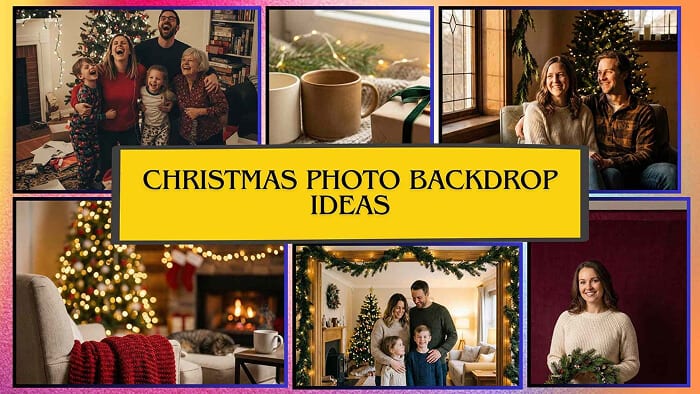
Christmas Photo Backdrop Ideas That Don't Require a Photography Degree
How to create stunning holiday photos without losing your sanity (or your entire Saturday)
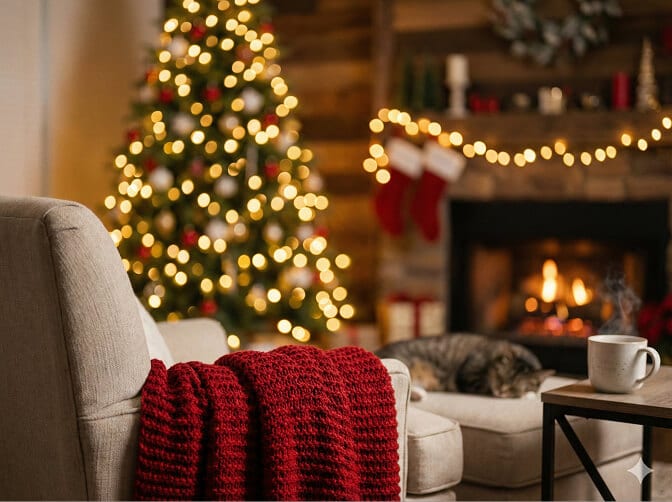
Last December, I spent four hours duct-taping fairy lights to my living room wall.
Four hours.
The vision in my head? A dreamy, twinkling christmas photo backdrop that would make my holiday cards look like they came from a Hallmark movie set.
The reality? Lights that sagged in the middle. A toddler who kept unplugging them. And photos where everyone looked vaguely hostage-like because we'd been "smiling naturally" for forty-five minutes.
Here's what nobody tells you about holiday photography: the backdrop matters more than you think, but it doesn't have to ruin your weekend.
I've since learned a few things. Some the hard way. Others by finally paying attention to what actually works both in the physical world and in this new era where AI can literally generate the cozy fireplace scene you never had.
Let me walk you through what I've figured out.
The Christmas Photo Backdrop Problem Nobody Talks About
Most christmas photoshoot ideas you find online assume three things:
- You have a Pinterest-worthy home
- You own professional lighting equipment
- Your family will patiently pose for two hours
If that's you, congratulations. Close this tab. You're fine.
For the rest of us? We need strategies that work in real spaces, with real people, under real time constraints.
The good news: a great christmas photo background doesn't require renovating your house. It requires understanding a few principles and knowing when to let technology do the heavy lifting.
Start With What You Already Have (No, Really)
Before you spend $200 on a professional backdrop stand, look around your house.
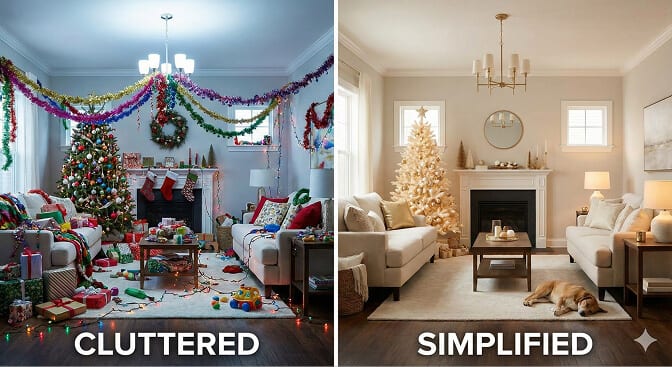
Your Christmas tree is already a backdrop. Most people photograph in front of their tree. But position your subjects at a 45-degree angle to the tree, step back, and suddenly you've got soft, glowing bokeh filling the frame. The tree becomes atmosphere, not a prop competing for attention.
That blank wall you hate? Hang a simple garland. Add a string of warm white lights. Done. Minimalist christmas photo ideas often outperform elaborate setups because they let faces, not decorations - be the star.
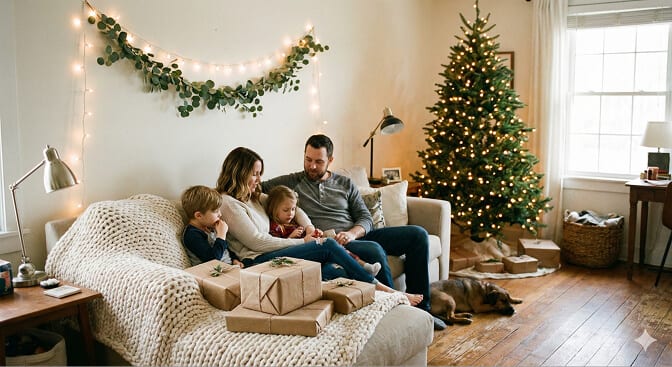
Your couch. Seriously. Throw a chunky knit blanket over it, scatter some wrapped presents nearby, and you've got a cozy family christmas photo setup that feels authentic because it is.
The best backdrops don't scream "we spent six hours on this." They whisper "we're happy to be here."
The DIY Christmas Photo Backdrop Ideas That Actually Work
Now let's talk about intentional setups. These are for when you want something specific, not just "good enough."
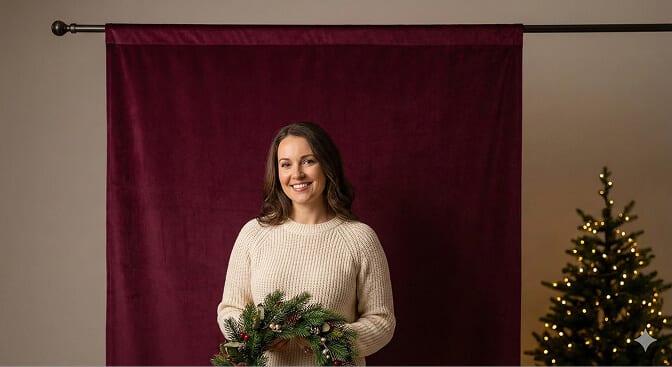
The Hanging Fabric Trick
Grab a large piece of velvet or muslin fabric in deep green, burgundy, or cream. Hang it from a curtain rod or tension rod mounted in a doorframe.
That's it.
This works because solid, textured fabrics photograph beautifully. They don't compete with faces. And velvet specifically catches light in a way that looks expensive without costing much.
Pro tip: Steam the wrinkles out. Wrinkled fabric screams "we tried but not that hard."
The Doorframe Garland Arch
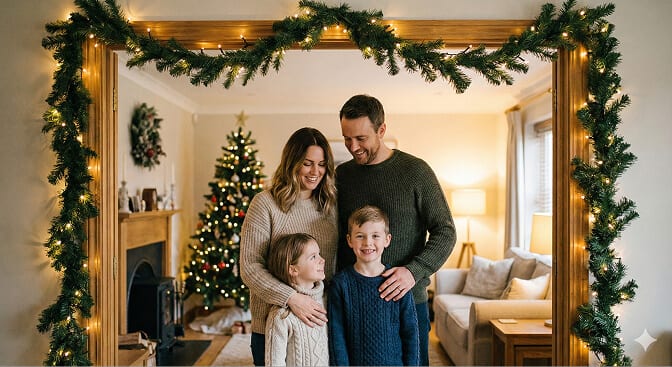
Take a standard doorframe. Wrap an evergreen garland around it (real or fake — fake photographs almost identically). Add some battery-powered fairy lights woven through.
You now have a natural frame-within-a-frame composition that draws the eye exactly where you want it: to your subjects walking through, standing beneath, or peeking around the edge.
This is one of my favorite diy christmas photo backdrop approaches because it takes maybe fifteen minutes but looks like intentional set design.
The Window Light Setup
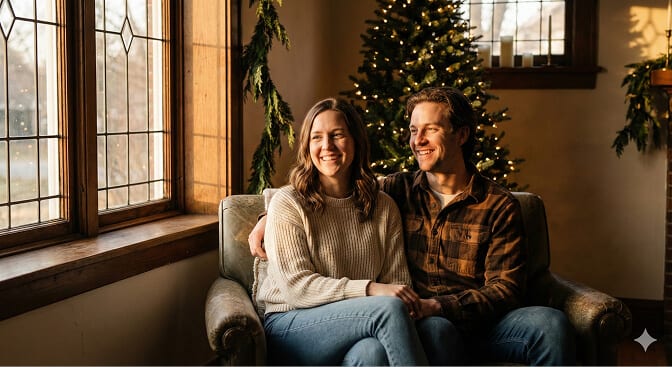
Find your biggest window. Wait for late afternoon (that golden hour everyone talks about).
Position your subjects at a 90-degree angle to the window. The light wraps around faces beautifully, creates natural shadows, and makes skin look incredible.
For the backdrop behind them? Just hang some string lights or position your tree in the background. The window light does most of the work.
This is how professionals fake expensive lighting setups. They just use windows.
Christmas Photo Props That Elevate (Not Overwhelm)
Props are tricky.
Too many and your photo looks like a holiday store exploded. Too few and it might not read as "Christmas" at all.
Here's my rule: one prop per person, maximum.
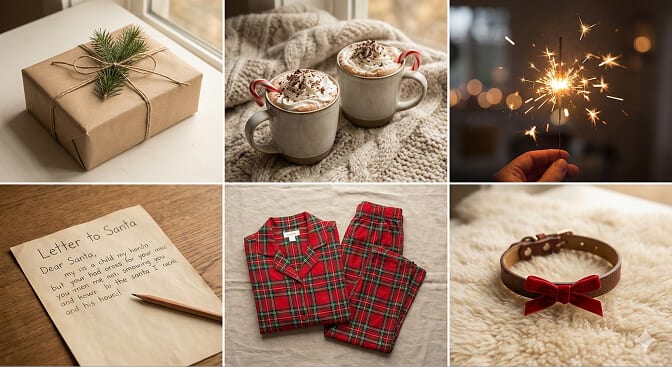
Props That Photograph Well
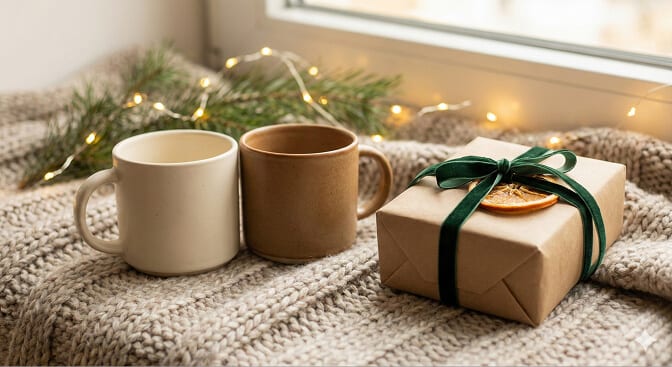
• Wrapped presents - especially with simple kraft paper and ribbon
• Mugs - hot cocoa, obviously (bonus points for whipped cream)
• Sparklers - magical in low light, but require a camera that handles motion
• Letters to Santa - works great for kids, adds storytelling element
• Matching pajamas - yes, they're cliché; yes, they work anyway
• Pet accessories - a simple red bow on your dog adds instant charm
Props to Skip
• Giant inflatable Santas (they dominate every frame)
• Too many ornaments scattered around (visual clutter)
• Anything that requires explanation ("why is there a nutcracker army?")
The best christmas photo props feel natural, like they belong in the scene. They add context without demanding attention.
Here's Where It Gets Interesting: The AI Option
I need to tell you about something that would have saved me those four hours of fairy light frustration.
AI christmas photo generators now exist. And they're not gimmicky.
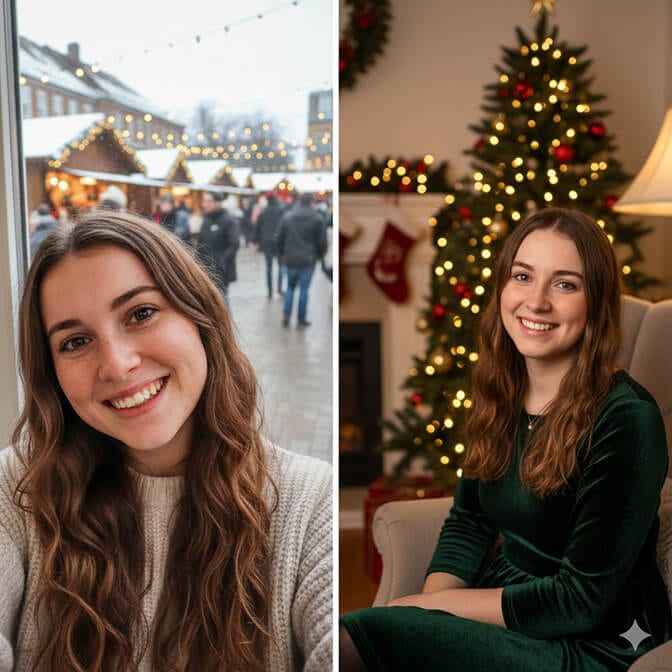
Here's how they work: you upload a regular photo of yourself, a decent selfie, nothing fancy and the AI places you in a professionally designed christmas photo background. Snowy outdoor scenes. Cozy fireplaces. Decorated living rooms you definitely don't own.

The first time I tried this, I was skeptical. Won't it look fake? Won't my face look weird?
But then I saw the results.
The lighting matched. The shadows made sense. My face looked like my face, just... in a better setting.
What used to require a studio, professional lighting, and hours of setup now takes about ten minutes.
HeadshotPhoto's AI Christmas Photo Generator is one tool I've been experimenting with. You upload your 1 selfie, pick from backgrounds like winter wonderlands, Christmas tree setups, or fireplace scenes, and the AI generates 10 photos that genuinely look like you hired a photographer just for $9.
What I like about it:
• No physical setup required
• Works with any decent photo you already have
• Results in about an hour, not days
• Way cheaper than booking a professional session
• Your face stays natural (this was my biggest concern)
What it's best for:
• Holiday cards where you need everyone looking good simultaneously (impossible with real photoshoots)
• LinkedIn or professional profiles with a seasonal touch
• Social media posts that need to look polished
• When you want christmas photography ideas executed without the execution headache
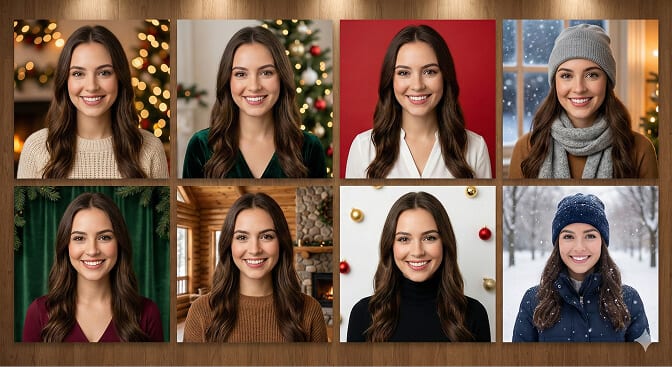
I'm not saying AI replaces the real family photos with actual memories behind them. But for the "we need nice holiday cards and nobody has time for this" scenario? It's legitimately useful.
The Hybrid Approach (What I Actually Do Now)
Here's where I've landed after too many failed photo attempts:
For candid, memory-capturing photos: I use simple setups. Tree as background. Window light. Minimal props. These photos are imperfect and I love them.
For "official" photos, cards, gifts, profiles: I use AI generation. Upload a few good selfies, pick a christmas photo backdrop I could never build myself, and get results that look better than most of my "real" attempts.
This hybrid approach means I'm not stressed. I'm not spending entire weekends on setup. And I actually end up with photos I want to share.
Quick Setup Checklist (For When You're Short on Time)
If you've got thirty minutes and need holiday photo ideas that work, here's the simplified version:
• Lighting: Position near your biggest window, or use only warm-toned artificial lights (no overhead fluorescents).
• Background: Choose ONE focal point, tree, garland doorway, or simple fabric backdrop.
• Props: One item per person, maximum. Mugs and wrapped presents always work.
• Clothing: Coordinate colors (not matching outfits). Stick to red, green, cream, navy, or plaid.
• Backup plan: Have a few good selfies ready to run through an AI generator if the real shoot goes sideways.
The Part Nobody Mentions
Here's what I wish someone had told me three Decembers ago:
The "perfect" holiday photo doesn't exist.
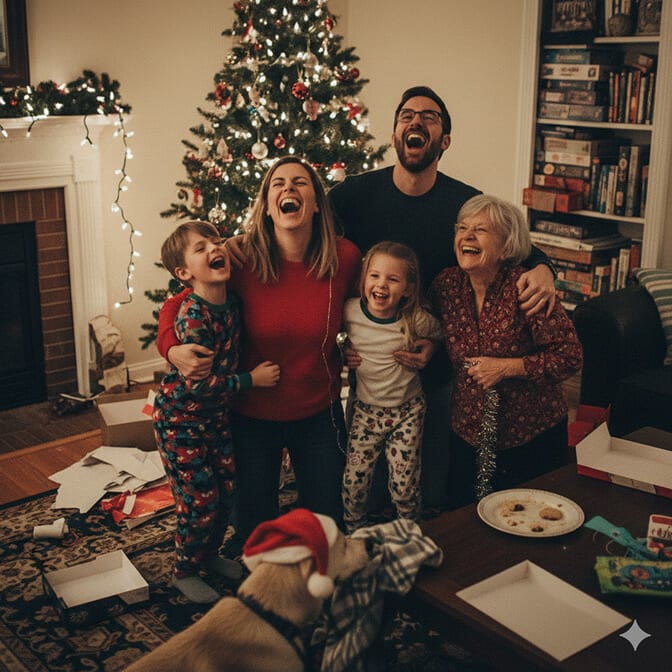
The ones that actually matter, the ones you'll look at in twenty years, aren't the ones with flawless backdrops. They're the ones where your kid is mid-laugh. Where the dog photobombed. Where everyone's genuinely smiling because you weren't stressed about the setup.
The backdrop is important. It sets the stage. But it's not the point.
Use the ideas above to make setup easier. Use AI tools when they make sense. Build that garland doorway if it brings you joy.
But don't lose four hours to fairy lights like I did.
Your people, relaxed, present, actually enjoying the moment - are the only backdrop that really matters.
Looking for a shortcut to professional holiday photos? HeadshotPhoto's AI Christmas generator transforms your selfies into festive portraits in about 1 hour.
