The AI headshot tools nobody stress-tested for the people who need them most.
I saw the headshot and my stomach dropped.
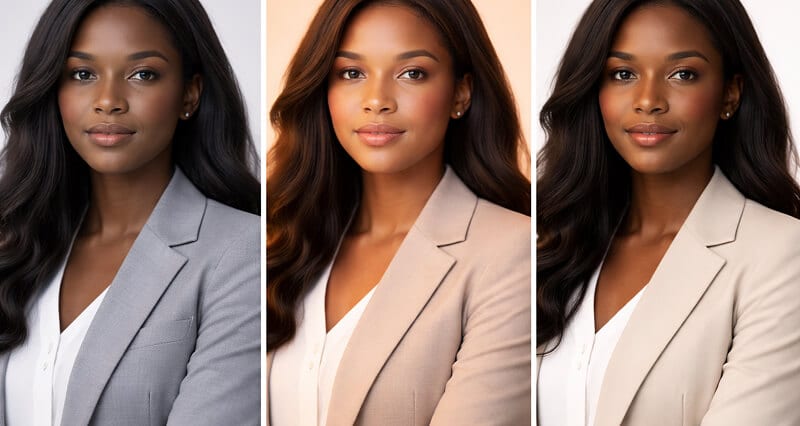
A friend had just paid for an AI headshot generator. She's a consultant. Dark brown skin. Beautiful bone structure. The kind of face a real photographer would light up about.
The AI gave her back someone else's face.
Not literally. But the skin was two shades lighter. The undertones were grey. The texture that makes skin look alive was smoothed into plastic. She looked like a CGI extra in a mid-budget commercial.
"Does this look like me?" she asked.
It didn't.
And here's what made it worse: the tool's marketing page was covered in "diverse" sample photos. Stock-looking headshots of every ethnicity, all equally polished. All equally... off.
That moment stuck with me. Because it's not a fringe problem. It's the default.
The Part Nobody Tells You About AI and Skin Tone
Here's the thing most AI headshot companies won't say out loud:
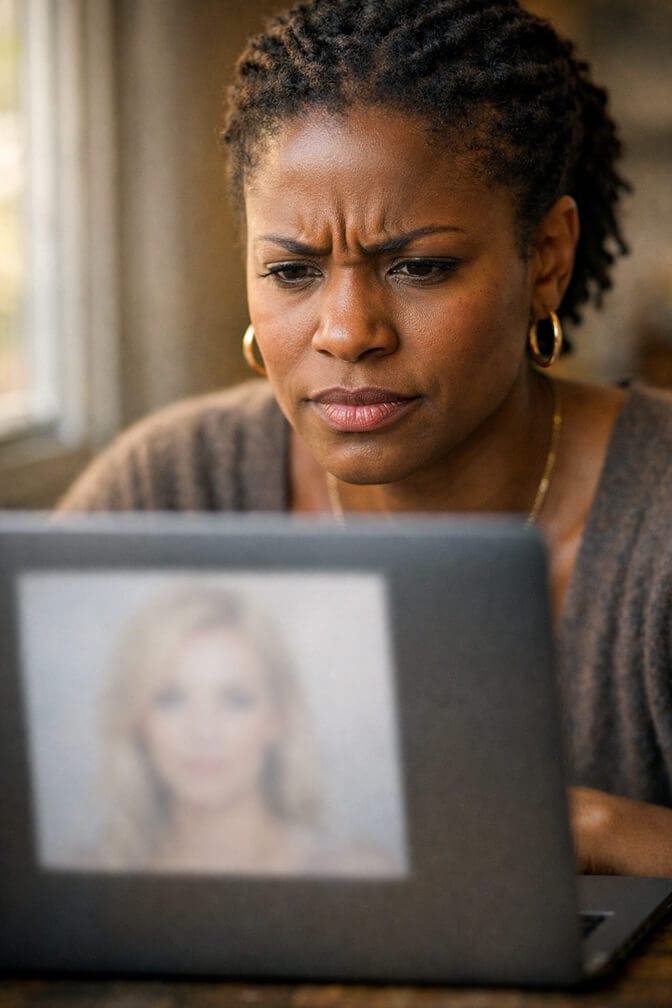
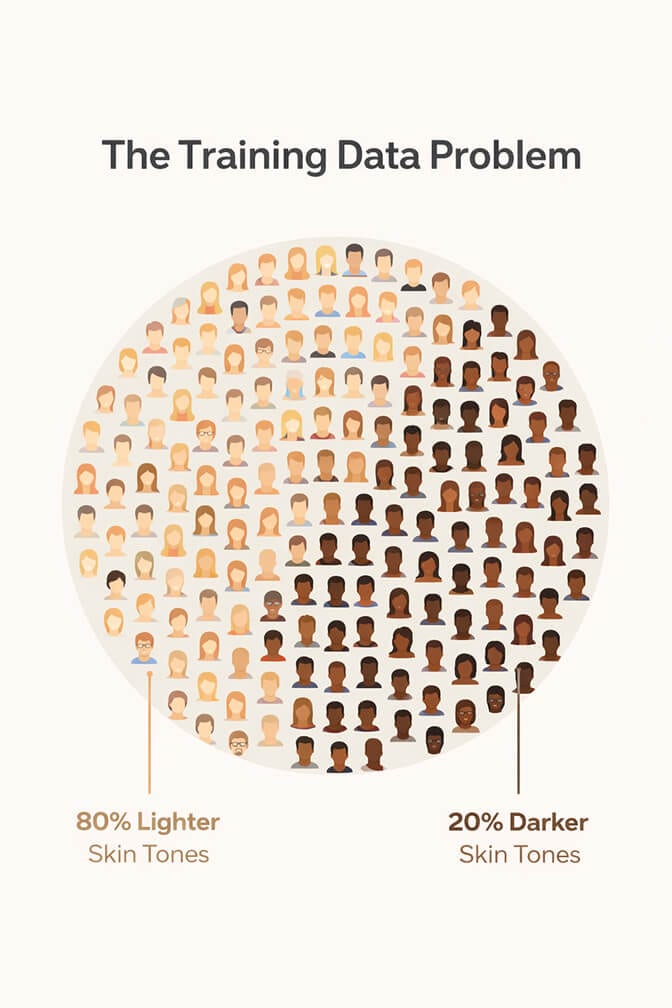
The models powering these tools were trained mostly on lighter skin tones.
This isn't speculation. Research from institutions like MIT Media Lab and the NIST has shown that facial recognition and generation models consistently perform worse on darker skin. The training datasets skew lighter. The default "good lighting" parameters were built around skin that reflects light differently.
What does that mean in practice?
It means when you upload your photo and hit "generate," the AI is referencing a mental model of what a "professional headshot" looks like. And that model was shaped by millions of images where lighter skin was overrepresented.
The result for people with melanin-rich skin tones:
Undertones get neutralized or shifted toward grey and orange. Skin texture gets over-smoothed, removing the natural depth that makes a face look real. Lighting looks flat because the model doesn't know how to handle specular highlights on darker complexions. Features get subtly reshaped toward averaged proportions that don't match the original face.
If an AI headshot tool can't render your skin with the same fidelity it gives lighter tones, it's not a headshot tool. It's a filter that erases you.
This isn't about political correctness. It's about accuracy. A professional headshot that doesn't look like you is worthless, no matter how polished it appears.
Why Lighting Is Where Everything Falls Apart
If you've ever had professional headshots taken, you know this: lighting dark skin well is a skill.
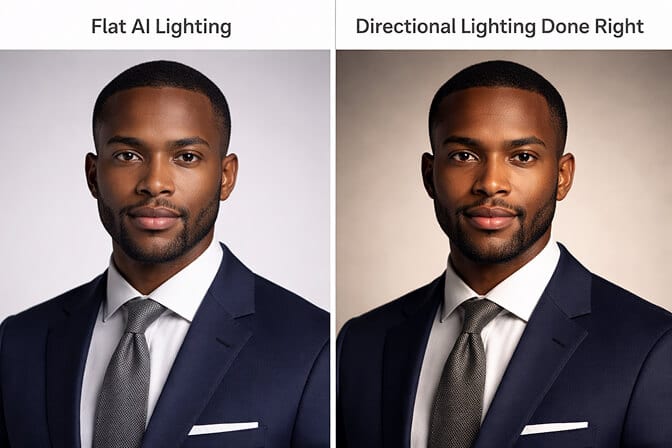
Good photographers understand that melanin-rich skin absorbs and reflects light differently. You need softer, more directional light. You need to manage contrast carefully. You need to preserve the richness of the undertone instead of blowing it out.
Most AI headshot generators skip all of that.
They apply a one-size-fits-all lighting model. Flat butterfly lighting that looks fine on lighter skin. On darker skin, it creates a muddy, lifeless effect. The highlights disappear. The shadows get crushed.
Here's the weird part.
Some tools actually make it worse by "correcting" what they think is a lighting problem. The AI sees darker skin and interprets it as underexposed. So it brightens. And in doing so, it washes out the very thing that makes the skin tone distinct.
What to look for: When you're evaluating an AI headshot tool, upload a photo and check whether the output maintains your actual undertone. Warm undertones should stay warm. Cool undertones should stay cool. If everything looks neutralized, the tool isn't handling your complexion properly.
The Smoothing Problem (a.k.a. "Why Do I Look Like a Mannequin?")
This one's subtle but important.
AI models tend to over-smooth skin. On lighter skin, this can look like a beauty filter. A little uncanny, maybe, but passable.
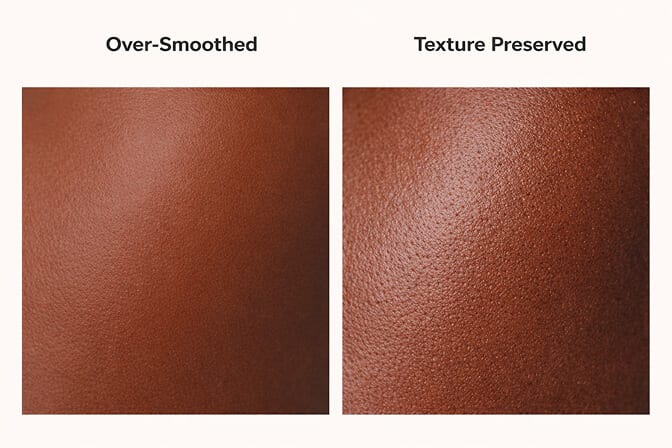
On darker skin, over-smoothing is destructive.
Dark skin has a natural luminosity that comes from the interplay between texture and light. When you smooth that away, you don't get "polished." You get plastic. Flat. Lifeless.
It's the visual equivalent of someone turning down the bass on a song that's supposed to hit hard. Technically the notes are all there. But the feeling is gone.
The best AI headshot tools for diverse skin tones preserve texture intentionally. They don't treat every pore as a flaw to correct. They understand that skin texture is part of what makes a face look real and trustworthy in a professional setting.
A headshot that looks "too perfect" doesn't build trust. It builds suspicion. Especially on LinkedIn, where authenticity is the whole point.
What to Actually Look For When Choosing an AI Headshot Tool
Let's get practical. If you're shopping for an AI headshot generator and you have darker skin, here's your checklist.
1. Sample diversity that goes beyond tokenism
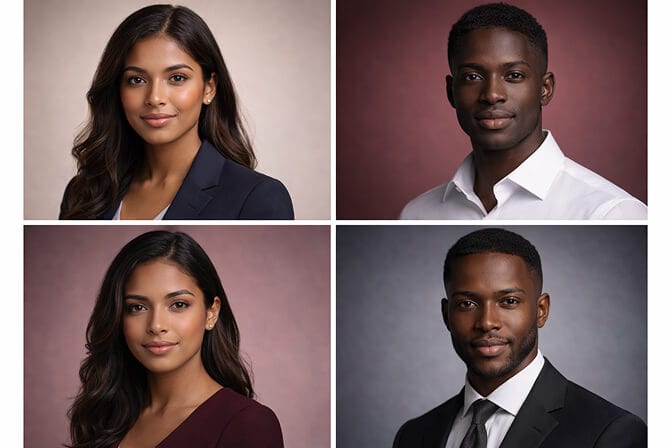
Look at the headshot examples on the tool's website. Not just "are there Black and brown faces." But: do those sample headshots look accurate? Do the undertones look real? Is there variation in skin depth, or does everyone look like the same shade of medium brown?
2. Lighting variation in outputs
A good tool should offer different lighting setups. If every output uses the same flat, frontal lighting, that's a red flag. You want a tool that can simulate Rembrandt lighting, loop lighting, split lighting, and variations that work with how darker skin reflects light.
3. Undertone preservation
Upload a test photo. Compare the output to your actual skin in natural light. If the undertone shifted noticeably (warm became neutral, golden became ashy), move on.
4. Texture retention
Zoom in. Does your skin look like skin, or like a smoothed render? Can you see natural variation, or has the AI flattened everything into a single color value?
5. Background and contrast handling
Some tools place darker-skinned subjects against dark backgrounds, which kills contrast and makes the headshot look muddy. The tool should handle background selection intelligently based on your complexion.
How Headshot Photo Approaches This Differently
I'll be honest about why we built Headshot Photo the way we did.
When we were testing early versions, we ran every output through a simple gut check: would this person recognize themselves?
For lighter skin tones, the answer was almost always yes, right out of the box. For darker skin tones, it took deliberate work. We had to adjust how our models handle lighting curves, undertone mapping, and texture preservation specifically for melanin-rich complexions.
That wasn't a feature we could bolt on later. It had to be baked into the process.
The result: when you generate your AI headshot on Headshot Photo, the tool adapts to your actual complexion. It doesn't try to "correct" your skin tone. It doesn't flatten your texture into digital smoothness. It works with the light your skin naturally creates.
Is it perfect every time? No tool is. But we'd rather give you a headshot that looks like you on the first try than one that looks generically "professional" to an algorithm.
But don't take my word for it. Check out what real users are saying on our reviews page.
The Bigger Picture (and Why This Matters Beyond Headshots)
Stay with me here.
This isn't just about getting a nice LinkedIn photo. It's about who gets to look professional online.
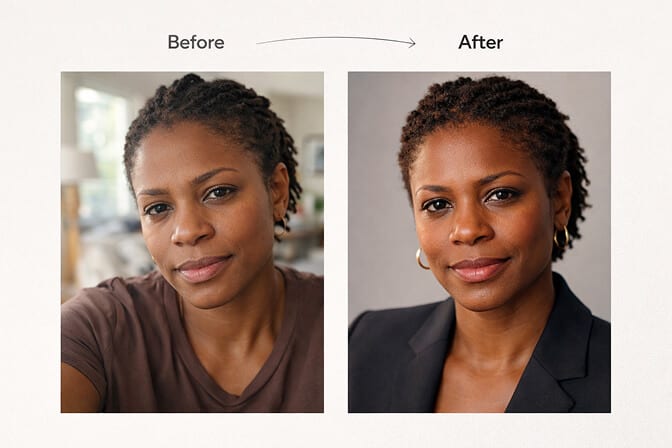
When AI tools consistently produce better results for lighter skin, it creates a quiet tax on everyone else. You spend more time. More attempts. More frustration. More money re-doing what should have worked the first time.
And for some people, it's enough to give up entirely. To stick with the grainy phone selfie or the outdated headshot from five years ago. Which affects how they're perceived professionally.
A professional headshot shouldn't be harder to get because of your skin color. Not from a photographer. And definitely not from an algorithm.
The tools that take this seriously are the ones worth your money. The ones that treat it as a checkbox aren't just lazy. They're telling you something about how much they value accuracy.
The best AI headshot tool isn't the one with the most features. It's the one that sees you clearly.
One Last Thing
If you're reading this and you've had that experience... the one where the AI gave you back someone who looks vaguely like you but not quite right... know this: it's not you.
It's the tool.
And you deserve better than a tool that was built for someone else and barely adapted for you.
If you want to see what a headshot looks like when the AI actually accounts for your skin tone, check out Headshot Photo's pricing plans. Upload a photo. See if the output looks like you. That's the only test that matters.
Frequently Asked Questions
1. What is the problem with AI headshots for dark skin tones?
Most AI headshot generators were trained on datasets that overrepresent lighter skin. This causes them to wash out undertones, over-smooth skin texture, and apply lighting that doesn't work well with melanin-rich complexions. The result is a headshot that looks artificial or doesn't match your actual appearance.
2. How do AI headshot tools compare for people of color versus lighter-skinned users?
Tools that use a single lighting and processing model tend to produce noticeably better results for lighter skin. The difference shows up in undertone accuracy, texture preservation, and how natural the lighting looks. Tools built with skin tone diversity in mind, like Headshot Photo, actively adjust their processing based on your actual complexion.
3. How do I check if an AI headshot tool handles my skin tone accurately?
Upload a test photo and compare the output against your skin in natural light. Check three things: whether your undertone stayed consistent (warm, cool, or neutral), whether skin texture looks natural rather than plastic, and whether the lighting creates depth instead of flattening your features.
4. Is it worth paying for an AI headshot if I have darker skin?
Yes, if you choose the right tool. A good AI headshot generator that properly handles diverse skin tones will save you hundreds of dollars compared to a professional photographer while producing accurate, professional results. The key is testing before committing, and choosing a tool that was built to handle the full spectrum of skin tones.
5. Are AI-generated headshots for dark skin tones good enough for LinkedIn and corporate profiles?
Absolutely, when the tool gets the rendering right. A properly generated AI headshot with accurate skin tone, natural texture, and professional lighting is indistinguishable from a studio photo. The issue isn't whether AI can produce professional headshots for darker skin. It's whether the specific tool you're using was built to do so.
